40 Neo User’s Guide
Using the thesaurus
Steps for sending a user dictionary to Neo using AlphaSmart
Manager are detailed in “Sending a user dictionary to Neo” on
page 118.
Using the thesaurus
Keeping writing lively and interesting can be a challenge, and a
skillful writer knows how useful a thesaurus can be. AlphaWord Plus
on Neo comes with a thesaurus as a standard writing tool. Using the
thesaurus, you can look up a word and select a synonym or antonym
to replace it.
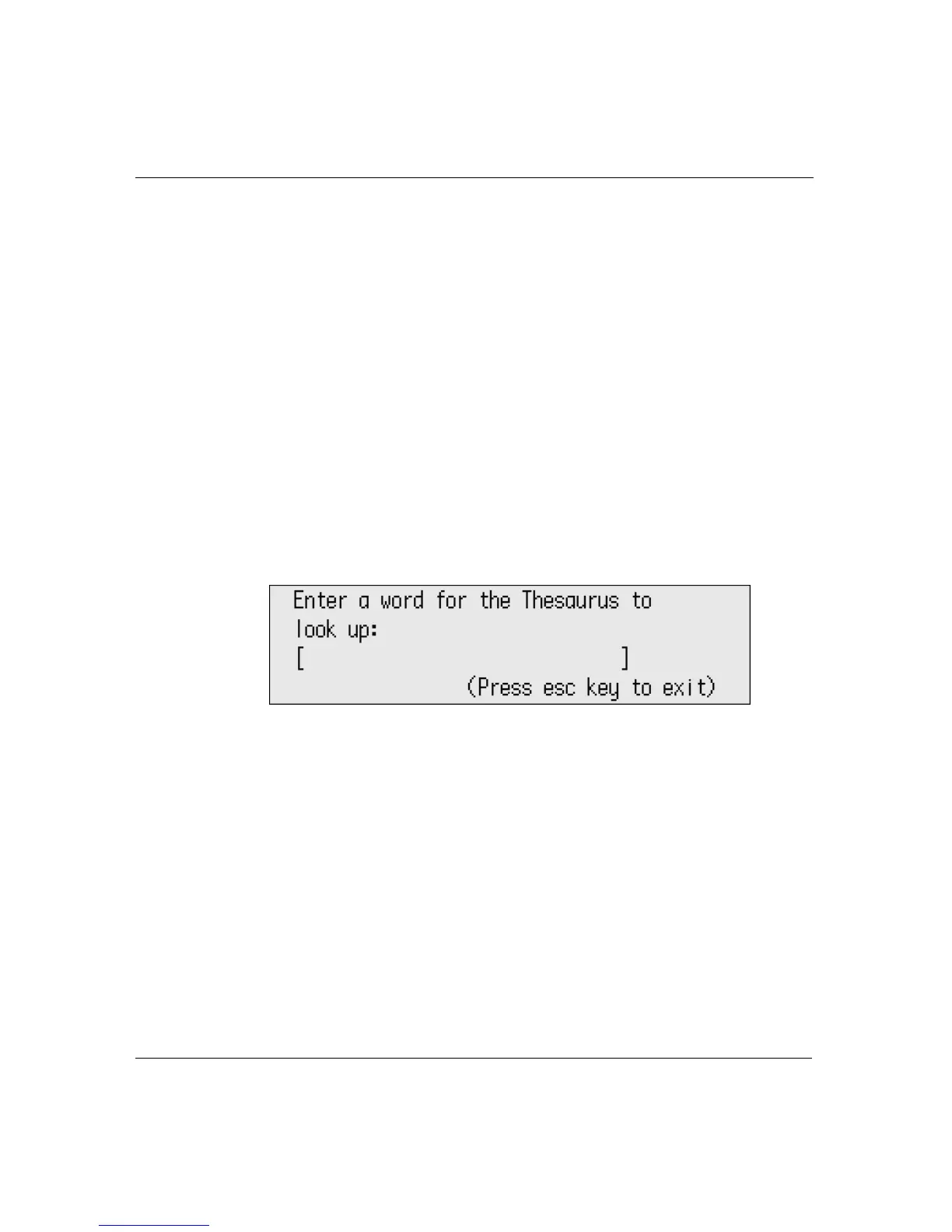
To use the thesaurus:
1. From within the file you want to work with, press
ctrl-T. The
Thesaurus screen appears.
2. Type the word you want to look up. (In your file, if the cursor is at
the beginning or within a word, AlphaWord Plus automatically
places the word in the text field. Press
clear file to remove it.)
3. Press
enter. One of two possible screens appears:
• If the word could not be found in the thesaurus, you can
press
enter to look up a different word or esc to exit.



 To Next Page