All About AlphaWord Plus 41
Using the thesaurus
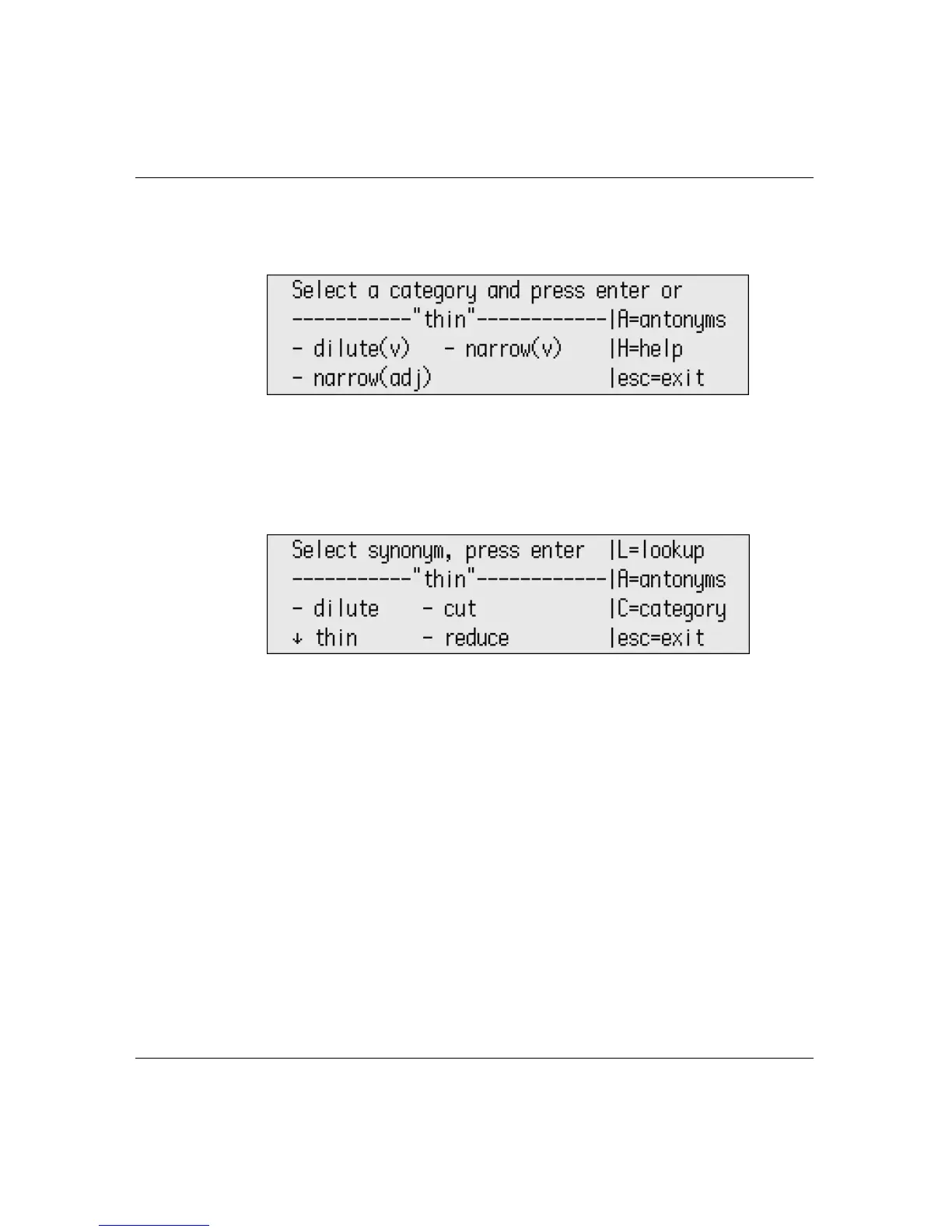
• If the word was found, you’re prompted to pick a category (or
part of speech), as shown in the illustration below.
4. Scroll using the arrow keys to select the category, then press
enter.
5. When you settle on the word you prefer, scroll to select from the
synonyms AlphaWord Plus presents, then press
enter.
6. Use the arrow keys to scroll and select one of the following
options:
• Replace a selection in the file
• Copy the word you chose to the clipboard (ctrl-C) so you can
paste it elsewhere
• Begin a new lookup in the thesaurus for the word you
selected
Depending on what you choose, you’re either returned to your file or
to the thesaurus.



 To Next Page