36 Neo User’s Guide
Checking spelling
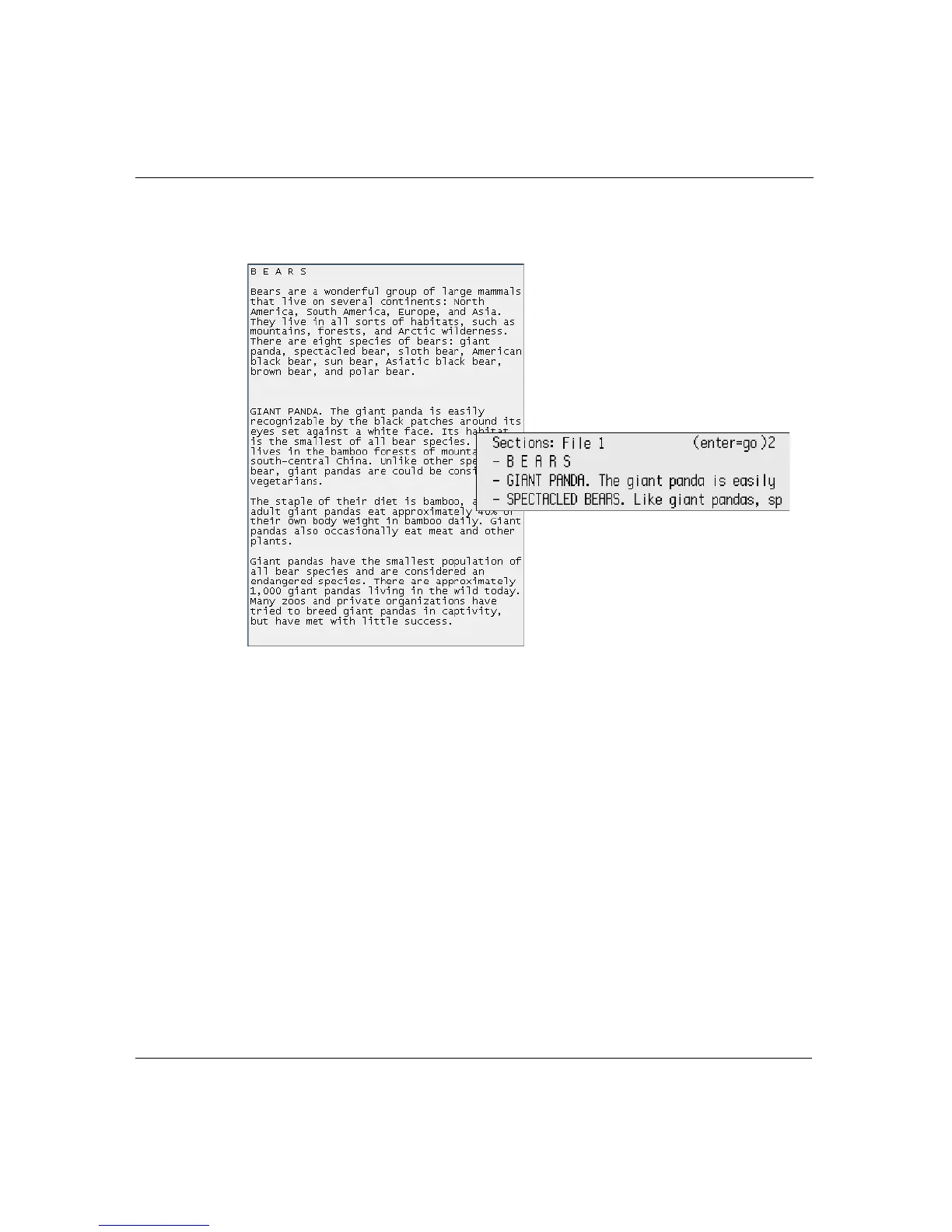
when you go to search by section, you would see only the topics as
sections, as in this illustration:
To define section separations:
1. Press
a-S.
2. Type a number between 1 and 9 to define the number of blank
lines between sections.
3. When prompted, type
Y to change the section separator to the
number you specified, or type
N to leave the number as it is.
Checking spelling
Neo comes with a spell check feature that offers suggestions for
corrections.
How sections might
appear when blank lines
are set to two
An example of how you
might format your file in
AlphaWord Plus



 To Next Page