54 Neo User’s Guide
Maintaining your files
The File Status screen also shows the pages used in all files and the
pages available on the system.
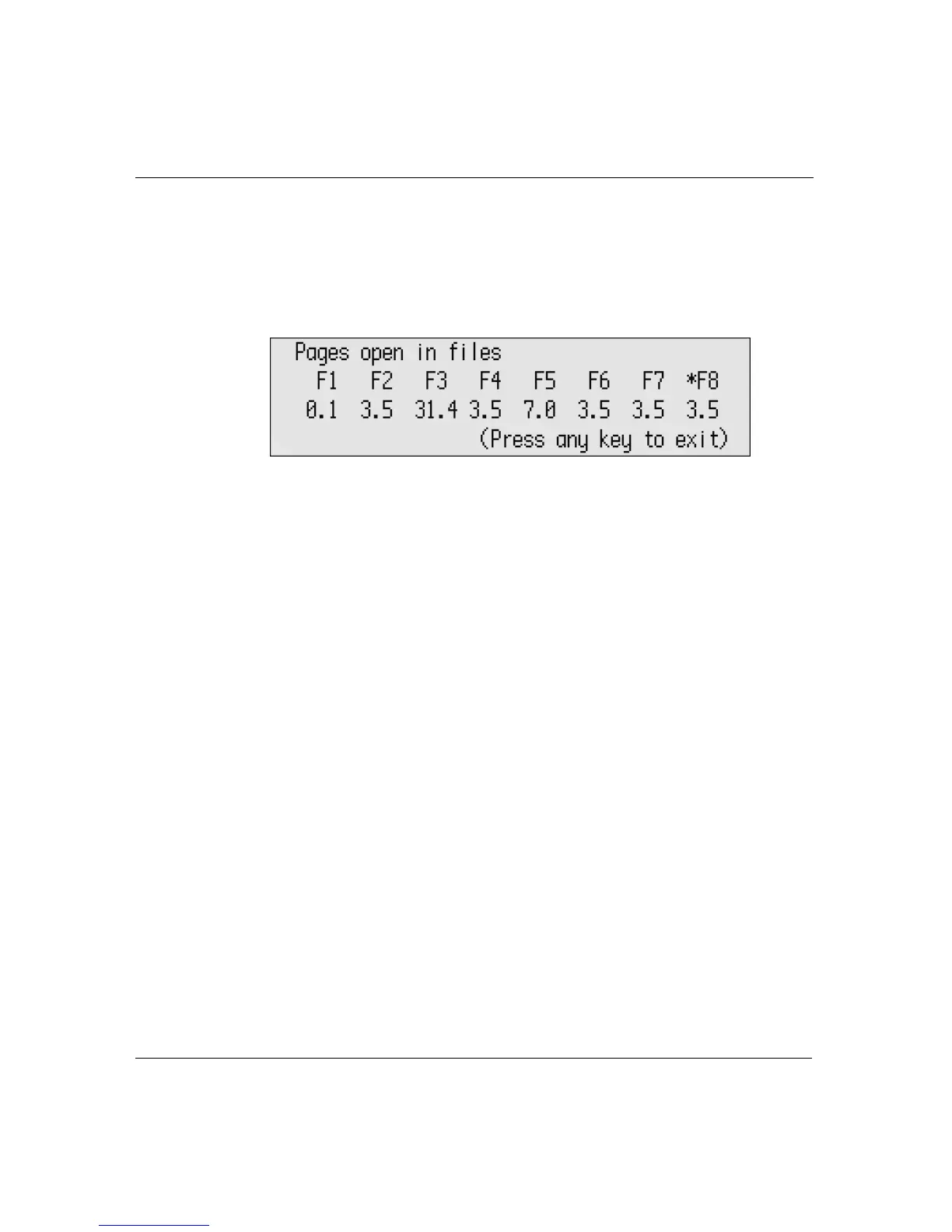
To check file size on files in the workspaces:
1. Press
shift-a-I. The Pages in Files screen appears.
2. Press any key to exit.
Clearing and deleting files
The contents of each file remain on Neo until you explicitly remove
them. You do so by either clearing files or deleting them:
• Generally, clearing a file removes the contents of unnamed text
within a workspace or closes a named file. If necessary, you can
recover the text in the unnamed file, provided you haven’t
entered new text yet. (See “Recovering data” on page 58.)
• In contrast, when you delete a file, the contents and its name (if
it exists) are completely removed from the device, and you can’t
recover any of the data. If the file is associated with a linked file,
the linked file is deleted as well.
The action to take—clear or delete—depends on the type of file
(named or unnamed) and whether it has a linked file associated with
it. The table shown here summarizes your choices:
The current workspace is marked with an asterisk



 To Next Page