All About AlphaWord Plus 53
Maintaining your files
Important: The amount of space available for files is affected by the
size of data files for other SmartApplets you might be using. For
example, if you have a SmartApplet such as AlphaQuiz, which needs
to reserve space for quizzes, the space remaining for AlphaWord Plus
files will be reduced.
Reaching capacity in a file
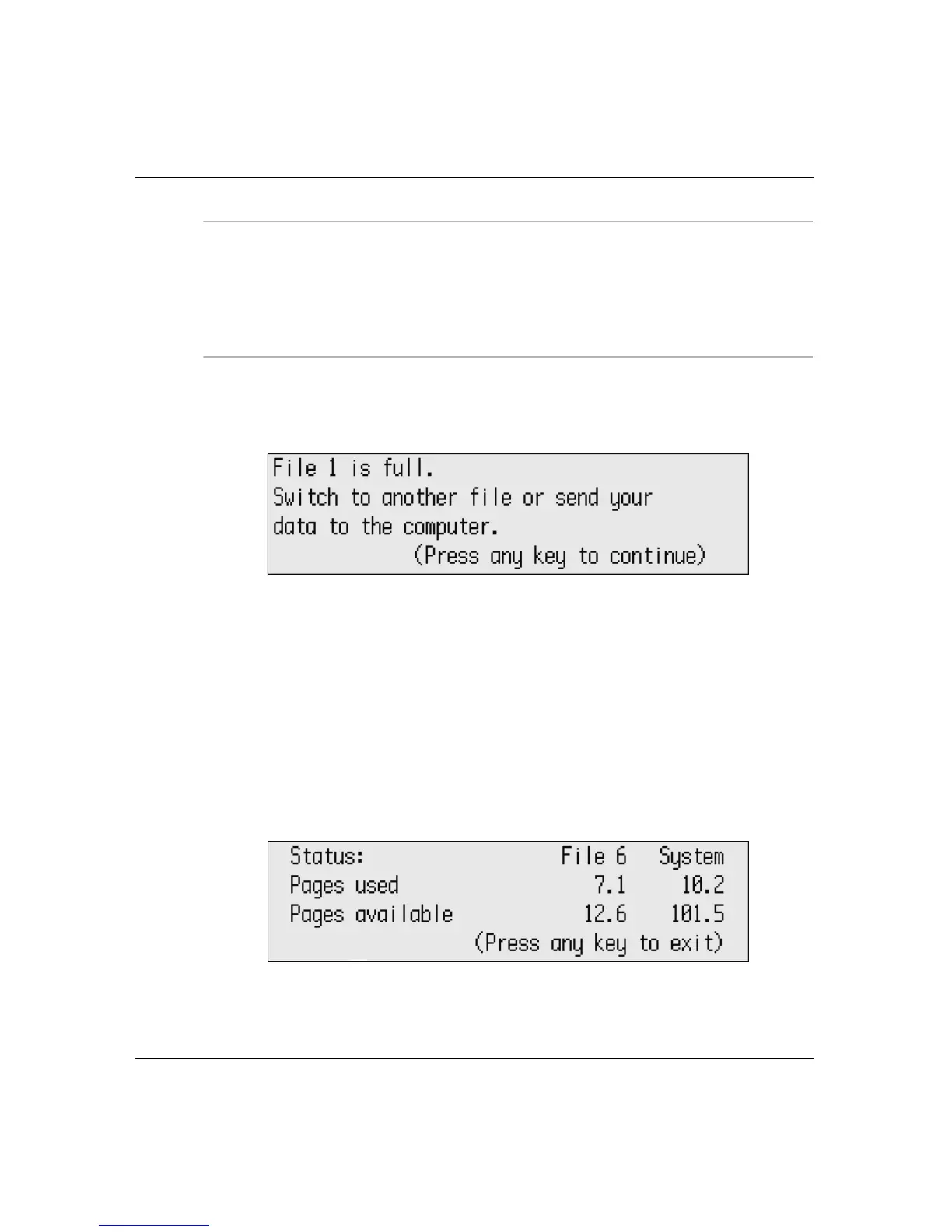
When an AlphaWord Plus file is full, a message appears:
If you see this message, as instructed, you should open another file
in AlphaWord Plus or send the text to your computer.
Checking file size
You can check the size of a file you’re working on to see how many
pages you’ve written and how much space you have left in that
particular file.
To check file size:
1. Press
a-I. The File Status screen appears.
2. Press any key to exit.



 To Next Page