Beyond Basics 63
Calculator
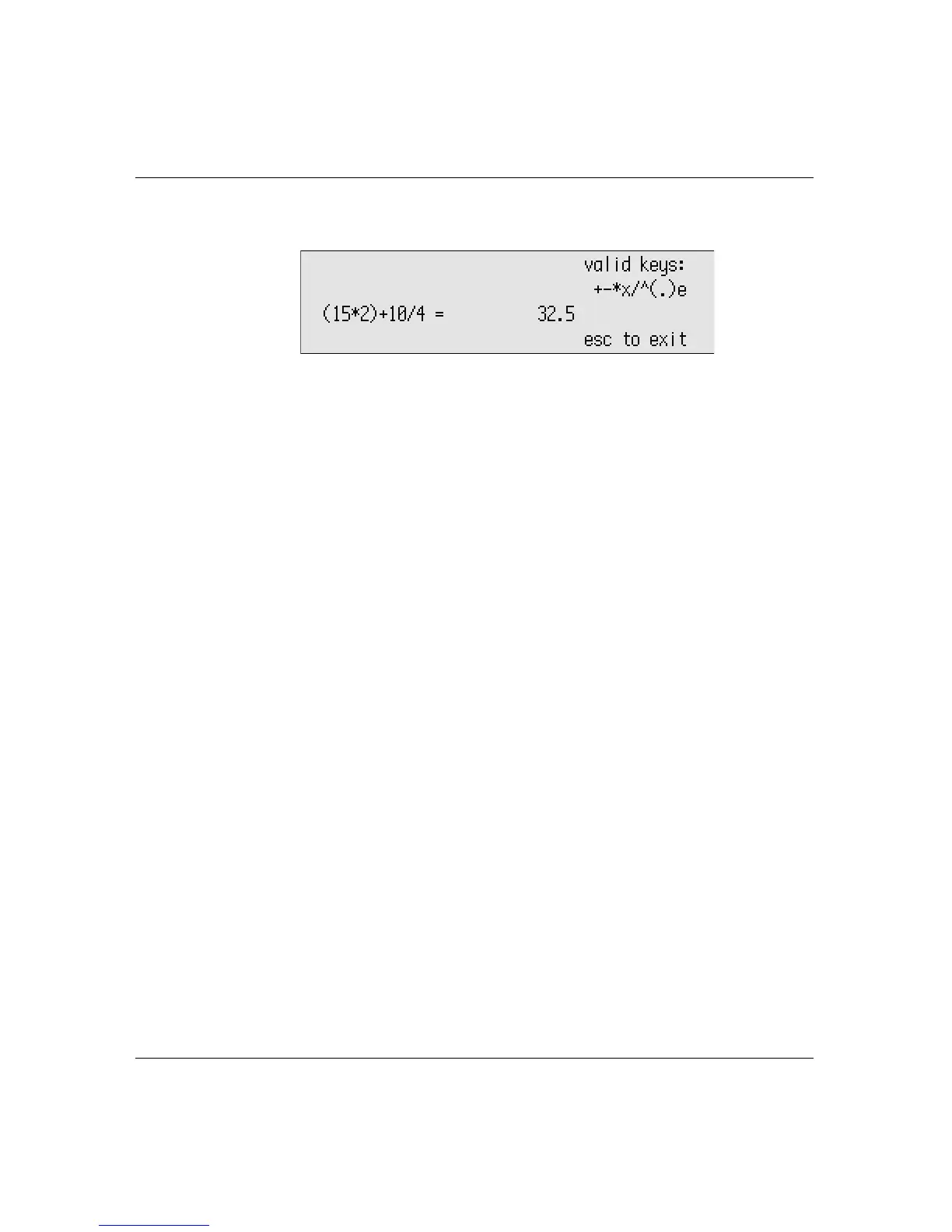
4. Press = or enter to calculate the result.
5. Press
esc when you’re through.
Tip! While in Calculator, if you begin the next formula with an
operand, Calculator uses the result from your previous
calculation as the first number in the next formula. (This doesn’t
apply to the e operand.)
The next time you use Calculator, your previous calculations appear.
Press
clear file to remove them.
Calculator’s paper tape
Calculator has a paper tape feature that records a series of
calculations like a paper-based adding machine. (Calculator can
record up to fourteen lines of calculations.) As you perform
calculations, the numbers scroll toward the top of the screen. You
can copy the series to the clipboard, then paste them into a
SmartApplet such as AlphaWord Plus.
To use Calculator’s paper tape:
1. Press
applets and choose Calculator.
2. Enter a series of calculations.
3. Press
shift-a-C.
4. Press
applets and choose the SmartApplet into which you want to
paste the series.



 To Next Page