22 Neo User’s Guide
Entering and editing text
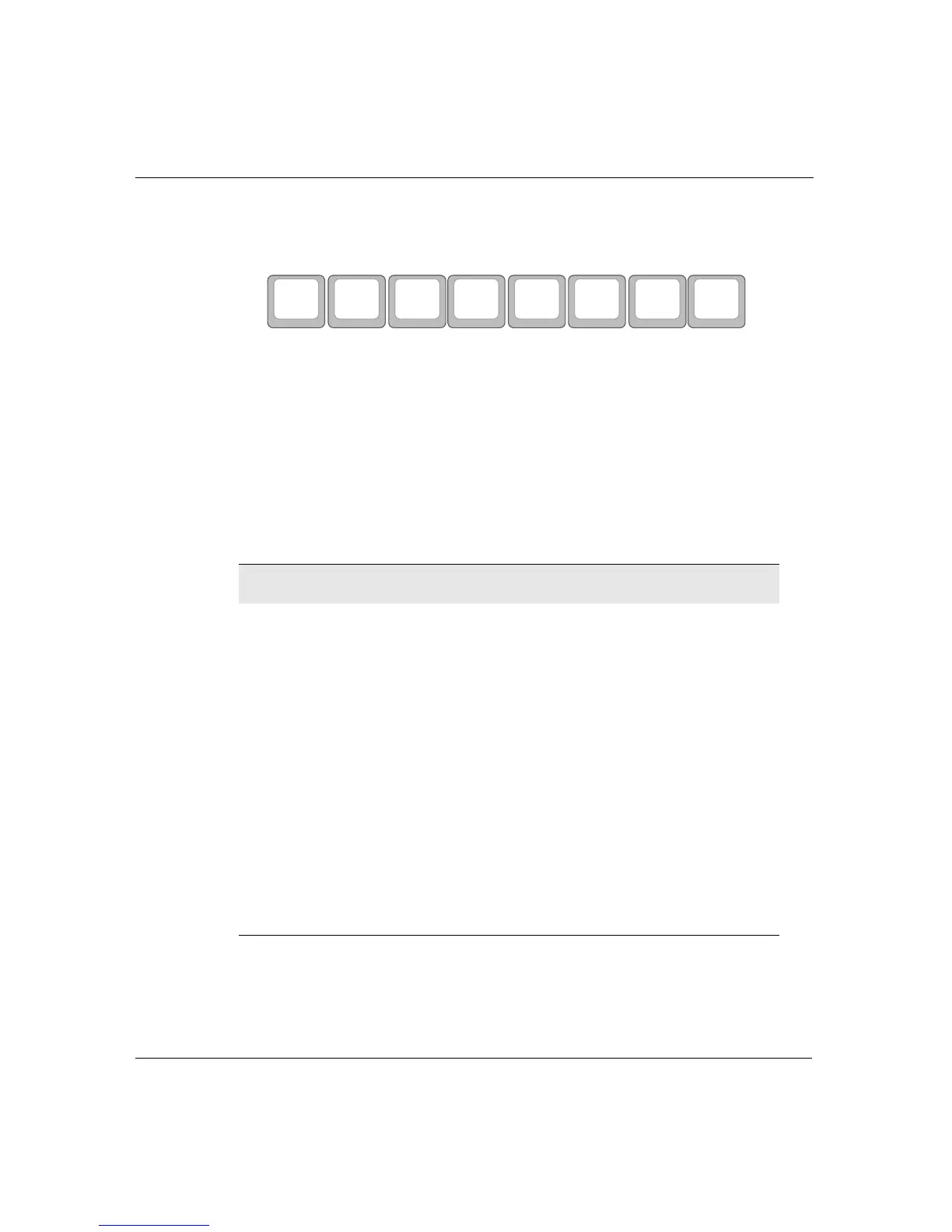
If you want to work in a different workspace, select it by pressing one
of the
file keys (file 1–file 8) at the top of the keyboard.
When you’re in the appropriate file, to enter text, simply begin
typing. Use
backspace or delete to erase.
Note: There’s no need to save your file; Neo saves each character
as you type it.
Consult the following tables for information on how to move through
your file, select text, and cut/copy/paste/delete text.
Moving the cursor
Note: As with most word processors, text automatically wraps at
the end of each line. Press
enter only when you want to separate
paragraphs.
Press To move
One character to the left or right
One line up or down
a- Up one screen (scrolling)
a- Down one screen (scrolling)
a- Beginning of line
a- End of line
option- or option- Previous word or next word
ctrl- or ctrl- Previous sentence or next sentence
ctrl- or ctrl- Previous paragraph or next paragraph
home Beginning of file
end End of file
file 1 file 2 file 3
file 4 file 5
file 6 file 7 file 8



 To Next Page