Working with AlphaSmart Manager 89
Starting AlphaSmart Manager
Note: In previous versions of AlphaSmart Manager, send lists
were called configuration files.
If you find yourself performing the same activities over and over again
in AlphaSmart Manager, you can save these activities in a send list
and use it whenever you need to.
For more information about sending and saving, especially to a
group of Neos connected to an AlphaHub, see the
AlphaSmart Manager 2 User’s Guide.
Starting AlphaSmart Manager
Most likely you installed AlphaSmart Manager on your computer
when you received your Neo. If not, install it now by following the
instructions in “Installing AlphaSmart Manager” on page 15.
To start AlphaSmart Manager:
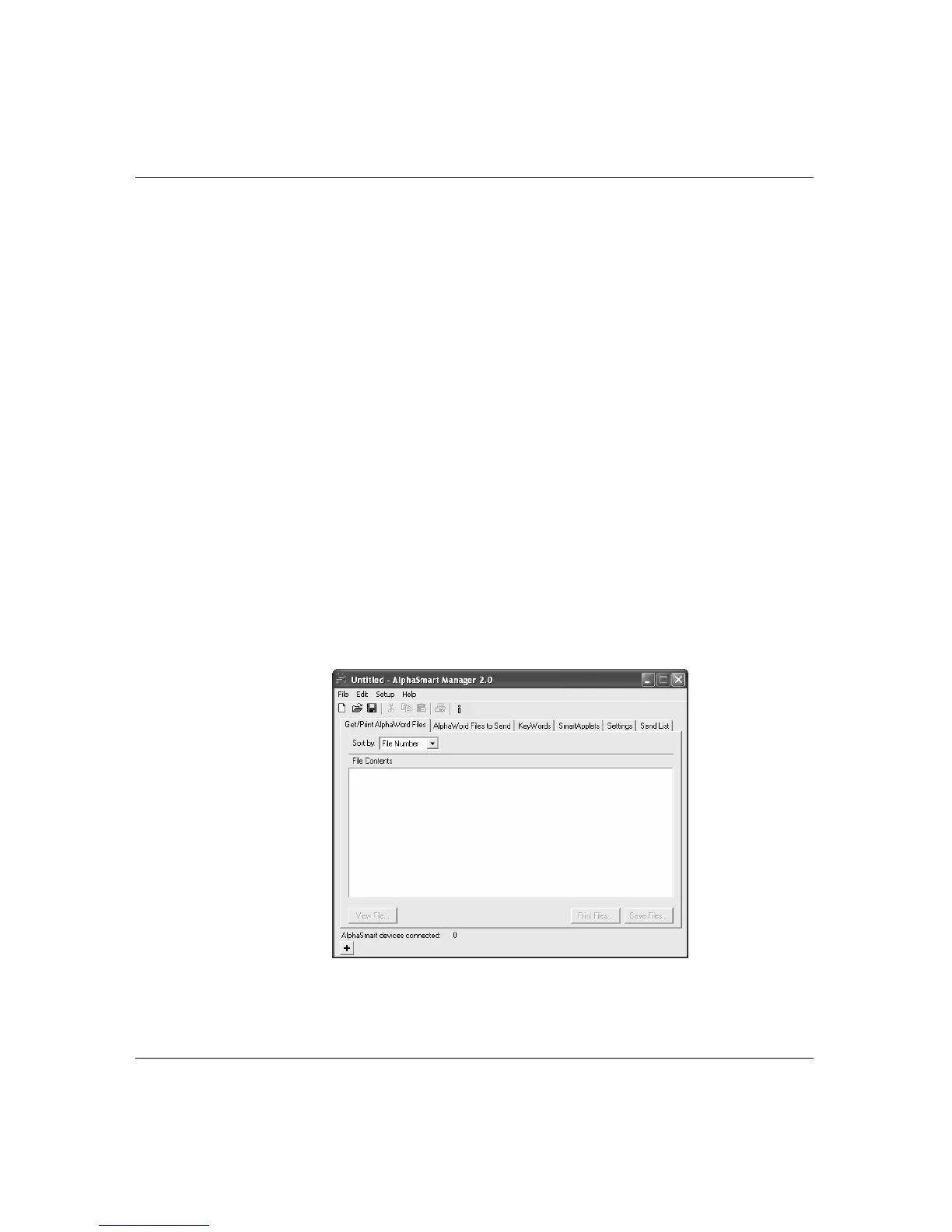
1. Double-click the AlphaSmart Manager icon on the desktop.
AlphaSmart Manager appears onscreen.
2. Turn on your Neo, press
applets, and connect it to your computer,
as described on page 9.



 To Next Page