100 Neo User’s Guide
Sending files to your Neo
Warning! Before you send anything to your Neo, it’s important to
know that once you begin sending files (or SmartApplets or settings)
to your Neo, you need to let AlphaSmart Manager complete the send
before disconnecting your Neo from your computer. If you don’t, you
run the risk of corrupting system files on your Neo.
To send a file to your Neo:
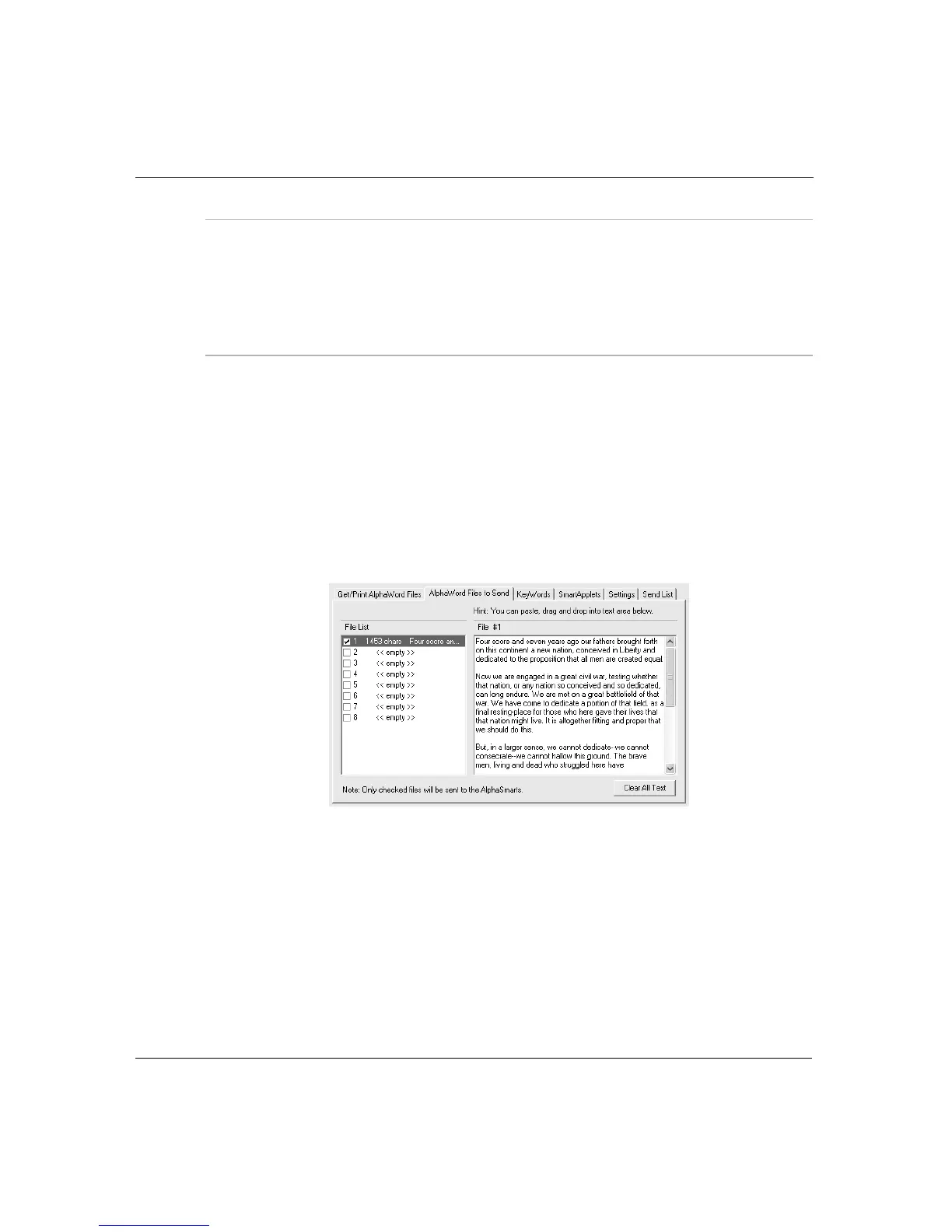
1. In AlphaSmart Manager, click the AlphaWord Files to Send tab.
2. Select the number of the file to which you want to send text.
AlphaSmart Manager checks the checkbox of the file you
selected.
3. In the File # area, type the text you want to transfer, or paste or
drag the text from another application.
Tip! To clear text you’ve added to the file you’re working with,
choose Edit > Select All, then press Delete or Backspace. To clear
text you’ve added to two or more files, click Clear All Text.



 To Next Page