82 Neo User’s Guide
Typing Timer
You can’t delete characters while using the Typing Timer. This is so
you can evaluate keyboard mistakes. Pressing
backspace while using
the Typing Timer has no effect. (Note that the final WPM result
doesn’t subtract for errors made while typing.) You can edit the text
you type after turning off the Typing Timer.
To start the Typing Timer:
1. Do one of the following:
• In an existing file, place the cursor where you want to start
the Typing Timer.
• Switch to an empty file by pressing one of the file keys.
• Clear the current file by pressing clear file.
2. Press
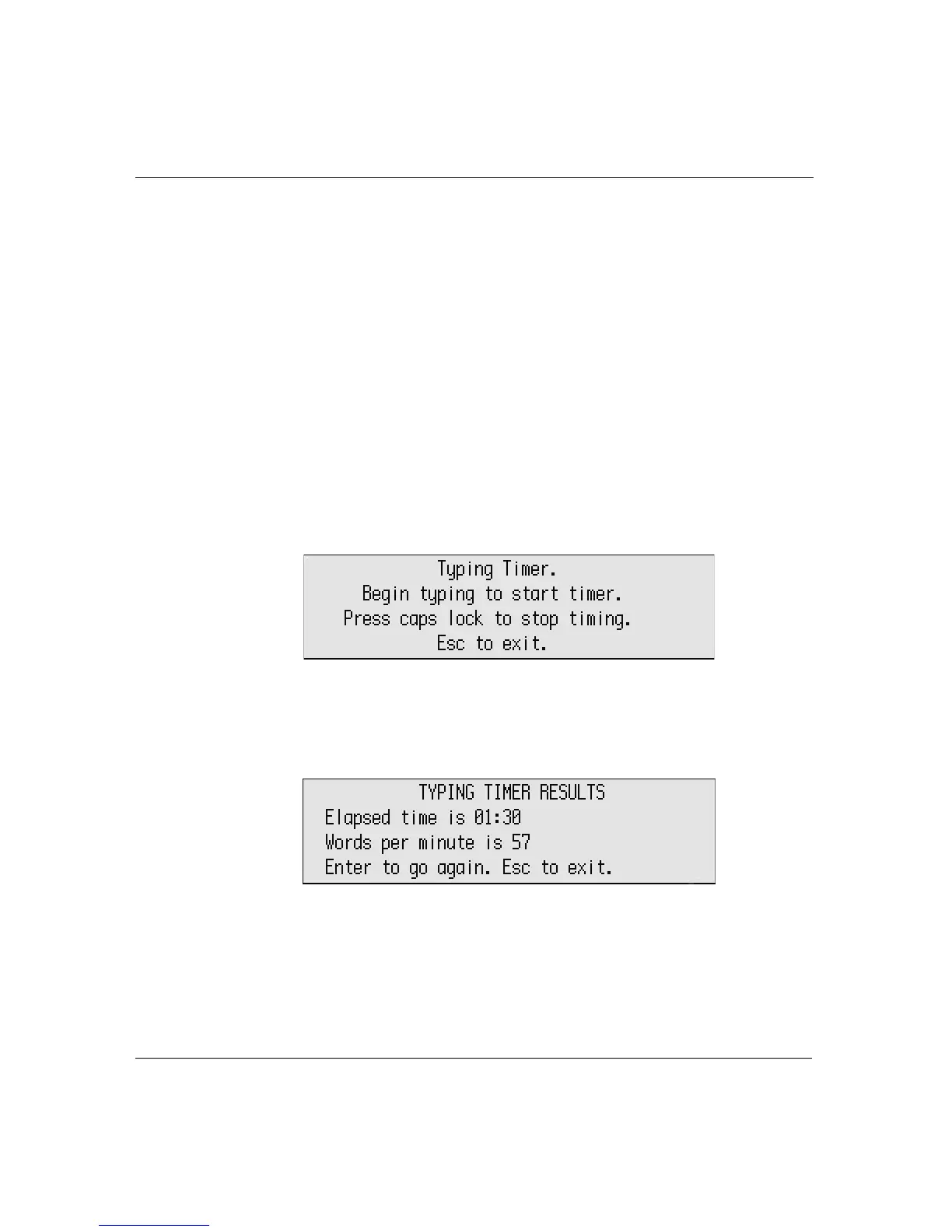
a-find. The following message appears.
3. Start typing. The elapsed time appears as you type.
4. Press
caps lock to stop. The elapsed time and words per minute
appear.
5. To start the timer again, press
enter.
6. To exit the timer, press
esc.



 To Next Page