80 Neo User’s Guide
Neo password protection
To change a file password from within AlphaWord Plus:
1. Open the file where you want to change a file password.
2. Press
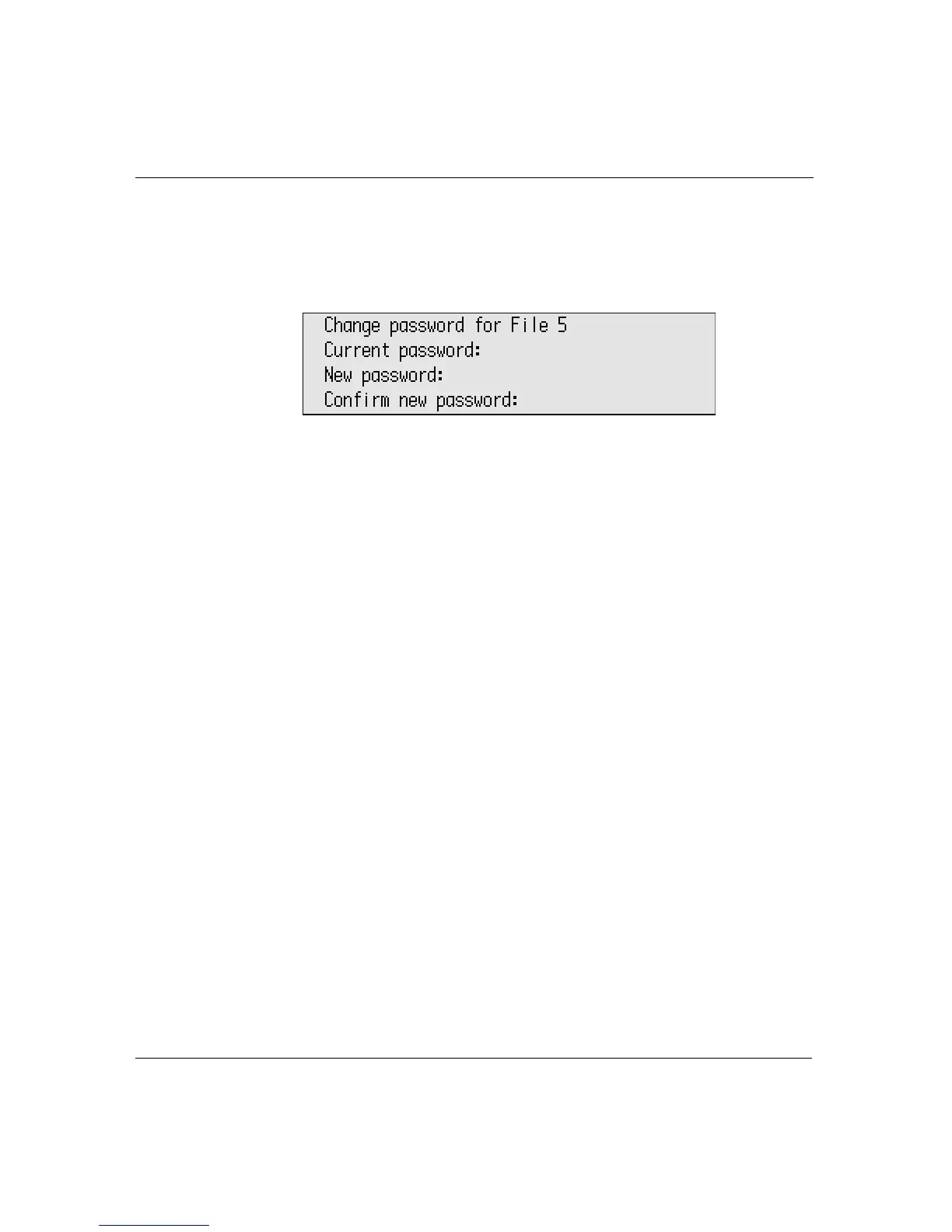
option-a-P to show the Change Password screen.
3. Type the current file password, your new password, and your new
password again to confirm it.
4. Press
enter. You’ll see a message that the password has been
changed, then you’re returned to your file.
When password protection is enabled, any time you switch between
files, you’re prompted for that file’s password before being allowed to
edit that file.
Password reset
There may be times when you (or a group of users) can’t remember
individual file passwords. You can reset all the file passwords
globally to the factory default word write. You can reset passwords
from Control Panel or from within AlphaWord Plus.
To reset all file passwords from Control Panel:
1. From Control Panel, select AlphaWord Plus settings, then select
Reset all file passwords.
2. Type the master password and press
enter.
To reset all file passwords from within AlphaWord Plus:
Press shift-ctrl-option-a-P and enter the master password.
You can also reset all file passwords using AlphaSmart Manager.



 To Next Page