96 Neo User’s Guide
Viewing, printing, and saving files from your Neo
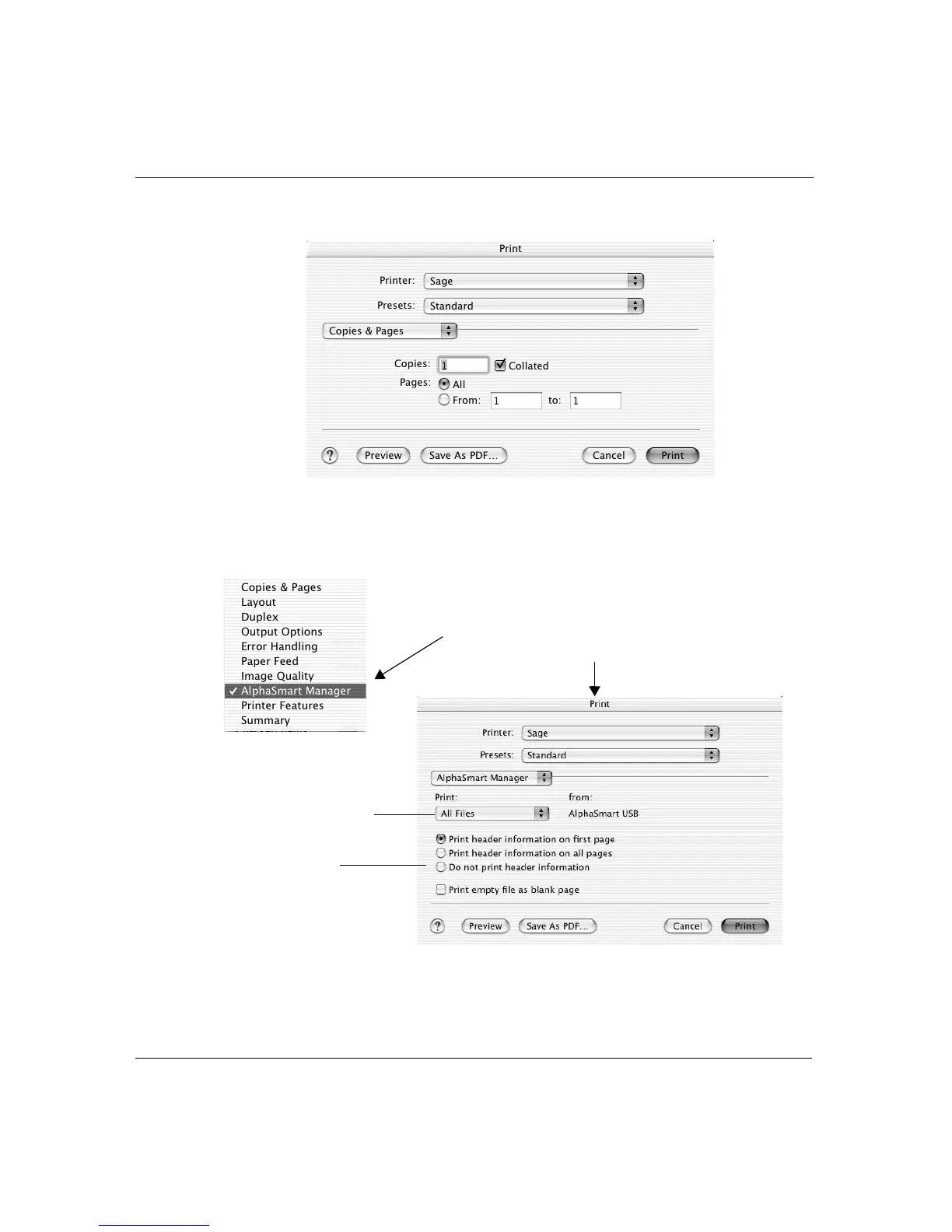
2. Click Print Files. A print dialog box appears.
3. Click the Copies & Pages list and select AlphaSmart Manager.
The dialog box displays print options specifically for AlphaSmart
Manager.
The files to print
Print options
Select AlphaSmart Manager from the list
to display appropriate print options



 To Next Page