108 Neo User’s Guide
Defining settings
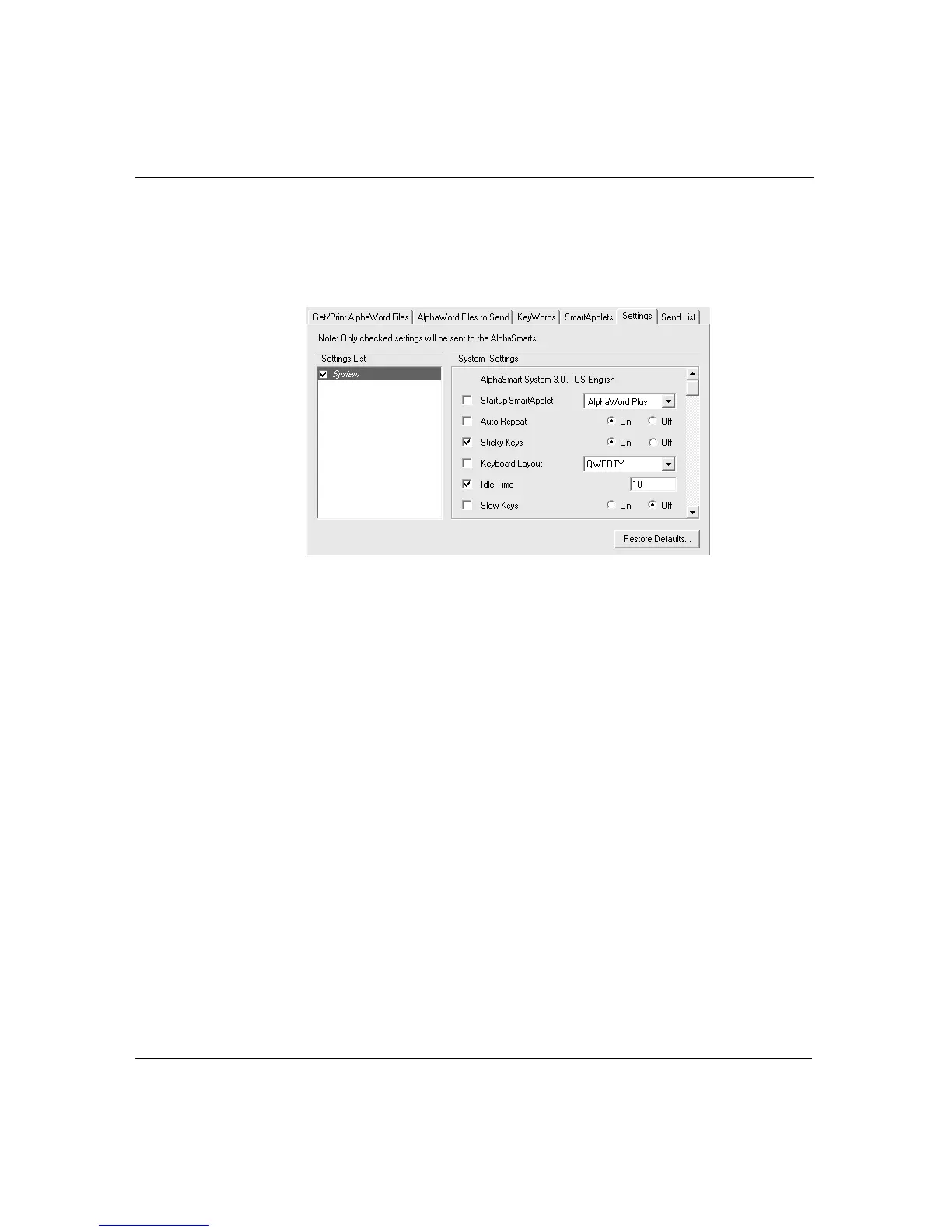
To modify system settings through AlphaSmart Manager:
1. In AlphaSmart Manager, click the Settings tab.
2. Select System in the Settings List.
3. In the System Settings area, check the settings you want to
change, specifying additional information as appropriate. (You
might need to scroll down to view all the settings.)
Note: When you change settings, notice that AlphaSmart
Manager automatically checks the System checkbox on the left. If
you uncheck this checkbox, changes you make to settings won’t
be sent to your Neo.
4. Click the Send List tab and verify that the settings you want to
send appear in the Send List Display.
5. Click Send.
Startup SmartApplet
If you designate a startup application in the Settings list, it becomes
the SmartApplet that appears first when you turn on your Neo. If you
don’t select a startup SmartApplet, Neo places you in whatever



 To Next Page