114 Neo User’s Guide
Using Send Lists
settings, to SmartApplets, and so on, appear in a send list before you
actually transfer the changes to your Neo.
Two tabs that don’t make use of the send list are the Get/Print
AlphaWord Files and KeyWords tabs. Rather then sending changes to
Neos, these tabs collect information from Neos, either AlphaWord
Plus files or KeyWords lessons data. The remaining tabs all use a
send list to communicate with Neos.
You can make changes on the fly and send them over immediately, or
you can create and save a send list with activities and changes you
make regularly.
Note: Send lists are particularly useful with groups of Neos using
an AlphaHub.
To send changes without saving the send list:
1. In AlphaSmart Manager, make the changes that you want to send
to your Neo.
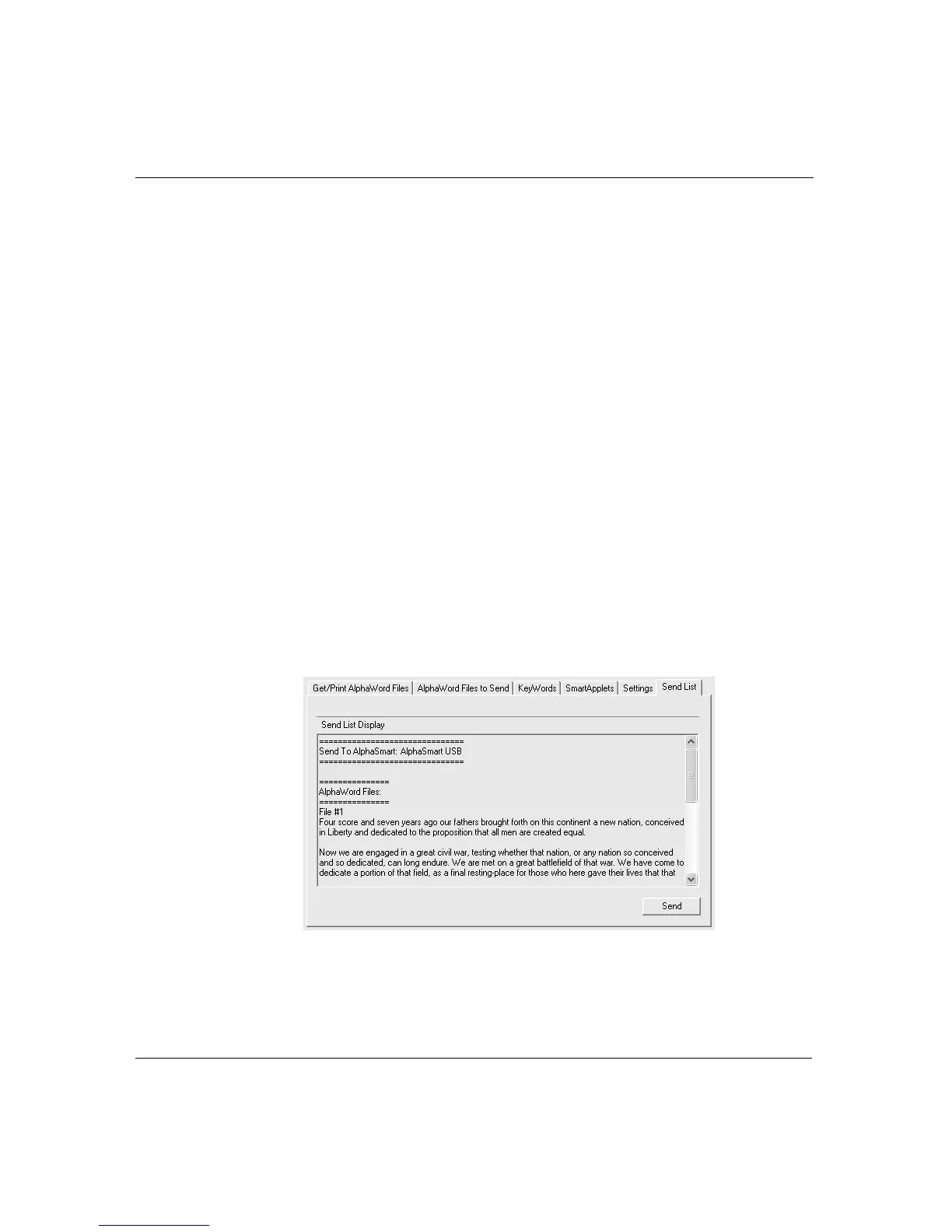
2. Click the Send List tab and verify that the changes you want to
make appear in the Send List Display.
3. Click Send.



 To Next Page