10 Neo User’s Guide
Connecting your Neo to a computer
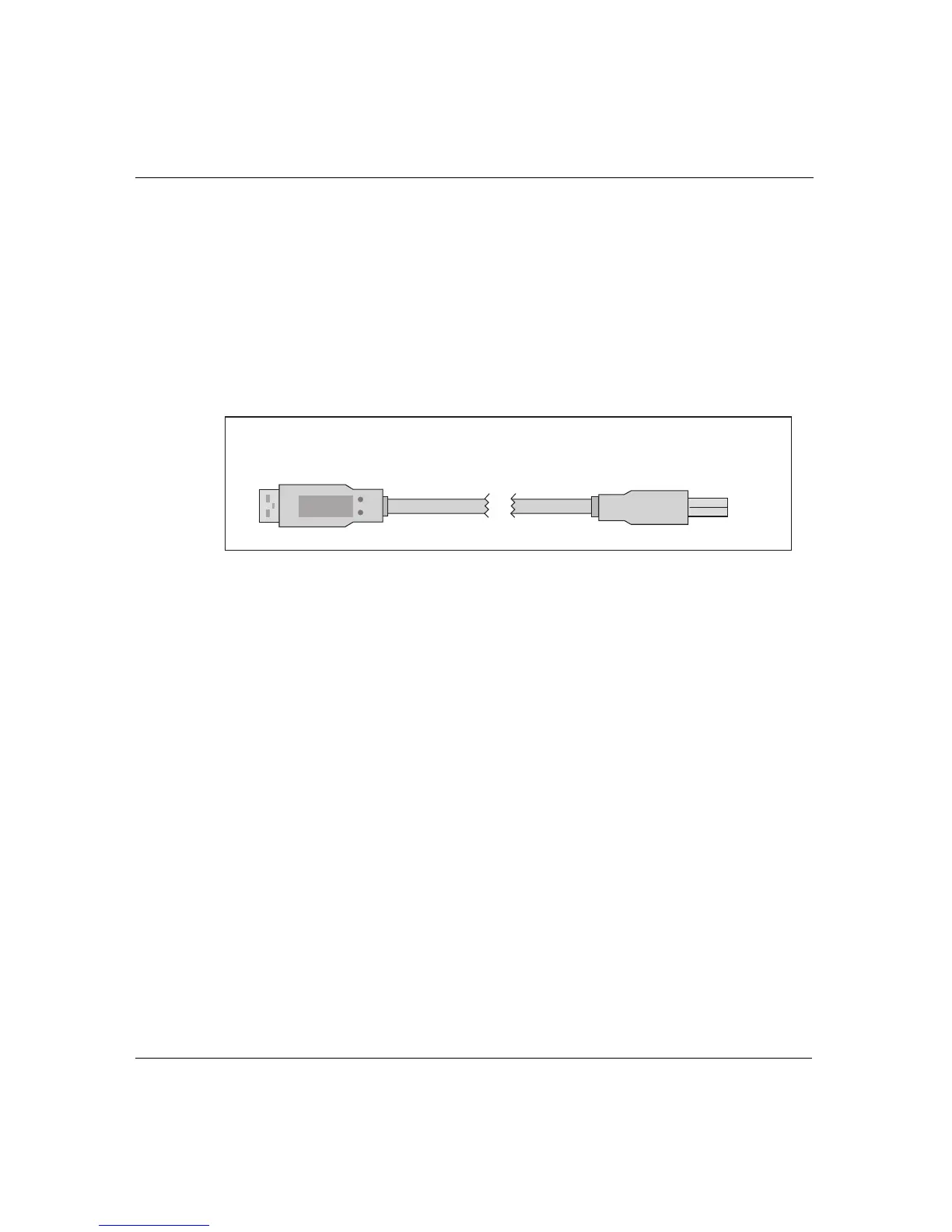
To connect your Neo to a USB computer:
1. Plug the thin rectangular end of the USB cable into the
computer’s USB port (either on the CPU, on a USB hub, or on
some USB keyboards).
2. Connect the smaller, squarish end of the cable into the computer
port along Neo’s top edge. (The computer port has a small
computer icon to its left.)
3. On a PC, you might be prompted to install a driver the first time
you connect your Neo to the computer with a USB cable. If
prompted, step through the screens that appear, accepting the
default values presented, and then reboot the computer. This
step doesn’t apply to Macintosh computers.
To the
computer
USB port
To the
Neo
computer port
The USB cable for connecting to USB computers



 To Next Page