32 Neo User’s Guide
Finding text
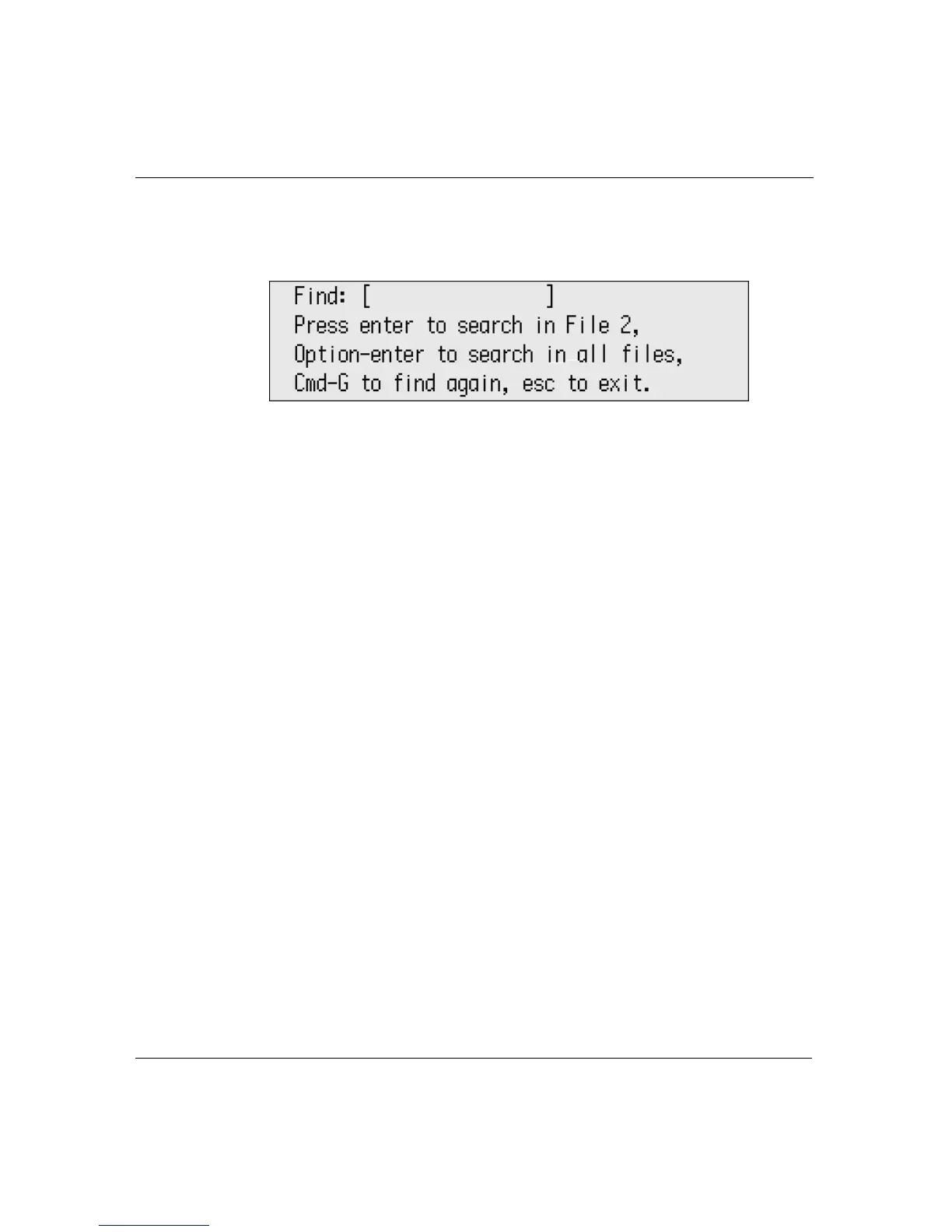
To find text:
1. Press
find or a-F.
2. Type the text you want to find. (If you previously searched for
text, press
clear file to remove your earlier entry before typing the
new text you want to find.)
3. Do one of the following:
• Press enter to search within the current file.
• Press option-enter to search within all files.
4. To exit the Find screen without searching, press
esc.
If the text string is found, the cursor appears at the beginning of the
string. If Neo can’t find the text you entered, you see a brief message
that the text is not found.
To find the same text again:
Press a-G.



 To Next Page