44 Neo User’s Guide
Character, word, paragraph, and page counts
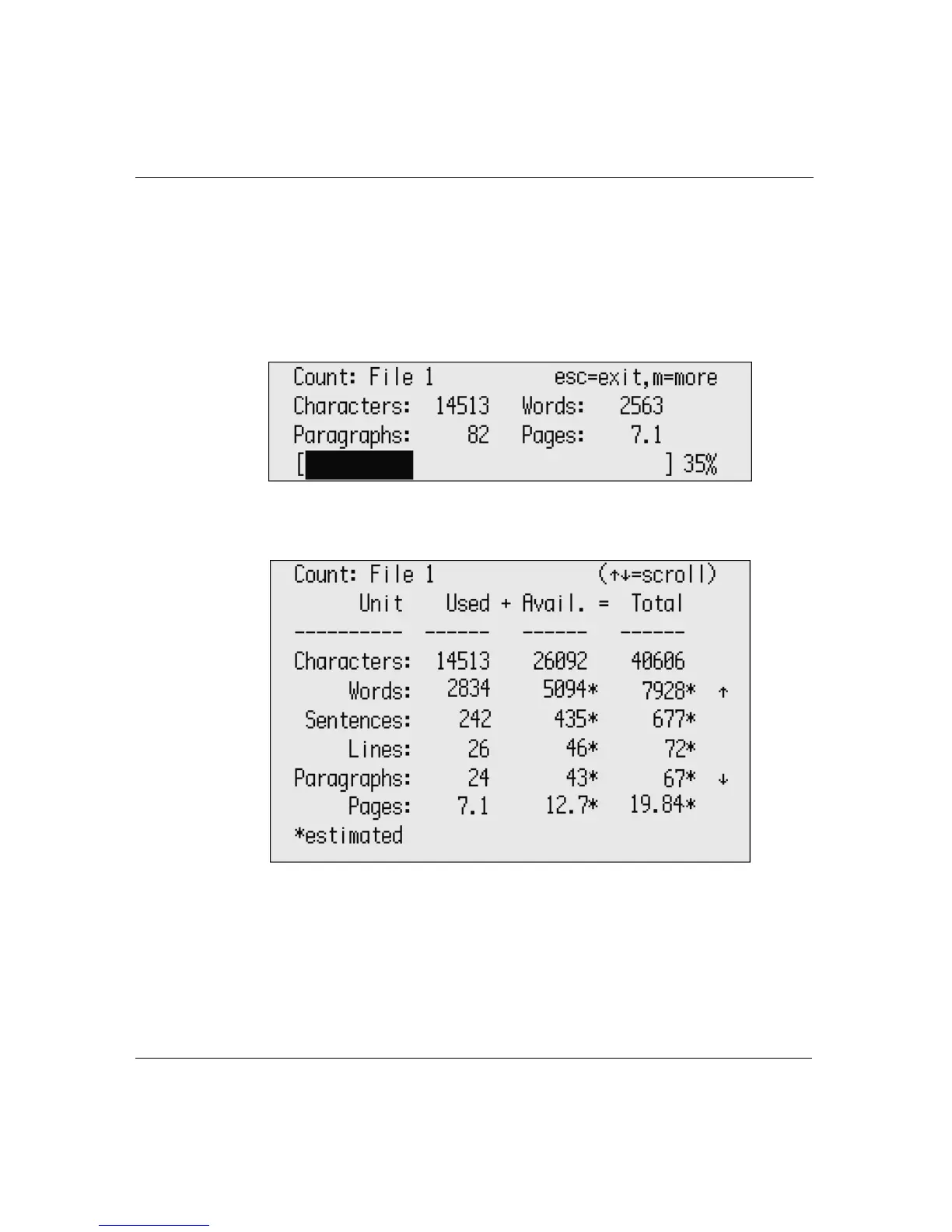
To view a file’s length:
1. Make sure you’re working in the file whose length you want to
check.
2. Press
ctrl-W. The following screen appears, displaying statistics
for your particular file.
3. Press
M to view additional statistics; scroll to view all
information available.
4. Press
esc to exit the screen and return to your file.



 To Next Page