48 Neo User’s Guide
Using linked files
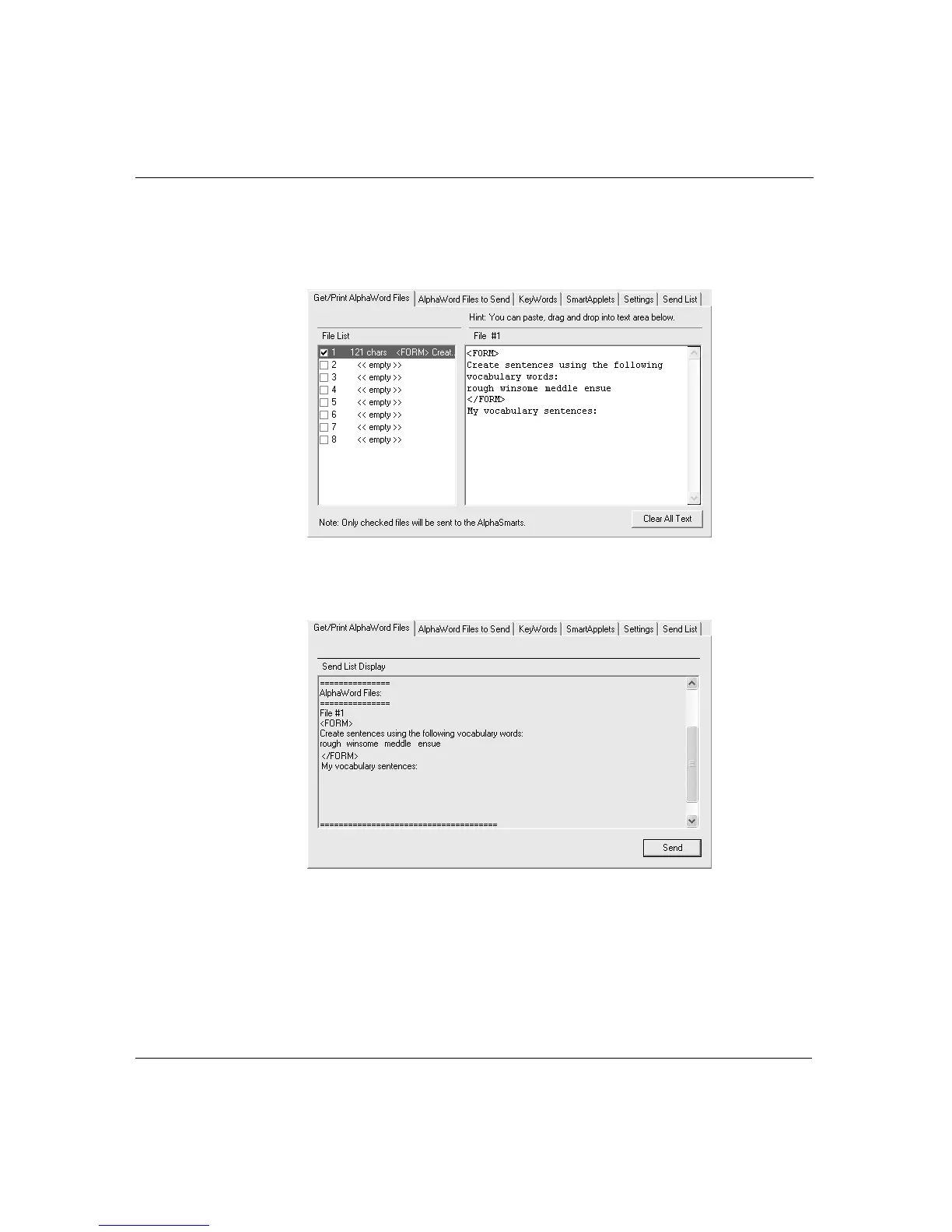
5. If you want to send any text for the main AlphaWord Plus file,
insert it before or after the text for the linked file (that is, before
or after the <FORM> tags).
6. Click the Send list tab to verify the linked file and any other text
appears as you want it, then click Send.
The linked file and any other associated text are sent to your Neo.



 To Next Page