66 Neo User’s Guide
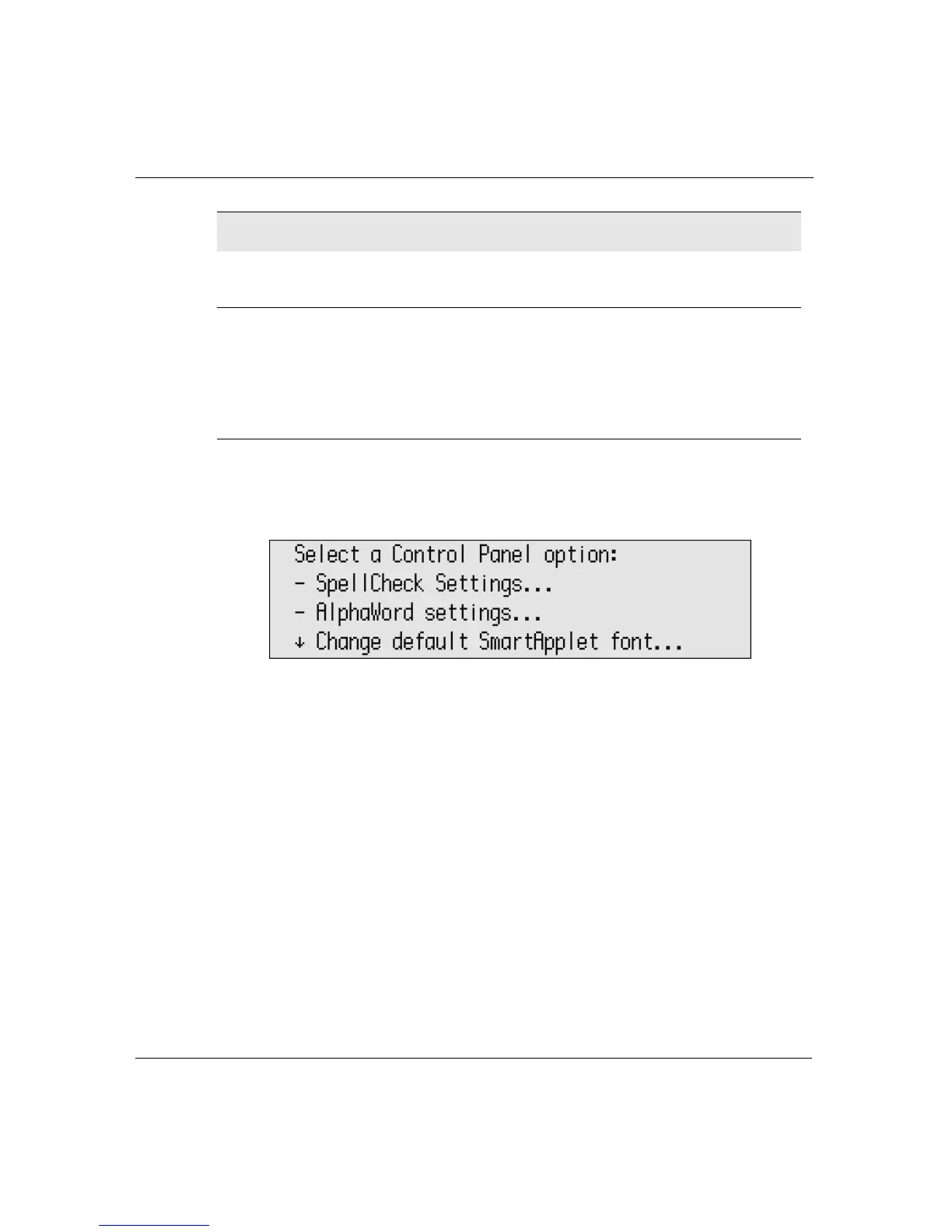
Control Panel
To set options using Control Panel:
1. Press
applets, scroll the list to select Control Panel, then press
enter.
2. Scroll to select the option you want to set and press
enter.
3. If requested, enter the master password (page 77). (Some
settings, such as turning Calculator or Spell Check on and off,
require that you enter the master password first.)
4. Step through the onscreen instructions until you’re satisfied with
the setting.
5. Press
esc to return to the previous screen. You might need to
press
esc several times to return to Control Panel or the
SmartApplets menu.
Display battery status
(page 135)
Shows how much battery power
is left on the device
Change keyboard settings
(page 72)
(page 75)
(page 76)
Changes keyboard layout
(QWERTY, Dvorak, Right, or
Left)
Changes Slow Keys setting
Turns Sticky Keys on and off
Control Panel settings (Continued) Description (Continued)



 To Next Page