70 Neo User’s Guide
Control Panel
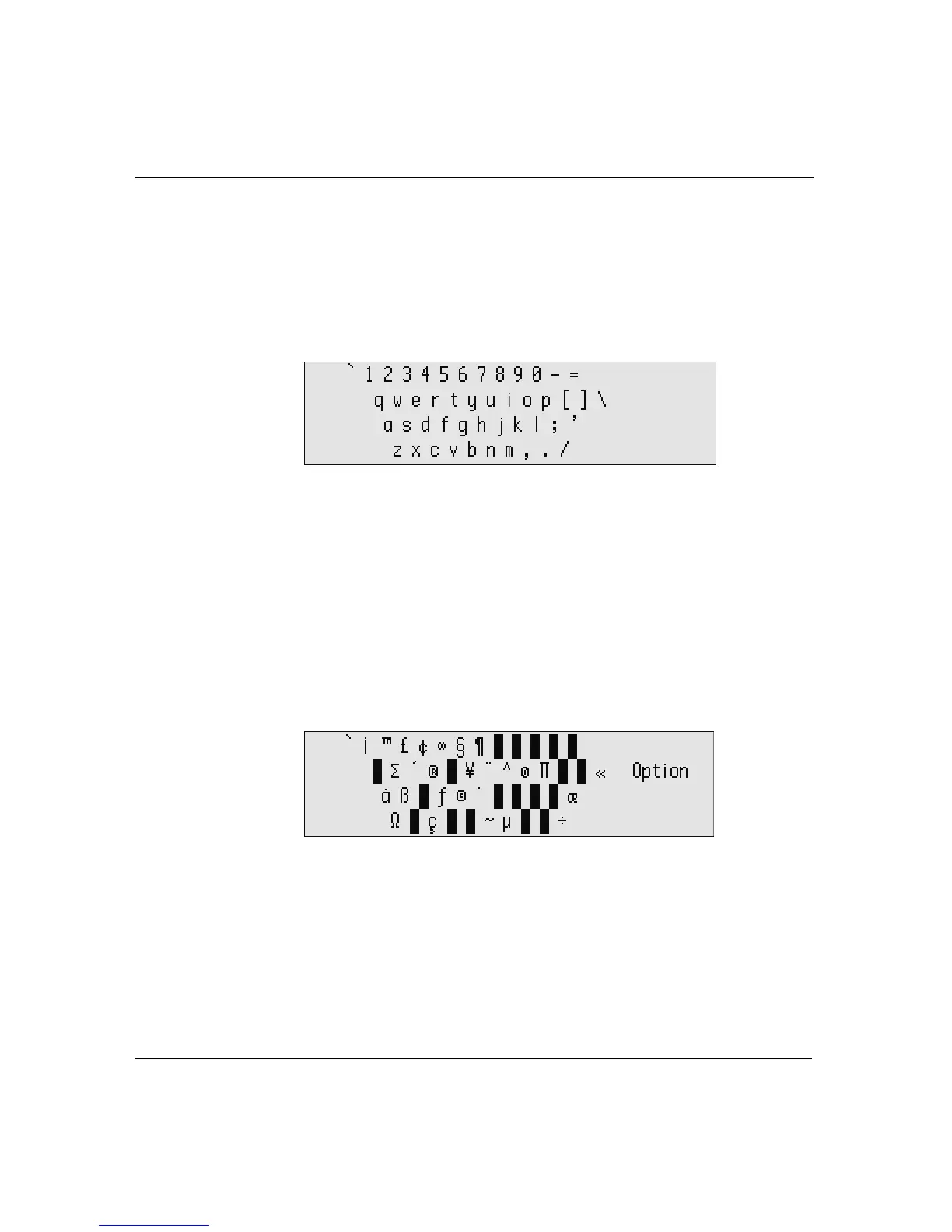
To view a keyboard layout onscreen:
1. Press
applets, scroll the list to select Control Panel, then press
enter.
2. Scroll to select View keyboard layout and press
enter. The layout
appears onscreen.
3. Press
shift to view the layout when you type with the shift key.
To view commonly used special characters for a keyboard layout:
1. Press
applets, scroll the list to select Control Panel, then press
enter.
2. Scroll to select View keyboard layout and press
enter. The layout
appears onscreen.
3. Press and hold
option. A new screen appears showing special
characters.
4. Note the location, relative to the keyboard, of the character you
want to type.
5. While keeping
option held down, press shift to view additional
special characters available when you type with both the
option
and
shift keys, and again, note their location.



 To Next Page