74 Neo User’s Guide
Control Panel
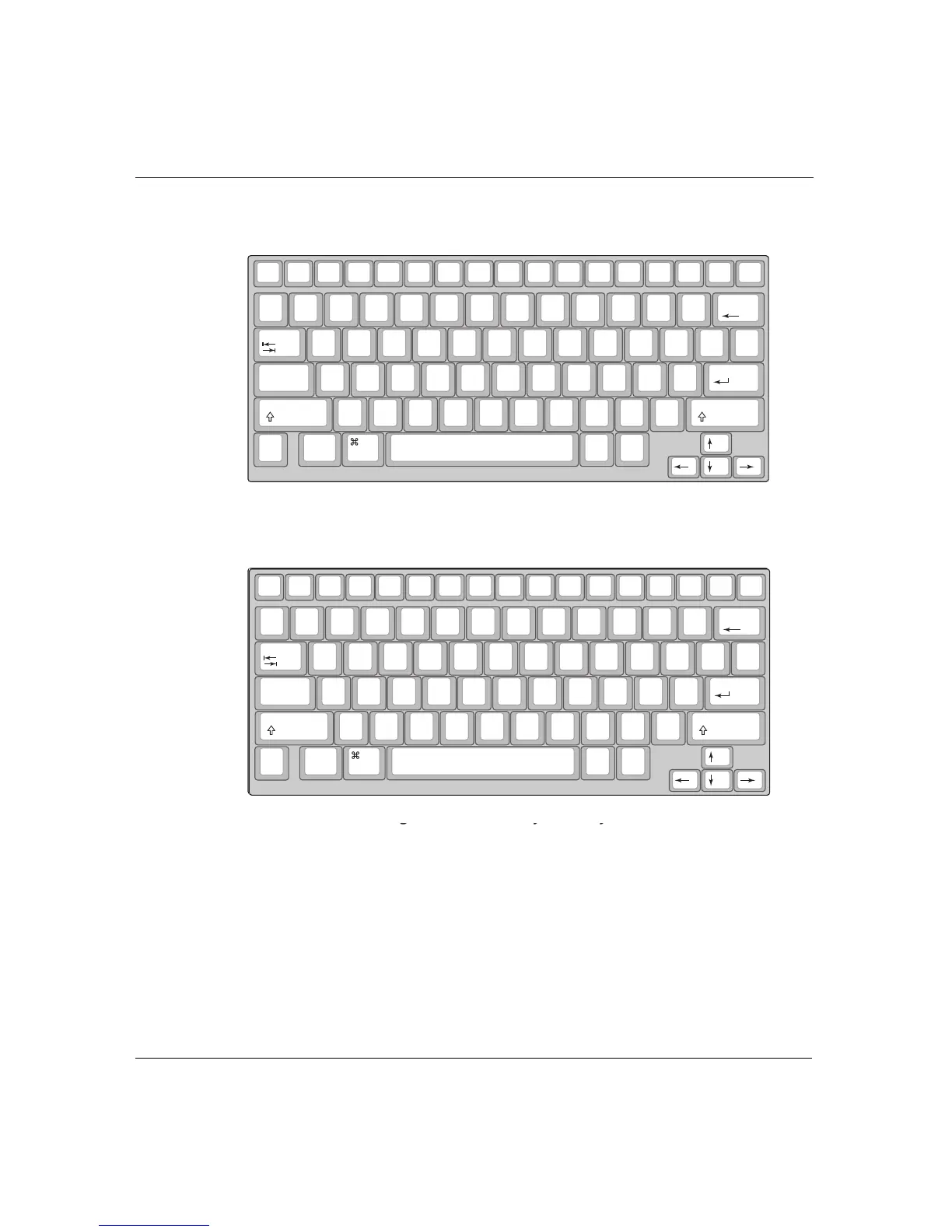
• Press 3 to select the right hand only layout.
• Press 4 to select the left hand only layout.
When you turn on your Neo, it displays a message about the current
layout setting if you’ve chosen a keyboard layout other than the
default QWERTY layout.
Note: When you switch keyboard layouts, all dialog boxes and
keyboard commands conform to the new layout. The command
keys (
ctrl, option, a, for example) remain in the same location,
but letter keys are derived from the new layout. For instance, to
on/off file 1 file 2 file 3
file 4 file 5
file 6 file 7 file 8 print
spell
check
find
clear
file
home end applets send
tab
$
4
%
5
^
6
>
.
O R S U Y B :
;
+
=
|
\
entercaps lock
&
7
*
8
(
9
A E H T D C K
_
-
shift
)
0
Z X <
,
I N
W
V G
"
'
shift
control
alt
option
deleteesc
!
1
@
2
#
3
Q J L M F P ?
/
{
[
}
]
back
space
~
`
cmd
The right one-handed keyboard layout
on/off file 1 file 2 file 3
file 4 file 5
file 6 file 7 file 8 print
spell
check
find
clear
file
home end applets send
tab
$
4
%
5
^
6
>
.
O R S U Y B :
;
+
=
|
\
entercaps lock
&
7
*
8
(
9
A E H T D C K
_
-
shift
)
0
Z X <
,
I N
W
V G
"
'
shift
control
alt
option
deleteesc
!
1
@
2
#
3
Q J L M F P ?
/
{
[
}
]
back
space
~
`
cmd
The right one-handed keyboard layout
on/off file 1 file 2 file 3
file 4 file 5
file 6 file 7 file 8 print
spell
check
find
clear
file
home end applets send
tab
:
;
Q B
Y
U R S O >
.
^
6
%
5
+
=
|
\
entercaps lock
_
-
K C D T H E A Z
*
8
&
7
shift
"
'
X G V W N I
<
,
)
0
(
9
shift
control
alt
option
deleteesc
{
[
}
]
?
/
P F M L J $
4
#
3
@
2
!
1
back
space
~
`
cmd
The left one-handed keyboard layout



 To Next Page