32 Altera Corporation
Board Components Nios Development Board Reference Manual, Cyclone Edition
Safe Hardware Image
If there is no valid User Hardware Image, or if SW9 (Force Safe) is
pressed, the configuration controller begins reading data out of flash at
address 0x700000. Any FPGA configuration data stored at this location is
conventionally called the Safe Hardware Image. Your development
board was factory-programmed with a Safe Hardware Image, plus
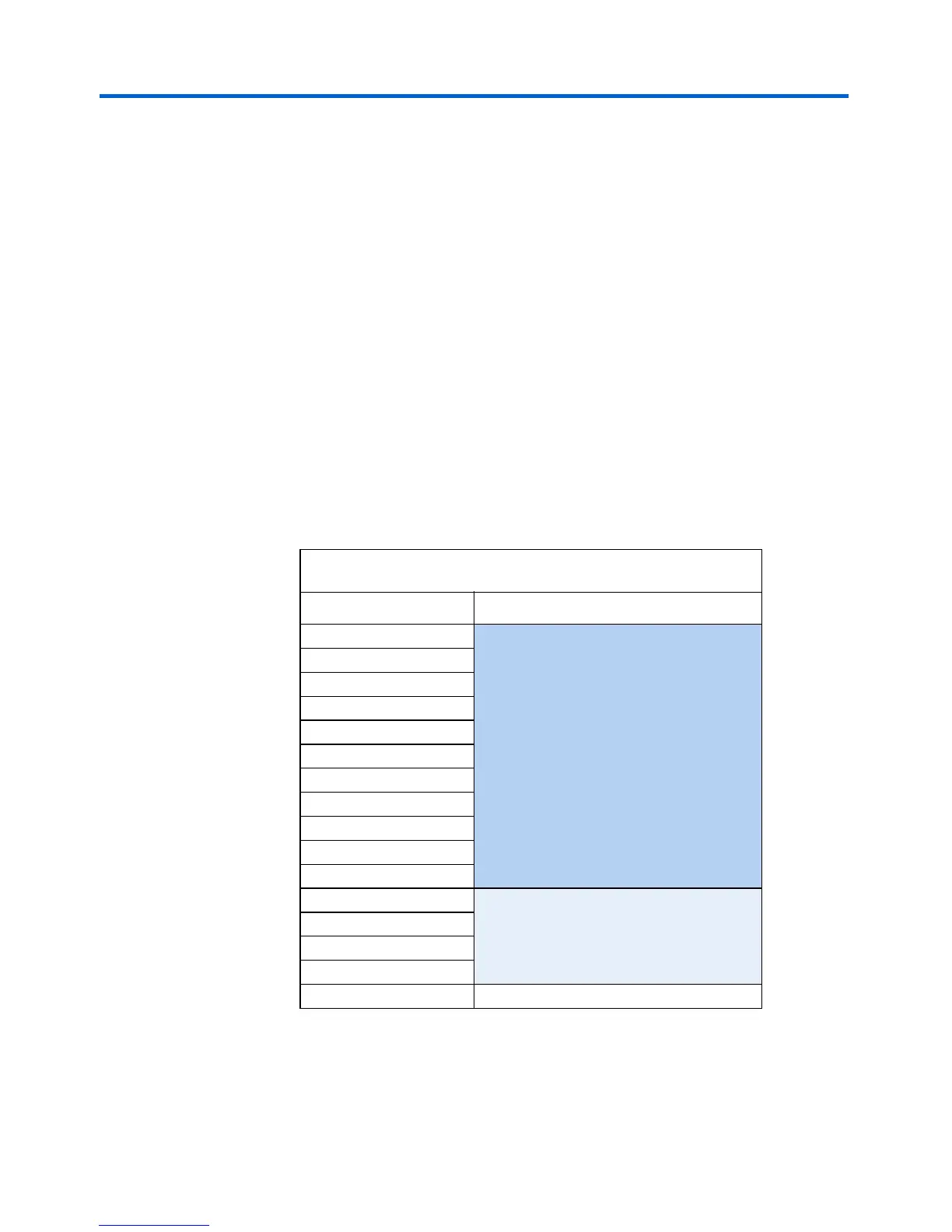
additional data located in the range 0x700000-0x7FFFFF, as shown in
Table 10. The design used for the Safe Hardware Image is the safe
example design found in the examples directory.
The configuration controller will stop reading data when the FPGA
successfully configures. The safe example design is setup to begin
executing code from address 0x7B0000. This region of flash memory is
programmed with the web-server application software.
1 Do Not Erase your Safe Hardware Image (safe hardware
configuration data). If you do so inadvertently, see “Appendix B:
Restore the Factory Configuration” on page 43 for instructions
on how to restore your board to its factory configuration.
Table 10. Safe Hardware Configuration Data Memory Allocation
Address (hex) Safe Hardware Image
700000 FPGA Configuration Data
710000
720000
730000
740000
750000
760000
770000
780000
790000
7A0000
7B0000
Web Server Software
7C0000
7D0000
7E0000
7F0000 Network Settings



 To Next Page