BOOM BARRIER BV5868 1515
SETUP
7.1 RADIO CONTROL SETUP
Y
Before programming the remote controls for the rst time, delete previously recorded remote
controls from the control unit memory. If the remote control is lost, the lost remote control
number must be deleted from the memory to avoid unauthorized access. If the number of
the lost remote control is unknown, delete all the remote control numbers and record all the
remote controls again.
P2 Menu items:
F1…F3
—record control command(s) for remote control (Tables 7, 8)
F4, F5—edit control command(s) for a recorded remote control (Tables 9, 10)
F6—dene the number of recorded remote controls (Table 11)
F7—dene the recorded remote control number (Table 12)
F8, F9—delete a remote control (Table 12, Table 13)
F0—delete all remote controls (Table 14)
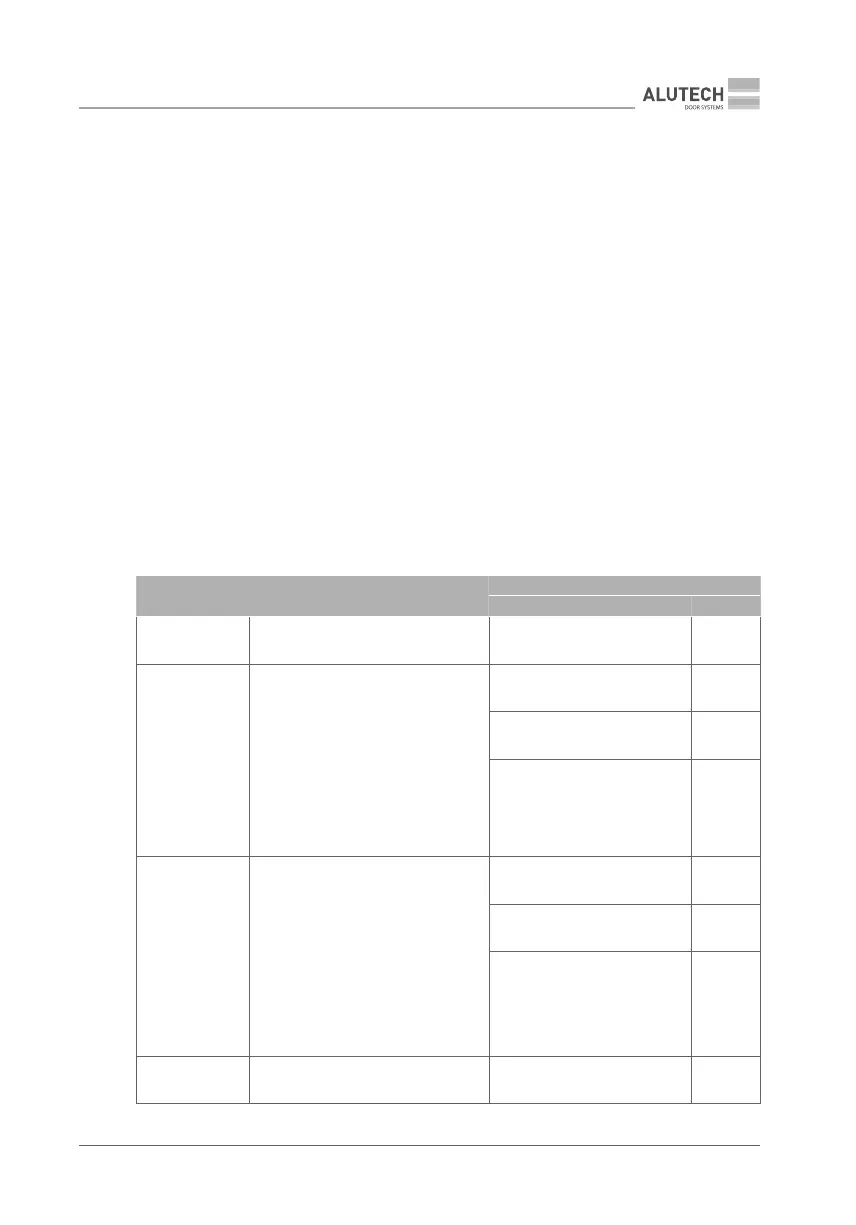
Table 6below provides descriptions of remote control commands and numbers (values) for
control commands in 2 Menu.
Table 6
REMOTE CONTROL COMMANDS DESCRIPTION
F1F5 ITEMS
CONTROL COMMAND VALUE
NO COMMAND Control command is not assigned NO COMMAND 00
STEP-BY-STEP
Performing open, stop, close actions.
Action sequence is congured by
P3–F3 setting (Table 15). During
conguration of outputs on terminal
blocks 5–8 (Table 4) to operate two-
way regulation (P3–F4…F7 settings,
Table 15), ENTRY or EXIT direction is
determined
STEP-BY-STEP (ENTRY) 01
STEP-BY-STEP (EXIT) 07
STEP-BY-STEP (ENTRY)
MASTER barrier control during
synchronized operation mode
/ P9setting, Table 15
17
OPEN
Opening operation.
During conguration of outputs on
terminal blocks 5–8 (Table 4) to oper-
ate two-way regulation (P3–F4…F7
settings, Table15),
ENTRY or EXIT direction is
determined
OPEN (EXIT) 02
OPEN (ENTRY) 06
OPEN (EXIT)
MASTER barrier control during
synchronized operation
mode/ P9setting, Table 15
18
CLOSE Closing operation CLOSE 03



 To Next Page