Commissioning
AMALOG BAH0017.6 08.19
23
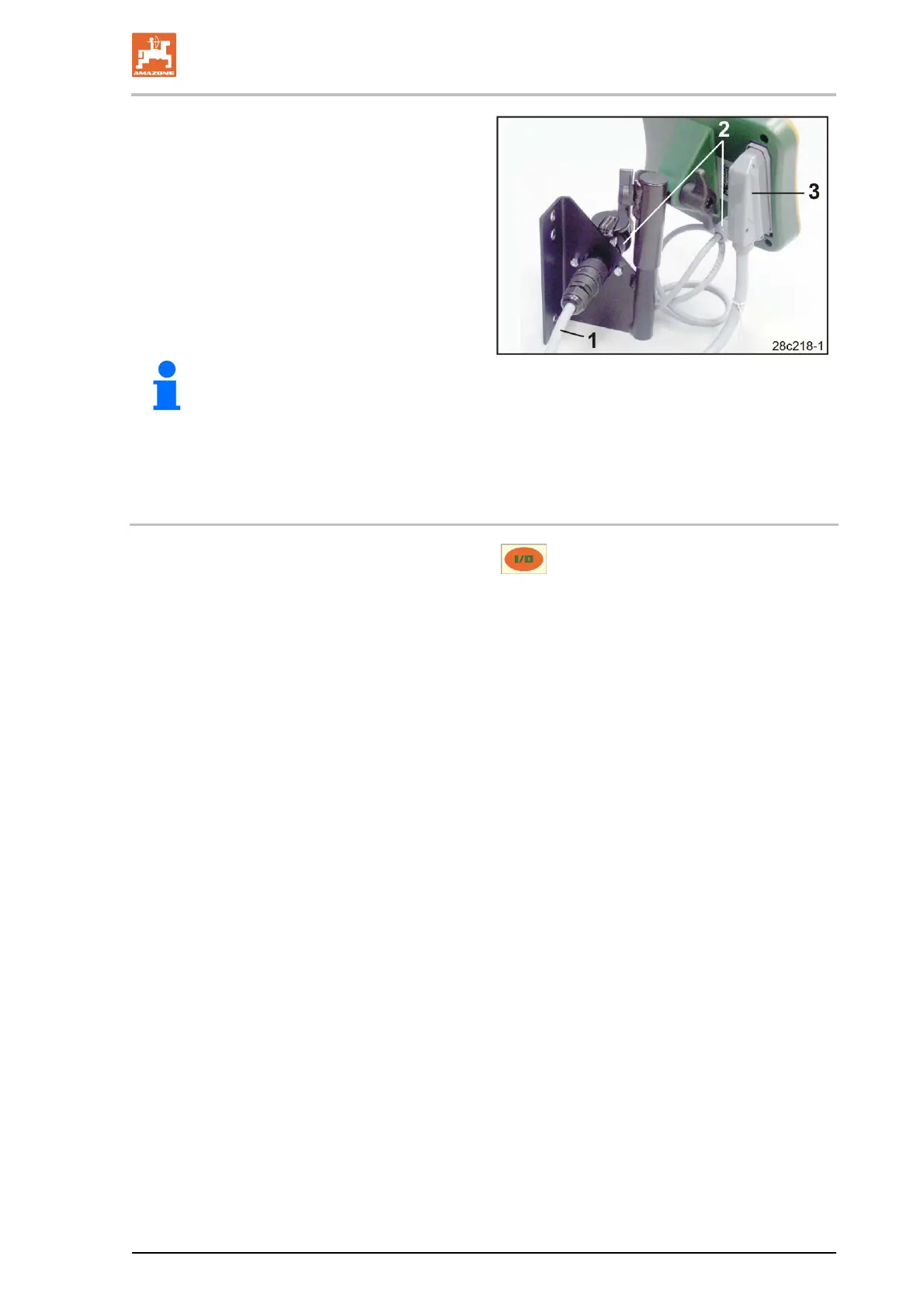
2. Insert the power cable (Fig. 13/1) into the
bracket and the 12V tractor socket.
3. Connect the bracket and the control termi-
nal with the power cable (Fig. 13/2).
4. Couple the seed drill or soil tillage imple-
ment to the tractor vehicle (see operating
manual for seed drill or soil tillage imple-
ment).
5. Route the implement cable (Fig. 13/3) into
the tractor cab and insert the implement
plug in the control terminal.
Fig. 13
The implement plug is protected with a
spring-loaded lever against accidental
removal from the control terminal.
Actuate the lever before releasing the
implement plug.
5.3 Switching the control terminal on/off
Switch the control terminal on and off by pressing the button.
Enter the implement-specific data (see section "Settings", Seite 24). When the control terminal is
switched back on, the data is available again.
Before using a seed drill of a different type, enter the implement-specific data on the control terminal.
When switching on the control terminal, the software version of the control terminal briefly appears.
If the supply voltage, e.g. when starting the tractor, drops below 10 volts, the control terminal is
switched off.



 To Next Page