Settings
AMALOG BAH0017.6 08.19
27
6.5 Calibration value (pulses per 100 m)
The control terminal requires the calibration value "Pulses per 100 m" to
determine the forward speed [km/h]
determine the worked area [ha].
If the calibration value is unknown, determine the "pulses per 100 m" calibration value by means of a
calibration run (see section "Determining / storing the calibration value (pulses per 100 m)", unterhalb).
The calibration value must be determined under the predominating operating conditions on the field.
If the "pulses per 100 m" calibration value is known, it can be entered manually (see section
"Displaying / editing the stored calibration value (pulses per 100 m)", Seite 28).
Determine the calibration value
before initial use.
when changing from heavy to light soil and vice versa. The slippage of the measuring or driving
wheel may alter on different soils, thereby affecting the calibration value (imp./100 m).
when connecting the control terminal to a different implement type
if there is a difference between the indicated and actual travel speed
if there are differences between the measured and actual worked area.
6.5.1 Determining / storing the calibration value (pulses per 100 m)
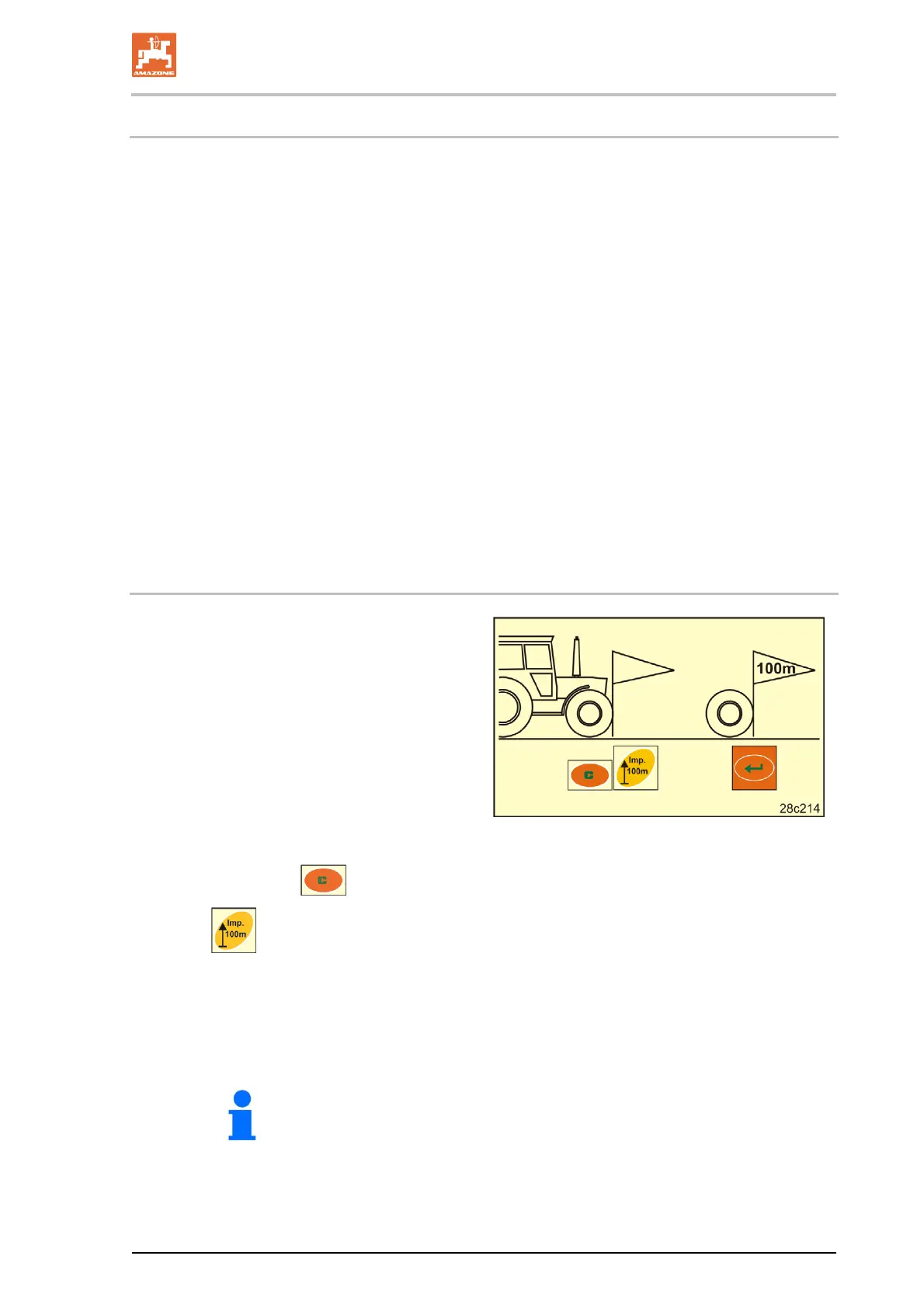
1. On the field, measure out a calibration dis-
tance of exactly 100 m.
Mark the start and end point of the calibra-
tion distance.
2. Move tractor to starting position (Fig. 19)
and seed drill to working position (if neces-
sary, interrupt seed metering).
Fig. 19
3. Press and hold the button.
4. Press
.
The display shows "0".
5. Start.
The display shows the pulses.
Do not press a button during the calibration run.



 To Next Page