Work commencement
AMALOG BAH0017.6 08.19
31
7.1 Tramline counter
7.1.1 Setting the tramline counter
Press the button several times until the right tramline counter is displayed
[e.g.: Tramline counter 2, see Seite 21, Fig. 10, under the lettering "START"].
7.1.2 Block the tramline counter
Press .
The further shifting of the tramline counter
is blocked.
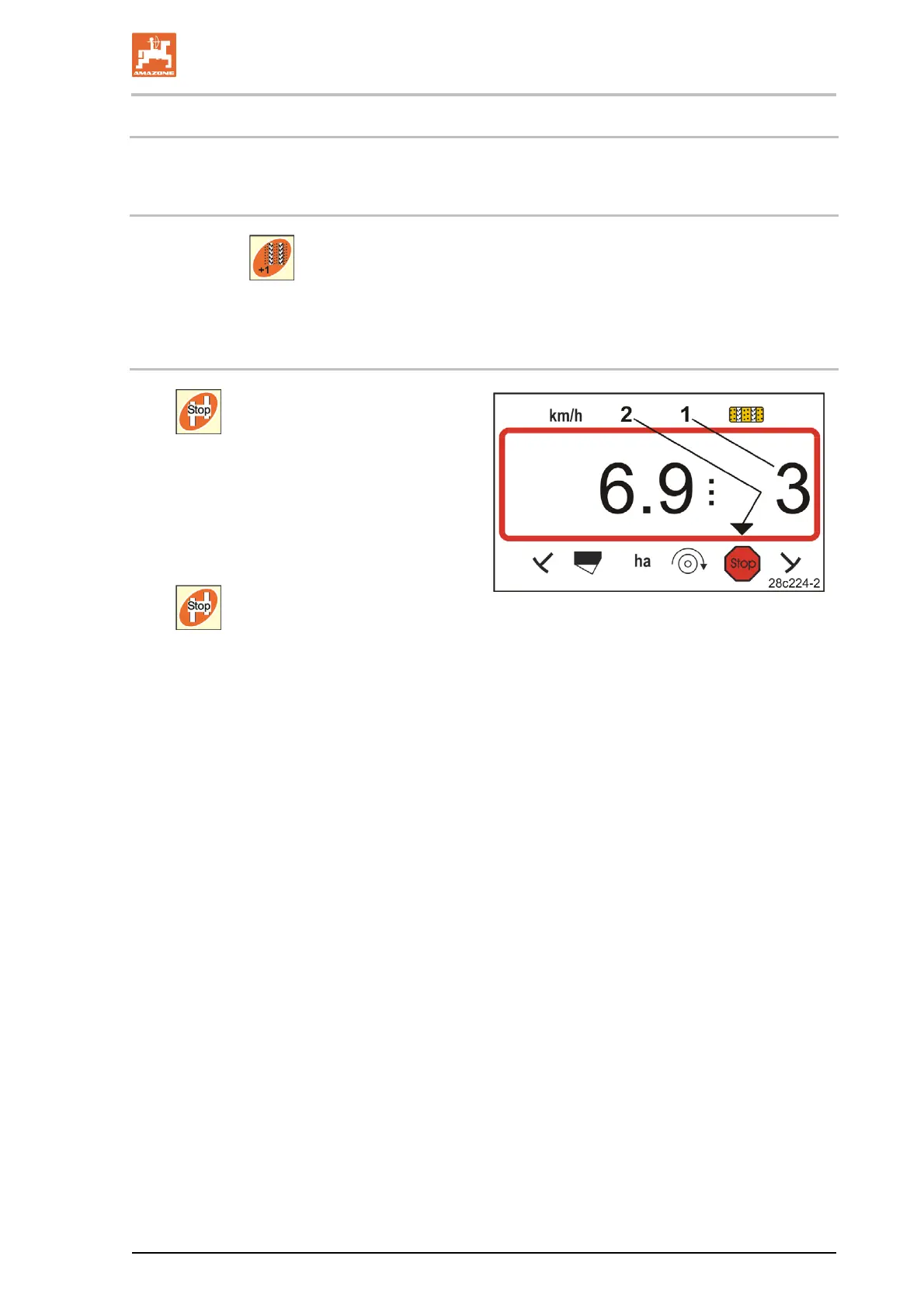
The number (Fig. 23/1) of the tramline
counter flashes in the display.
The control symbol (Fig. 23/2) marks the
stop symbol.
Press
.
The tramline counter is again active.
Fig. 23



 To Next Page