Settings
26
AMALOG BAH0017.6 08.19
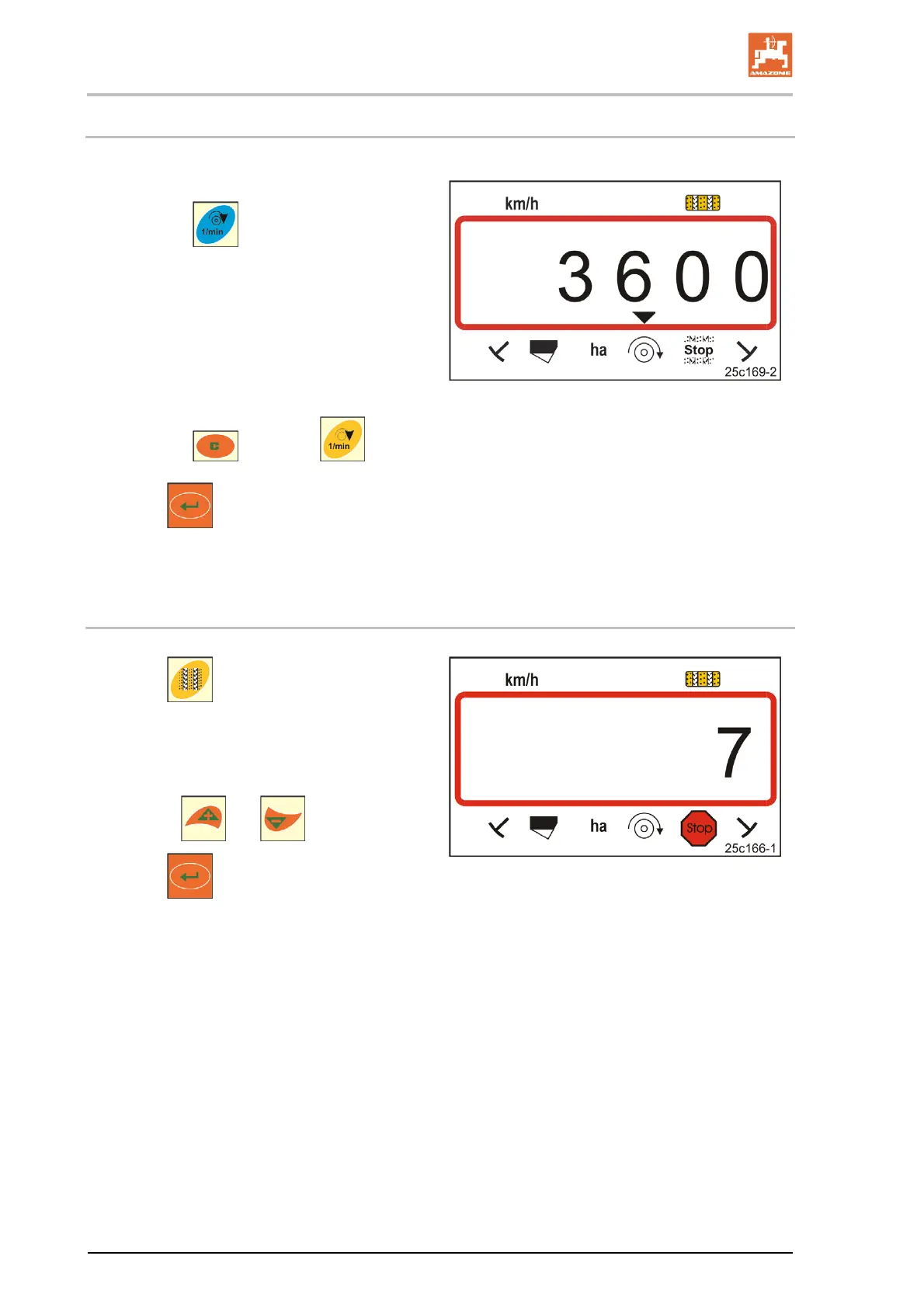
6.4 Displaying / altering the target blower fan speed (during operation)
This setting is only possible for pneumatic seed
drills.
1. Press the
button (blue).
Display of (Fig. 17)
current blower fan speed
(e.g. 3600 [rpm.]).
Fig. 17
2. Press the
button and button (yellow) simultaneously.
3. Press
.
Store the selected value.
6.4.1 Displaying / altering the tramline rhythm
1. Press .
Display:
stored tramline rhythm,
e.g. 7 (Fig. 18).
2. Change the tramline rhythm
with the
and buttons.
3. Press
.
Store the selected value.
Fig. 18



 To Next Page