Settings
28
AMALOG BAH0017.6 08.19
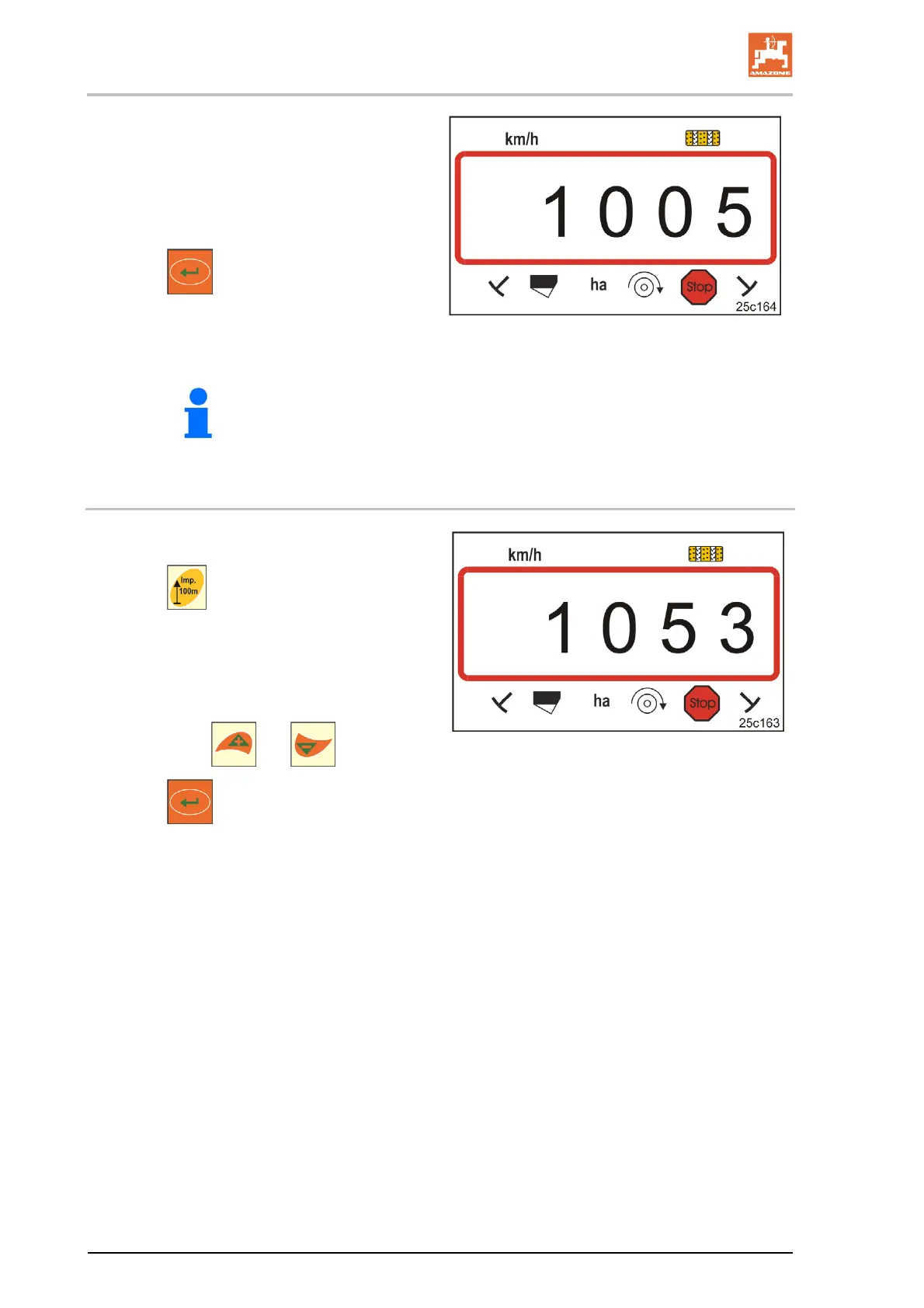
6. Stop after exactly 100 m.
The display (Fig. 20) shows the calibration
value
(e.g. 1005 imp./100 m).
7. The determined calibration value can be en-
tered in the table, Seite 43.
8. Press
.
Store the calibration value (imp./100 m).
Fig. 20
The calibration value (imp./100 m) must not be less than 250.
Otherwise the control terminal will not work properly.
6.5.2 Displaying / editing the stored calibration value (pulses per 100 m)
1. Bring the implement to a standstill.
2. Press
.
Display:
stored calibration value (imp./100 m)
e.g. 1053 (Fig. 21).
3. Alter the stored calibration value
(imp./100 m)
by using the
and buttons.
4. Press
.
Store the selected value.
Fig. 21



 To Next Page