Settings
24
AMALOG BAH0017.6 08.19
6 Settings
6.1 Enter implement data
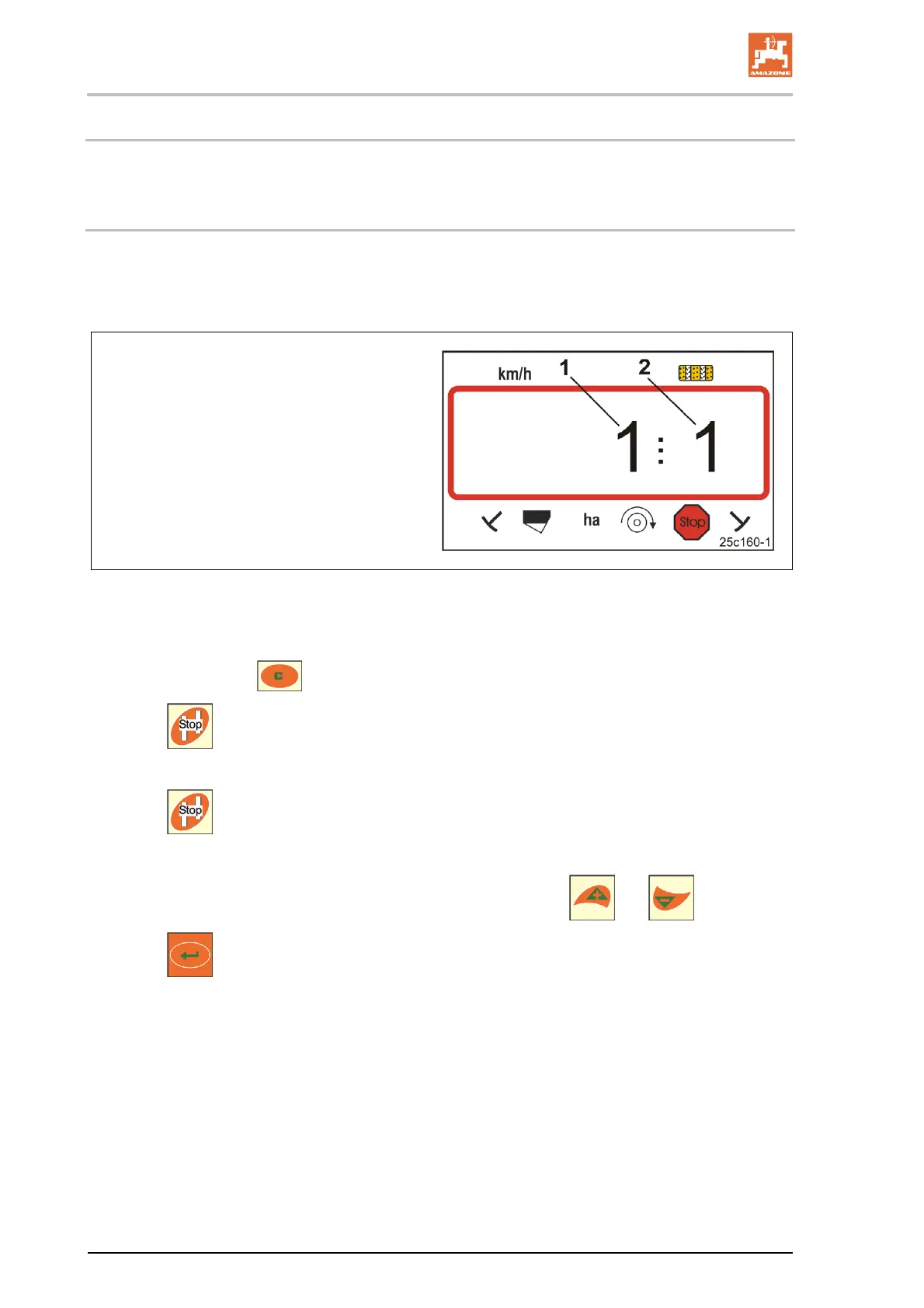
The control terminal requires input of the implement data in coded form (see Fig. 14).
Refer to the machine data in the table (see section "Machine data table", Seite 37).
Digit 1 (1) shows the mode
Digit 2 (2) shows the coding
Fig. 14
Open the necessary modes (1, 2, 3, etc.) and enter the machine data in coded form:
1. Press and hold the
button.
2. Press
.
Open mode 1 (see Fig. 14).
3. Press
.
Select the desired mode [see table (Machine data table), Seite 37].
4. Set the code [see table (Machine data table), Seite 37] using the
and keys.
5. Press
.
Save the code.



 To Next Page