User Manual
_________________________________________________________________
© 2019 AMETEK Electronic Systems Protection / Technical Support: 1-800-645-9721 / surgex.com 15
NOTE:
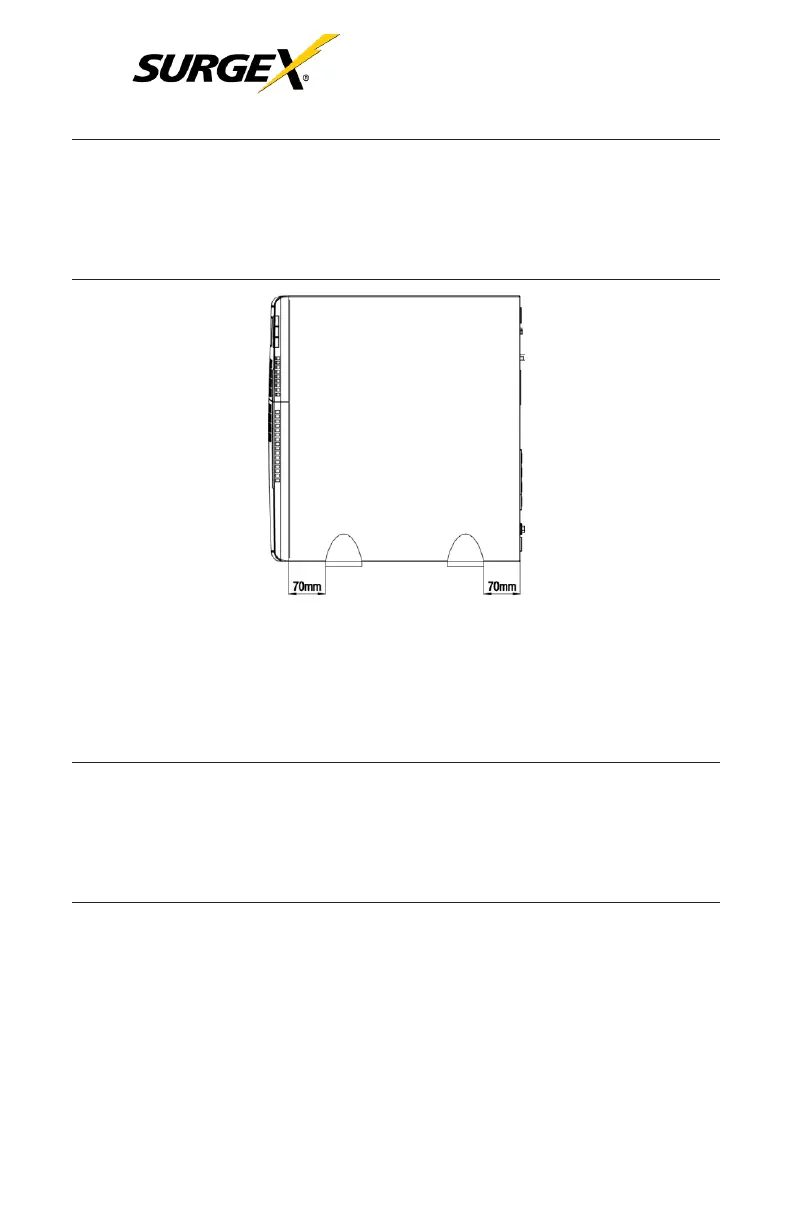
When installing the UPS or external battery cabinet with feet,
please keep both feet a distance of 70 mm (2.75 in) from the edge of
the unit.
See
figure
below:
3.2 Rack Installation
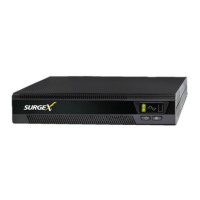
The UPS and the external battery cabinets are designed to be
rack mounted in four post frames. The UPS and external battery cabinet
use identical mounting hardware and procedures.
NOTE:
The rack mount UPS draws air from the front. If the rack has a
door on the front, make sure that there is some clearance between
the UPS vents and the rack door.
Because of the weight of these units, two people are recommended to
lift and hold into position while all fasteners are secured. Please use the
supplied fasteners to attach the supplied mounting brackets to the UPS
or external battery cabinet.
If external batteries are included in your installation, please mount them

 To Next Page
 Loading...