User Manual
_________________________________________________________________
© 2019 AMETEK Electronic Systems Protection / Technical Support: 1-800-645-9721 / surgex.com 25
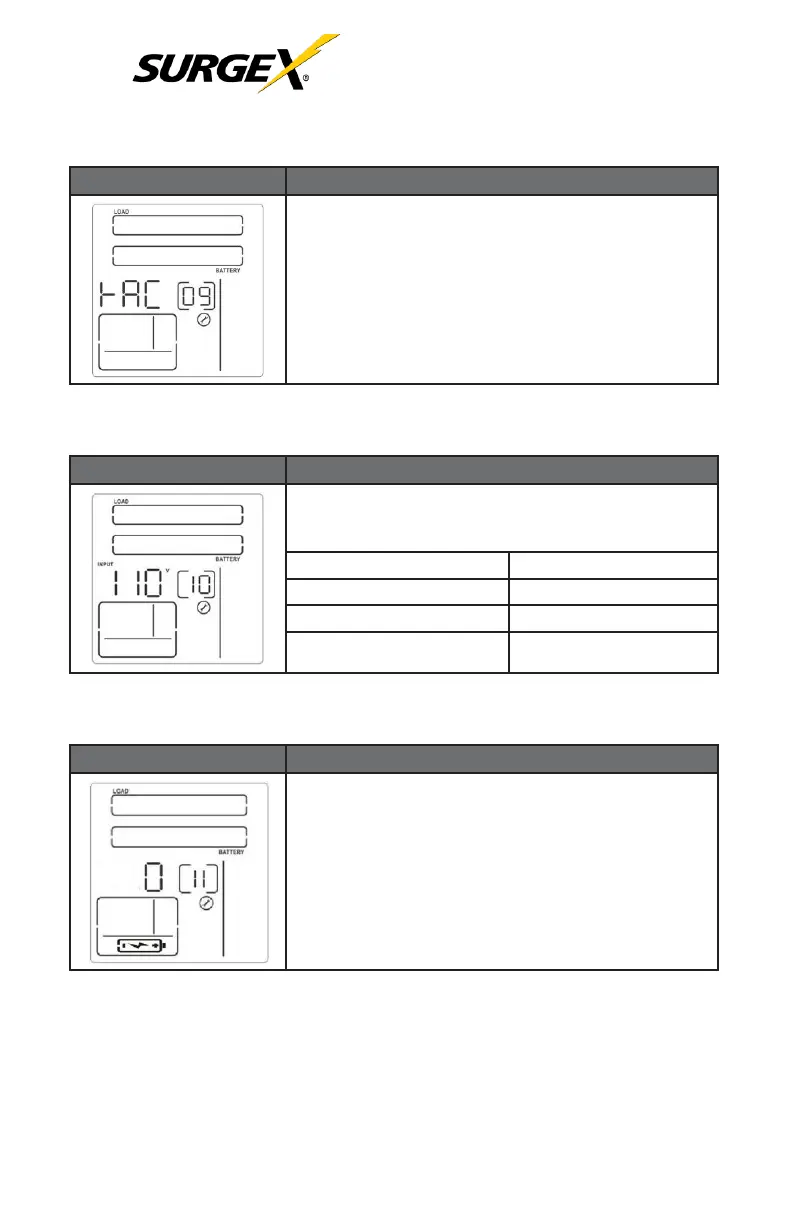
4.2.7 LCD Display Direction Setting (Item 09)
RAC: the LCD display is horizontal.
TOE: the LCD display is vertical.
4.2.8 Acceptable Input Voltage Range Setting (Item 10)
Display alternates between low and high voltage of the
range. The following acceptable input voltage range may
be chosen:
170/240: 170-240 V Input Range
85/135 : 85-135 V Input Range
160/260: 160-260 V Input Range
80/130: 80-130 V Input Range
180/300: 180-300 V Input Range
55/150: 55-150 V Input Range
4.2.9 Number of External Battery Cabinets (Item 11)
The following number of external battery cabinets can be
chosen:
0: No External Battery Cabinet.
1: One External Battery Cabinet.
2: Two External Battery Cabinets.
3: Three External Battery Cabinets.
4: Four External Battery Cabinets.

 To Next Page
 Loading...