EasyManua.ls Logo

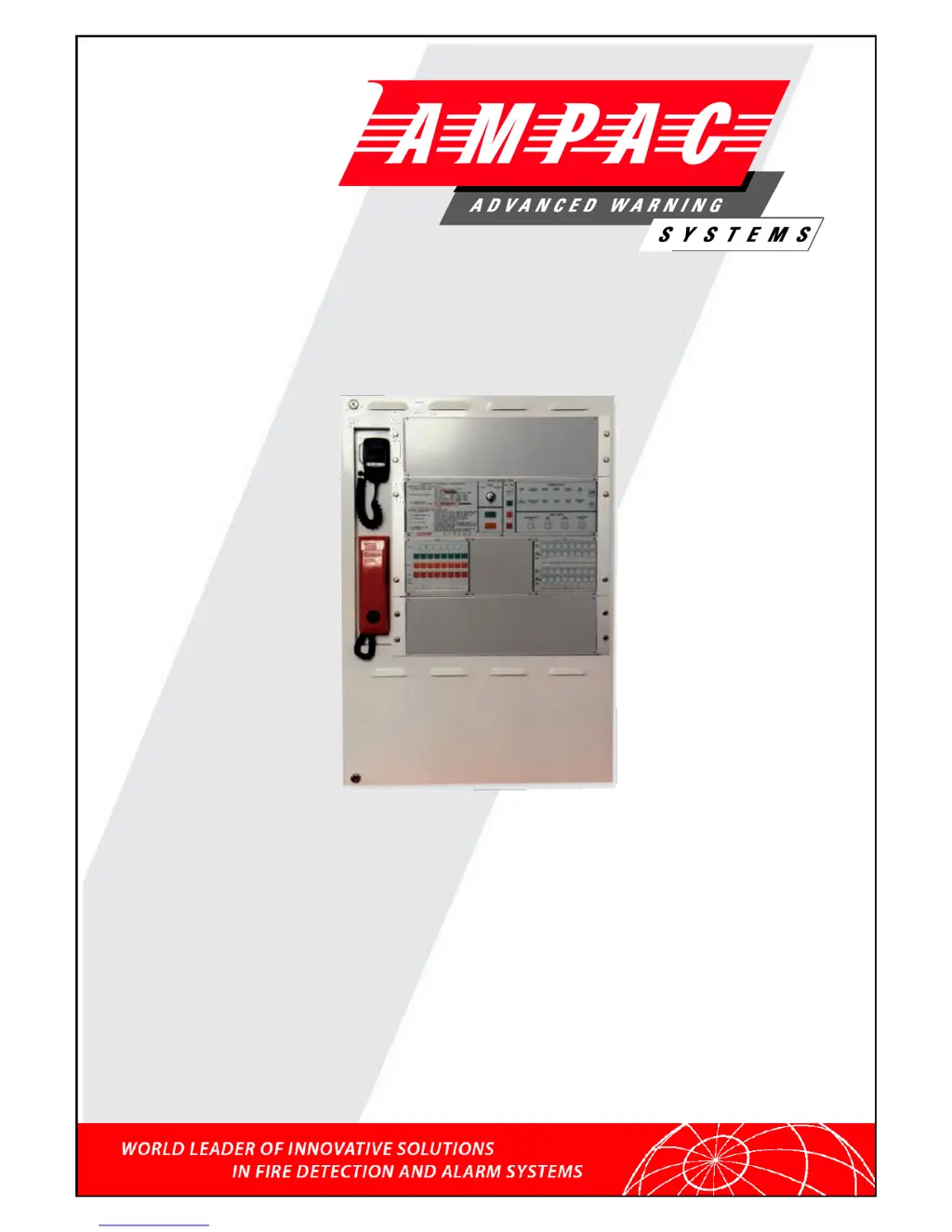
Ampac EV3000 - User Manual

Ampac EV3000
54 pages
Print Icon
To Next Page IconTo Next Page
Loading...
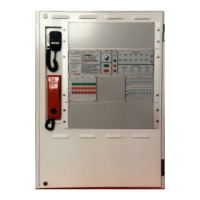
EV3000
Occupant Warning &
Intercommunications System
(2 Wire / S004)
Installation & Commissioning
MAN1813-5

Table of Contents

Other manuals for Ampac EV3000

Questions and Answers

  • A
    April RodriguezAug 19, 2025
    Why is my Ampac Control Panel system on batteries?
    • J
      Jack HayesAug 19, 2025
      If your Ampac Control Panel is running on batteries, it could be due to several reasons. First, check if the mains at the distribution board are off. If they are, turn the power on and check for the main on indicator when power is returned. Another cause could be a mains power failure. Also, ensure the mains switch is turned on. Finally, a blown mains fuse could be the culprit; in this case, replace the fuse.
  • B
    Brandon WilkinsAug 21, 2025
    How to fix the 'Mains On' indicator being off on my Ampac EV3000?
    • N
      nicholas35Aug 21, 2025
      If the Mains On indicator is off on your Ampac Control Panel, there are several potential causes. First, check if the mains at the distribution board are off and turn the power on. Ensure the mains switch is also turned on. Verify that CN1 on the MCP and CN6 on the PSU mother board are correctly plugged in. Lastly, a blown mains fuse could be the reason; if so, replace the fuse.
  • L
    Lauren WadeAug 23, 2025
    What to do if my Ampac EV3000 Control Panel shows a charger fault?
    • J
      Jenna MyersAug 23, 2025
      A charger fault on your Ampac Control Panel can stem from various issues. Refer to the Mains On indicator and System On Batteries status. It could indicate a fault status. High voltage, with the charger output exceeding 28.5 volts, or low voltage, with the charger output below 24.5 volts, can be the cause. In case of high voltage, replace the charger module on the power supply or the supervisory card on the power supply. In case of low voltage, replace the charger module on the power supply or the batteries or the supervisory card on the power supply. Battery faults can also trigger this; replace the batteries if necessary.
  • J
    Jacqueline BartlettAug 26, 2025
    How to troubleshoot a comms fault on my Ampac Control Panel?
    • A
      Aaron WrightAug 26, 2025
      A comms fault in your Ampac Control Panel indicates an issue within the communication system. This could be due to a faulty or disconnected section of the RS485 loop or the internal comms bus from the module, specifically CN13 and CN14 of the processor board. To resolve this, check the section and termination of field wiring, inspect the internal comms connections, ensure all modules are plugged in, and verify that the modules are installed in the correct order.
  • M
    medinajohnAug 27, 2025
    Why is the battery fault indicator still on my Ampac Control Panel after 24 hours?
    • Z
      zavalalisaAug 27, 2025
      If the battery fault indicator on your Ampac Control Panel remains on after 24 hours, it could be due to a few reasons. The battery might be disconnected or isolated, so ensure the batteries are connected. If the battery voltage is below 24.5 volts, replace the batteries. Additionally, low electrolyte levels can cause this issue, so top up the batteries.
  • K
    Kristin TaylorAug 30, 2025
    What causes a signal fault on my Ampac EV3000 Control Panel and how can I fix it?
    • S
      Sheila CarterAug 30, 2025
      A signal fault on your Ampac Control Panel can arise from several causes. Ensure the PCB signal generator is correctly plugged in. If the DC distribution fuse on the rear of the common board frame is blown, replace it with a 1 amp fuse. A synthesiser fault may also be the cause, in which case you should replace the 302-4910 / 154-0076 signal/speech generator. Lastly, if the signal levels are too low, adjust them accordingly.
  • Z
    Zachary HolmesSep 1, 2025
    What should I do if my Ampac EV3000 Control Panel displays a module fault?
    • C
      charlesalvaradoSep 1, 2025
      A module fault on your Ampac Control Panel, particularly in a module containing RS485 comms, can be caused by several factors. Check if the DC fuse on the module is blown and replace it if necessary. Also, verify if the DC distribution fuse on the rear of the common board frame is blown and replace it. If neither of these is the issue, the module itself may be faulty and require replacement.
  • S
    stephanie13Sep 3, 2025
    How do I fix an OWS zone fault related to the amplifier or speaker on my Ampac EV3000?
    • W
      wcarterSep 3, 2025
      An OWS Zone Fault related to the amplifier/speaker in your Ampac Control Panel can be attributed to several factors: faulty speaker cabling (short or open circuit), the absence of an EOL resistor, or the use of incorrect speaker types without DC isolation capacitors. Refer to Clause 4.2 in the EV3000 Commissioning Report to check the cabling, fit a 47k EOL resistor, and either fit capacitors or change the speakers. Additionally, a blown fuse on the amplifier or a faulty amplifier can be the cause; replace the 5 amp fuse or replace the amplifier as needed. Finally, ensure the amplifier is correctly plugged in.
  • J
    Justin McintyreSep 5, 2025
    How do I resolve a microphone fault on my Ampac Control Panel?
    • B
      Brent StokesSep 5, 2025
      A microphone fault on your Ampac Control Panel can be due to a few reasons. First, ensure the 302 4840 board is correctly plugged in. If not, plug it in correctly. If the DC distribution fuse on the rear of the common board frame is blown, replace it with a 1 amp fuse. Lastly, a faulty pre-amplifier section could be the issue, in which case you should replace the 302 4840 module.
  • A
    Amber MillerSep 7, 2025
    Why does the signal fault on my Ampac EV3000 Control Panel come on intermittently?
    • B
      Bradley TurnerSep 7, 2025
      If the signal fault on your Ampac Control Panel comes on intermittently, it could be due to a few reasons. First, check the code set on the DIP switch on the signal generator for incorrect message length and set the DIP switch to the correct code. Also, readjust the signal levels if the evacuation or alert signal levels are too low.

Summary

System Description

Occupant Warning System (OWS)

Details the OWS function, zones, audio channels, and input types.

Occupant Intercommunication System (OIS)

Explains the OIS features for communication between ECP and WIP.

OWIS Components

The Emergency Control Panel

Describes the ECP's structure and functions.

OWS, OIS And ECP Operation

Emergency Control Panel Operations

Covers operating instructions, key switch modes, and system indicators.

OWS Zone Control Panel

Details OWS zone control switches, indicators, faults, and labelling.

OIS Control Panel Operations

Explains OIS controls, WIP calls, conference calls, and system operation.

Installation Procedures

Safety Precautions

Safety guidelines for static discharge and working on the system.

Working On The System

Safety guidelines for working with the system.

Connecting The EV3000

Field Devices

Placing System Into Operation

System Power Up Sequence

Outlines pre-operation checks and the system power-up sequence.

Time Out Setting For Automatic Evacuation Sequence

Explains how to set the timeout for automatic evacuation sequences.

Faults and Troubleshooting

Fault Indicators

Describes fault indicators and diagnostic methods for fault finding.

Fault Diagnostics

Explains how the MECP identifies zone fault types.

Trouble Shooting

Ampac EV3000 Specifications

General IconGeneral
Operating Temperature32°F to 120°F (0°C to 49°C)
Output Voltage24V DC
Frequency50/60Hz
Battery TypeSealed lead-acid
Input Voltage120/240V AC

Related product manuals