EasyManua.ls Logo

Ampac EV3000 - User Manual

Ampac EV3000
54 pages
Print Icon
To Next Page IconTo Next Page
Loading...
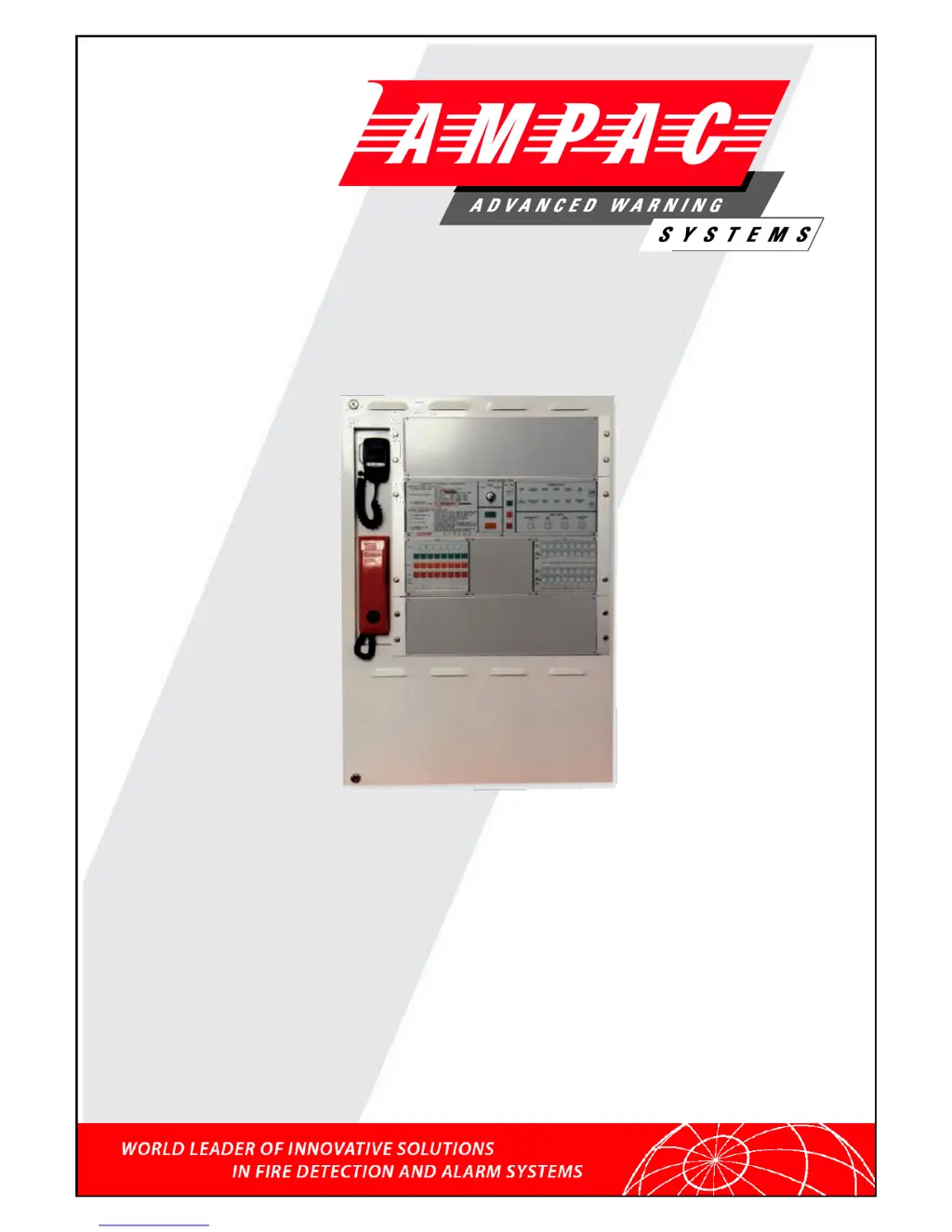
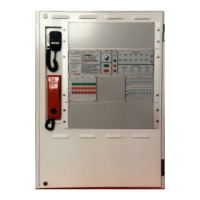
EV3000
Occupant Warning &
Intercommunications System
(2 Wire / S004)
Installation & Commissioning
MAN1813-5

Table of Contents

Other manuals for Ampac EV3000

Questions and Answers

  • C
    Christopher WoodSep 9, 2025
    What causes an OWS zone fault affecting all zones on my Ampac EV3000 Control Panel?
    • R
      Robert ScottSep 9, 2025
      An OWS Zone Fault affecting all zones on your Ampac Control Panel, specifically related to the amplifier/speaker, can stem from several causes. Ensure the Mic Mixer 302 4840 is plugged in; if not, plug it back in. If the test signal generator on the 302 4840 is faulty, replace it. Lastly, check the amplifier bus cable for disconnections or faults and reconnect or replace it as necessary.
  • B
    Blake GarciaSep 12, 2025
    How do I troubleshoot an OWS zone fault (visual) on my Ampac Control Panel?
    • H
      Heidi FullerSep 12, 2025
      An OWS Zone Fault related to visual components in your Ampac Control Panel can be attributed to a few issues. Check the visual cabling and connections for faults, looking for open or short circuits in the cable to the visual line. Also, inspect the fuse on the visual output connection board and replace it with a 1 amp fuse if it's blown.
  • J
    Jacob MartinSep 13, 2025
    What causes an OWS zone fault in the alarm system of my Ampac Control Panel?
    • K
      katelyn59Sep 13, 2025
      An OWS Zone Fault related to the alarm system on your Ampac Control Panel can be caused by several factors. Inspect the alarm system cabling for faults, particularly looking for an open circuit in the cable to the alarm system. Ensure a 10k resistor is installed at the alarm system end of the cable. If the FACP input connection board is faulty, replace the board.
  • B
    Brian WalkerSep 16, 2025
    Why is there no fault indication in the zone status for an OWS zone fault on my Ampac Control Panel?
    • K
      Katie WilsonSep 16, 2025
      If you're experiencing an OWS Zone Fault on your Ampac Control Panel but there's no fault indication in the zone status, it could be due to a faulty common BGA on the panel. Check that a 10k EOL is installed, verify the BGA is okay, and inspect the wiring from the panel BGA to the 302-4790 master keyswitch panel.

Summary

System Description

Occupant Warning System (OWS)

Details the OWS function, zones, audio channels, and input types.

Occupant Intercommunication System (OIS)

Explains the OIS features for communication between ECP and WIP.

OWIS Components

The Emergency Control Panel

Describes the ECP's structure and functions.

OWS, OIS And ECP Operation

Emergency Control Panel Operations

Covers operating instructions, key switch modes, and system indicators.

OWS Zone Control Panel

Details OWS zone control switches, indicators, faults, and labelling.

OIS Control Panel Operations

Explains OIS controls, WIP calls, conference calls, and system operation.

Installation Procedures

Safety Precautions

Safety guidelines for static discharge and working on the system.

Working On The System

Safety guidelines for working with the system.

Connecting The EV3000

Field Devices

Placing System Into Operation

System Power Up Sequence

Outlines pre-operation checks and the system power-up sequence.

Time Out Setting For Automatic Evacuation Sequence

Explains how to set the timeout for automatic evacuation sequences.

Faults and Troubleshooting

Fault Indicators

Describes fault indicators and diagnostic methods for fault finding.

Fault Diagnostics

Explains how the MECP identifies zone fault types.

Trouble Shooting

Ampac EV3000 Specifications

General IconGeneral
Operating Temperature32°F to 120°F (0°C to 49°C)
Output Voltage24V DC
Frequency50/60Hz
Battery TypeSealed lead-acid
Input Voltage120/240V AC

Related product manuals