27 Before the first ride Ampler – Stellar / Stout
6.3 Basic features
6.3.1 Switching the Pedelec on and o
DANGER
Trying to press the power button while riding can cause an impairment of balance
Stop the ride to operate the power button.
Falls and crashes can occur when concentrating too much on the display operations while riding.
Keep the focus on the road ahead and your surroundings while riding.
The Pedelec switches on automatically when the Ampler Bike App is connected to the Pedelec via Bluetooth, unless it is
switched on for the rst time after unboxing.
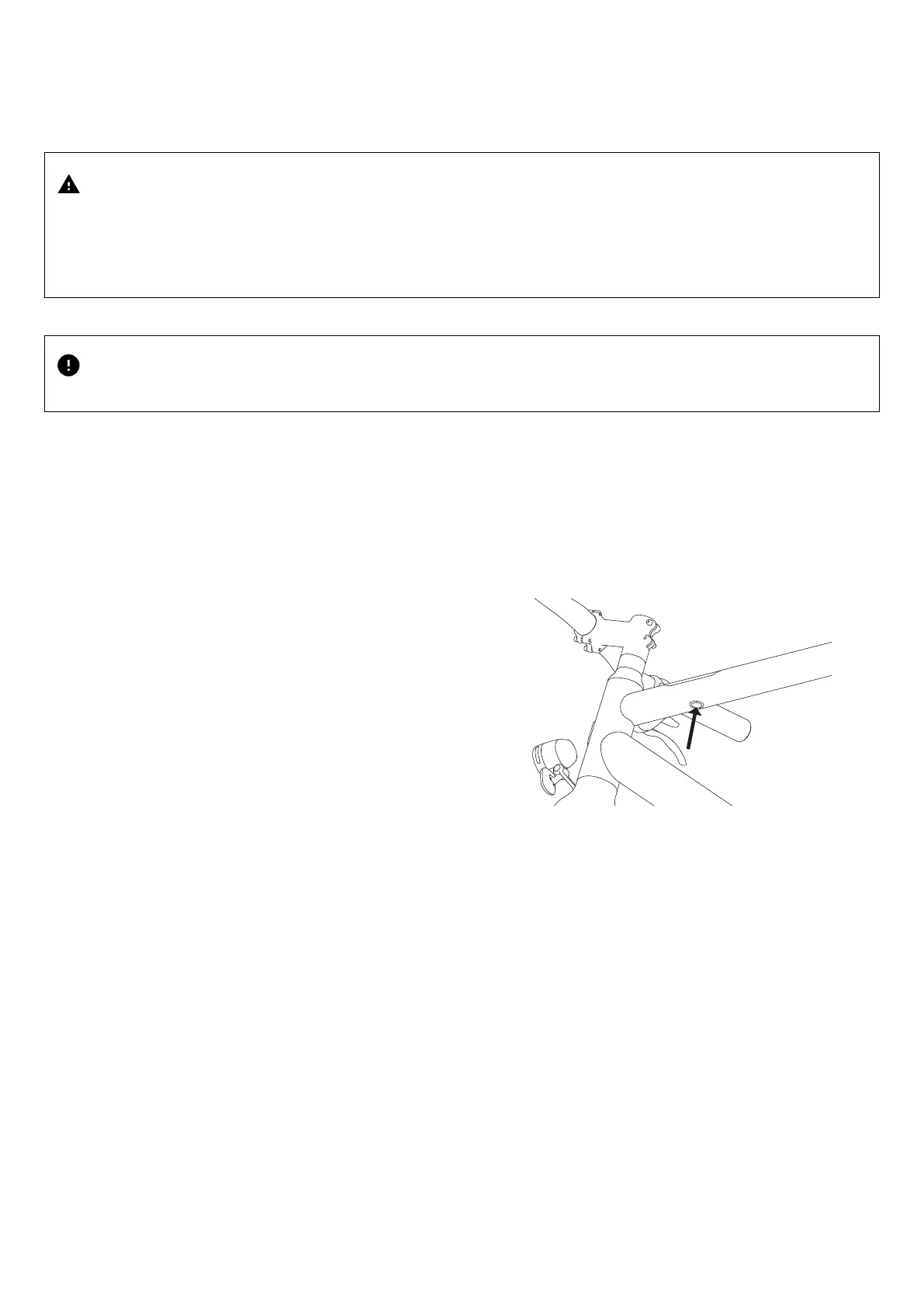
The power button underneath the display is where all electronic core functions of your Ampler are operated. The core functions and
individual settings can also be set through the Ampler Bike App.
Switching on the Pedelec (rst start-up)
When you start the pedelec for the rst time a special procedure is necessary in order to wake the bike up from its shipping mode.
Display is o, Pedelec is o.
1. Go to the left side of the seat tube and lift the charging port cover
2. Insert the magnetic charger plug into the charging socket.
3. Insert the mains plug of the charger into the mains socket.
4. Briey press the power button 1x.
y The display shows the Ampler Logo shortly.
y The display then shows the active state.
1. Battery state of charge
2. Range
3. Assist mode
4. GPS status
y The Pedelec is switched on.
Switching on the Pedelec (normal start-up from standby)
Display is o, Pedelec is o.
J Briey press the power button 1x.
y The display shows the Ampler Logo shortly.
y The display then shows the active state.
y The Pedelec is switched on.



 To Next Page