EasyManua.ls Logo

amplex GENIE II - User Manual

amplex GENIE II
44 pages
Print Icon
To Next Page IconTo Next Page
Loading...
GENIE
®
II Mk2/ eazyReport
TM
software
1
GENIE
®
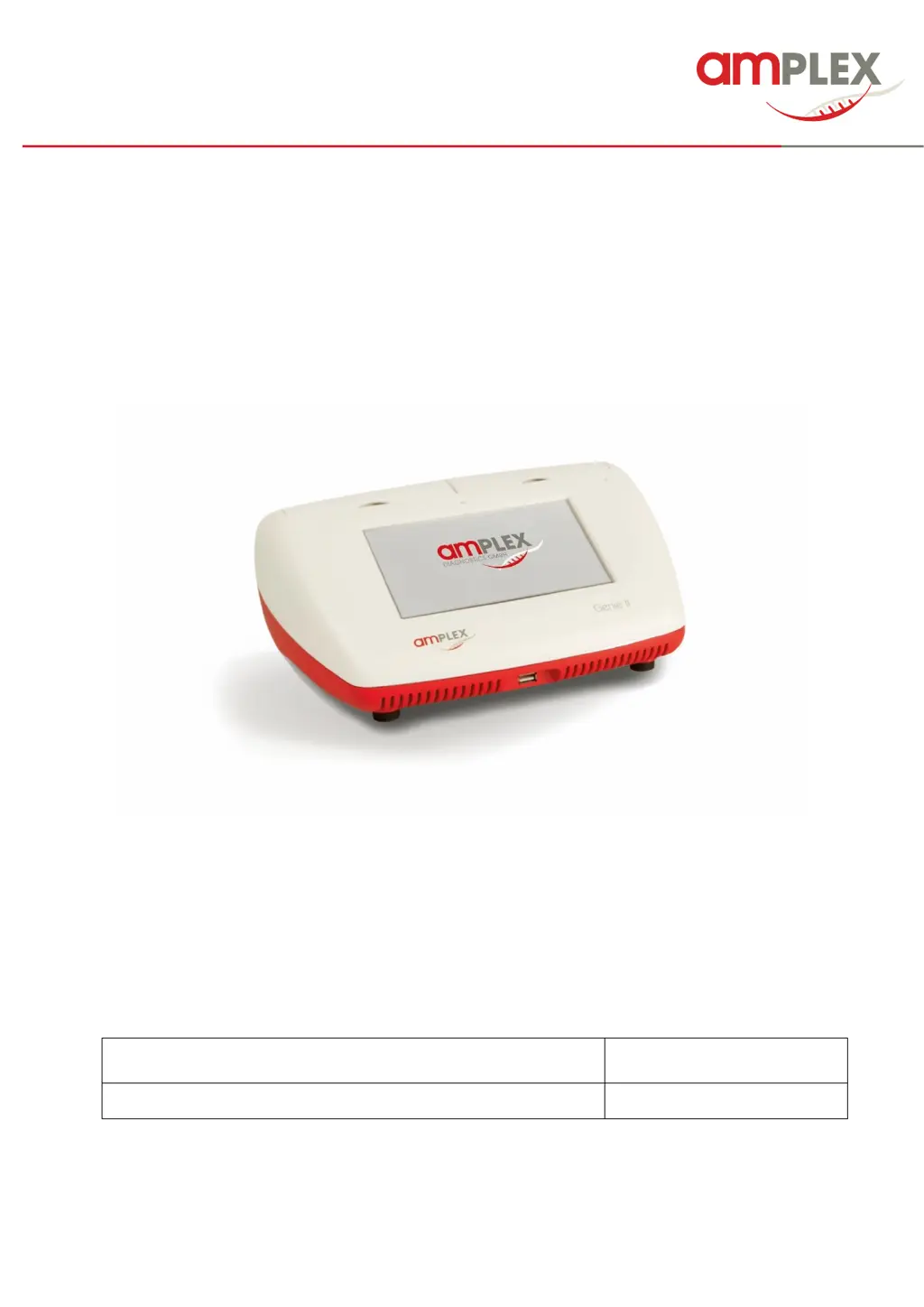
II Mk2 device with
eazyReport
TM
software
Instructions for use
In vitro diagnostic medical device

GENIE
®
II Mk2 device with eazyReport
TM
software
REF: 7500
language: English
valid from: 2021/02/18

Questions and Answers

  • G
    Grace EdwardsAug 8, 2025
    How to fix Amplex Laboratory Equipment that does not power up?
    • K
      Kelli MartinAug 8, 2025
      If your Amplex Laboratory Equipment isn't powering on, first, turn the power switch off, wait 15 seconds, and then turn it back on. If it still doesn't power up, connect the power supply plug to the back of the instrument, then attach the power cable to the supply. Allow the internal battery to charge for 2 hours before switching it on.

Summary

Introduction to Genie II Mk2

Intended Use of the Device

Describes the device's purpose in in vitro diagnostic use with eazyplex® kits.

Safety Notices and Precautions

Provides crucial safety information before operating the Genie® II Mk2 device.

Getting Started with Genie II Mk2

Initial Setup Steps

Outlines the initial steps after receiving a new Genie® II Mk2 device.

System Care and Maintenance

Running a Test on Genie II Mk2

Starting a New Test Run

Details the procedure for initiating a new test run on the Genie® II Mk2 device.

Stopping an Active Test Run

Explains how to abort an ongoing test run on the Genie® II Mk2 device.

Viewing and Interpreting Results

Explains how to view and interpret the results obtained from a Genie® II Mk2 test run.

Accessing Results and Log Files

Troubleshooting Genie II Mk2 Issues

Resolving Power-Up Problems

Offers solutions for issues related to the Genie® II Mk2 device failing to power on.

Understanding Error Messages

Explains common error messages displayed by the Genie® II Mk2 and their meanings.

Addressing Beeping During Runs

Addresses the issue of the Genie® II Mk2 beeping during operation and potential causes.

Handling Questionable Results

Provides guidance on handling or interpreting ambiguous or invalid test results from the Genie® II Mk2.

Device Maintenance Procedures

Performing a Self Test

Guides users on how to initiate and interpret the results of a self-test on the Genie® II Mk2.

Recalibrating Lid Sensors

Details the process for recalibrating the lid sensors if the Genie® II Mk2 device beeps during operation.

amplex GENIE II Specifications

General IconGeneral
Brandamplex
ModelGENIE II
CategoryLaboratory Equipment
LanguageEnglish