GENIE
®
II Mk2/ eazyReport
TM
software
18
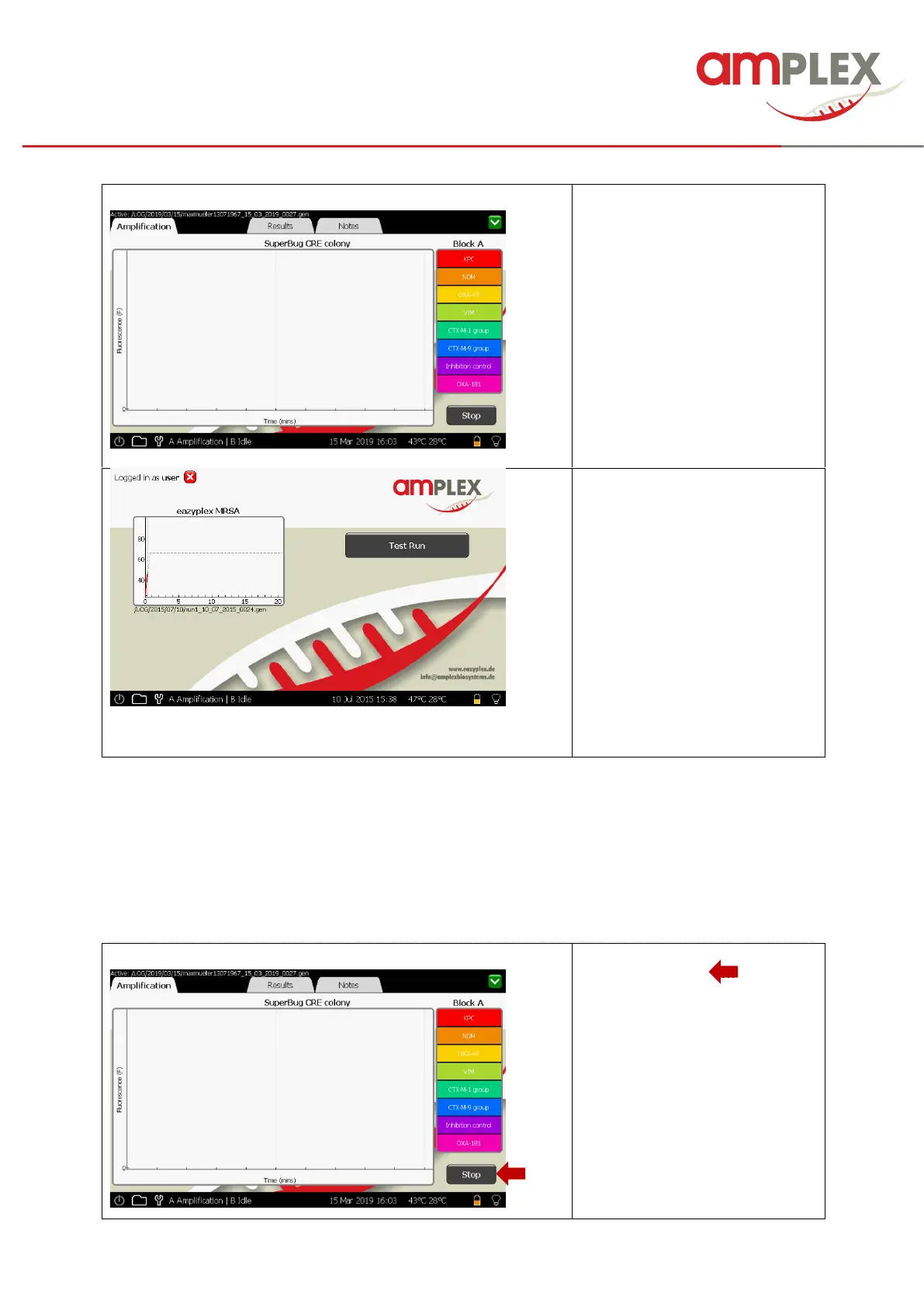
The window opens with the
amplification screen / tap open.
Signalling starts after 3 min
The green LED is flashing to
signal that the device is running.
Chart can be minimized by tipping
the green close button in the
upper right corner (e.g. to start a
second test run, as stated below)
If the second block is not in use, a
second test run can be initiated:
(Re-maximizing the screen of the
running test is possible by
touching the chart again).
Choose “Test Run” and repeat the
instructions made above for the
first run.
After completion of the test run close the run file by tipping the green close button in the upper right
corner. Open the lid and remove the test strip (Attention, block could still be hot!)
!Never open a test strip after use! Danger of contamination!
For details and “Trouble Shooting” see eazyplex
®
IFU.
STOP A TEST RUN:
The ‘Stop’ button ( …..) will abort
a run in progress!
A confirmation pop-up box will
prompt ‘Yes’ or ‘No’.
! If you stop a run the result chart
won’t be filled!



 To Next Page