GENIE
®
II Mk2/ eazyReport
TM
software
9
USER INTERFACE
Genie
®
II Mk2 uses a touchscreen for viewing and inputting data.
Touch the screen gently and press the appropriate keys when required. The touch screen can be
operated while wearing protective gloves or by using the stylus included with the device.
IMPORTANT! Do not use a pen or any other sharp implements to touch the screen.
GENIE
®
II Mk2 WELCOME SCREEN
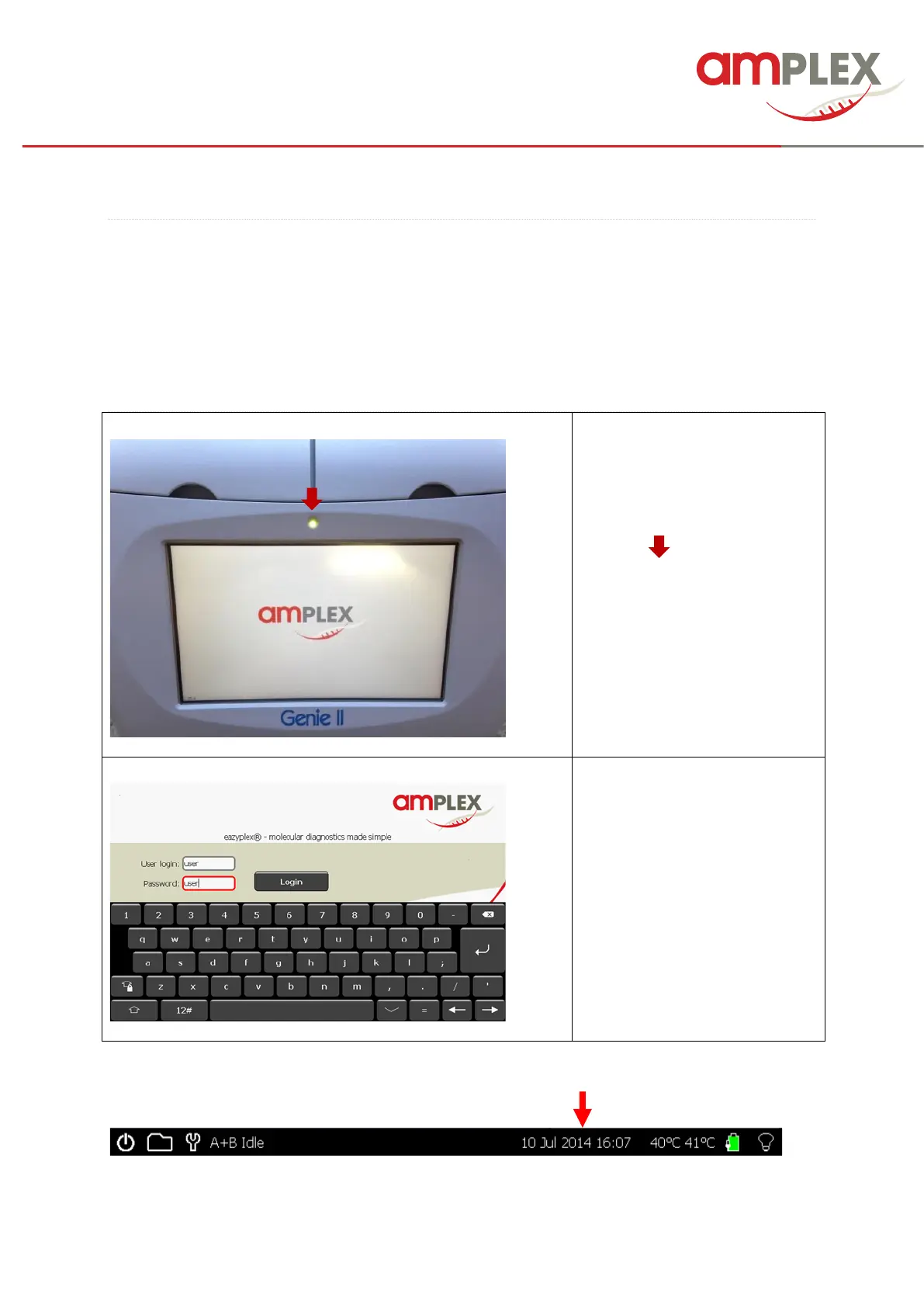
When switching on the Genie (at
the back), the LED above the
screen will be amber in colour.
Please wait for the light to change
to green ( ),
THEN touch the Screen to access
the main menu.
→ eazyplex® IFU 8.1
Login
with your User ID
and your password
IMPORTANT! When running for the first time check that the date and time on the status bar are
correct. These can be changed as follows.



 To Next Page