GENIE
®
II Mk2/ eazyReport
TM
software
19
ADDING INFORMATION TO A TEST RUN:
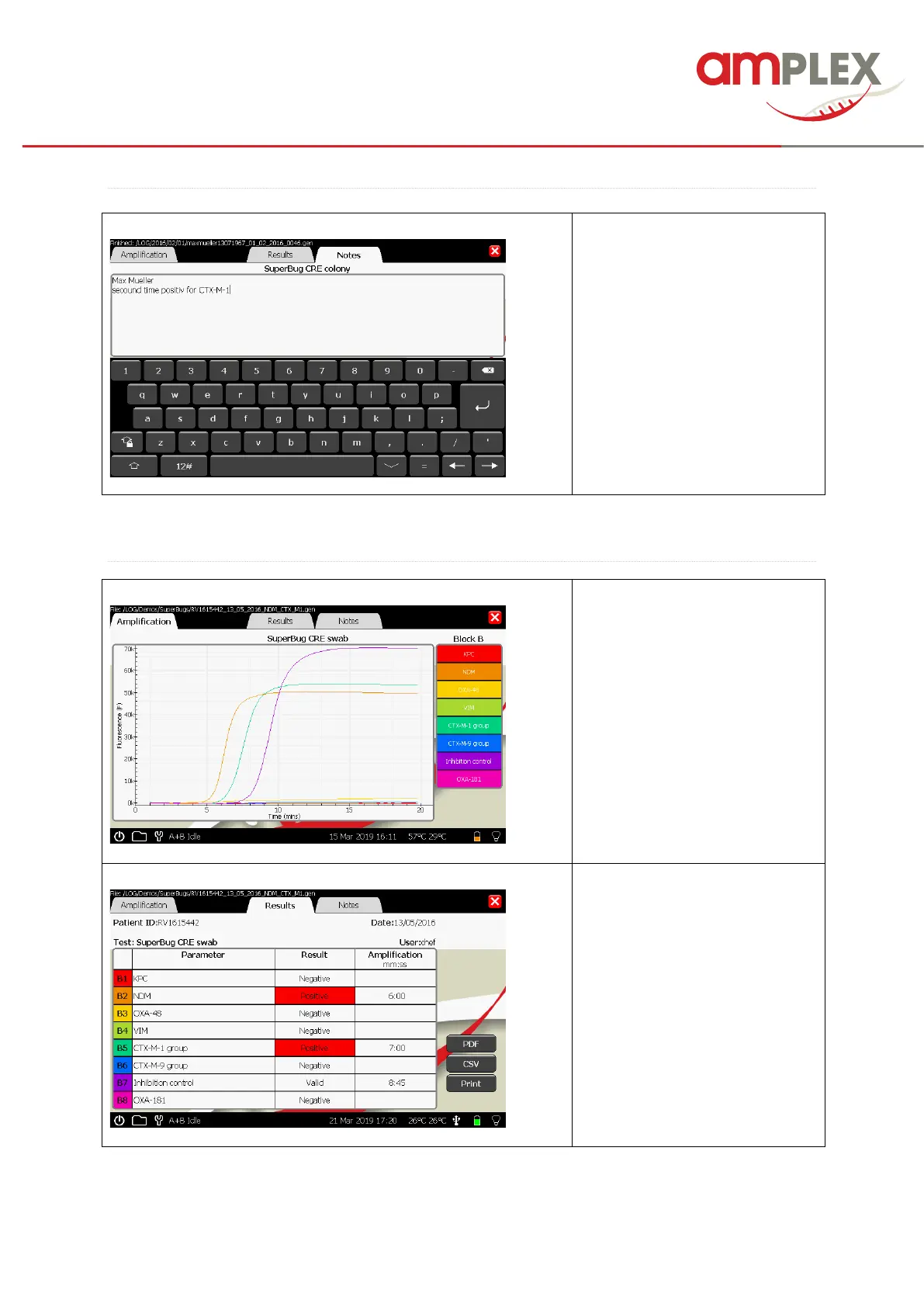
If you would like to add some
notes to the sample or the
patient, please open the “Notes”
sheet.
Type it in via the key pad and
confirm with “return”.
! Caution if you activated the
capital letters the return button
will be a X.
The amplification shows the
fluorescence data that is being
acquired during the amplification
phase of the experiment.
To see the result table, tip the
“Result” tab.
! The result table will be filled
AFTER the test run.
The times in the column
“Amplification” are the time points
when the results are given out as
positive / valid.
All results are saved as .gen file at the device (LOG) and can be opened every time (Please have a
look at page 25).



 To Next Page