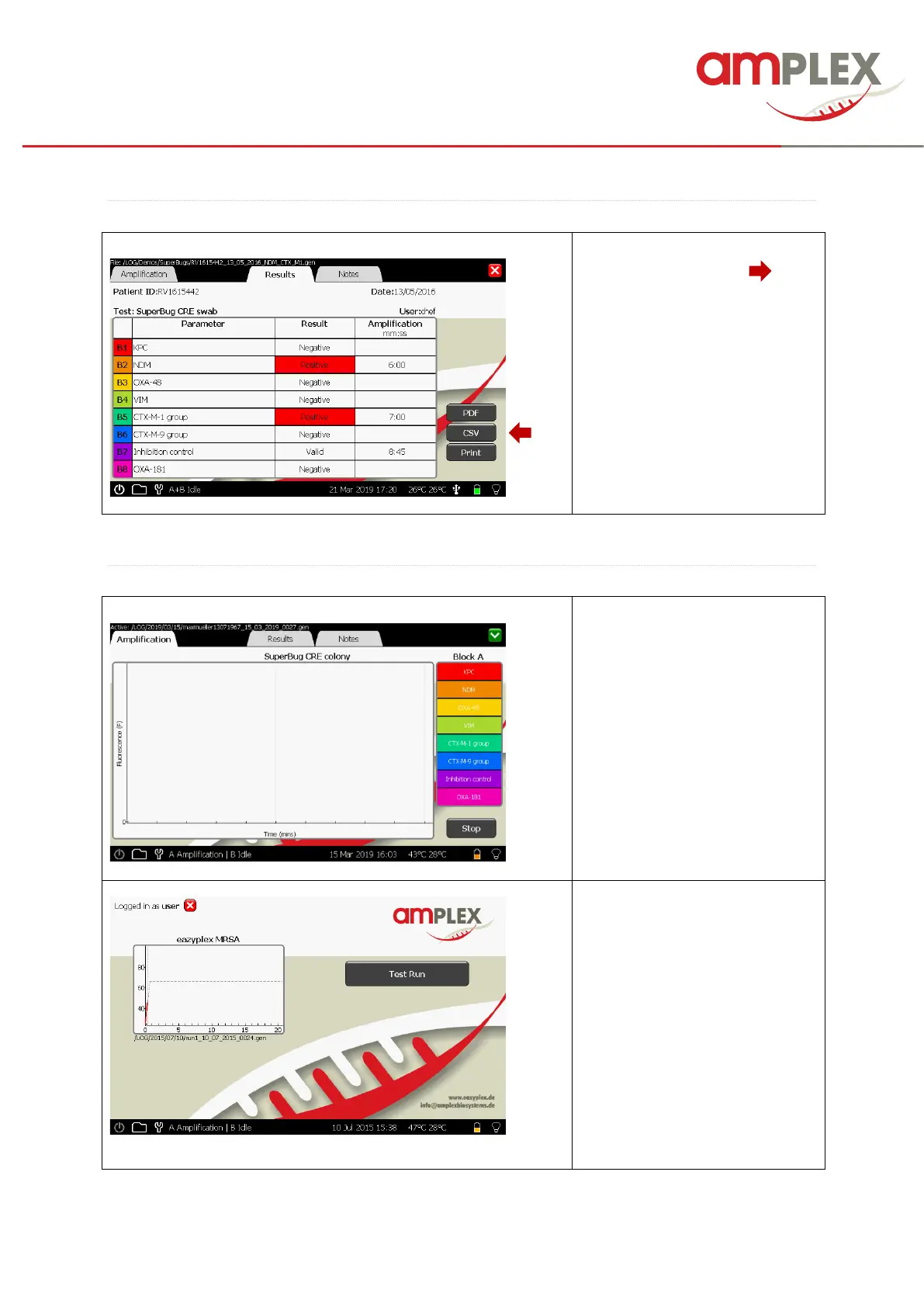
You can also export the results as
a CSV file via the CSV ( )
button. It will be stored in the
“Report” folder at the Genie.
If the device is connected to a HIS
/LIS System the file is ready to be
collected from the “Report” folder.
The definition of the data
collection has to be done of the
HIS / LIS administrator.
If you would like to start a second
run, minimize the chart by tipping
the green close button in the
upper right corner.
If the second block is not in use, a
second test run can be initiated:
Choose “test run” and repeat the
instructions made above (page
16) for the first run.



 To Next Page