GENIE
®
II Mk2/ eazyReport
TM
software
8
CONNECTIONS:
Genie
®
II Mk2 is ready to use straight out of the box without any external connections. It can be
operated standalone, taking power from its internal battery. In order to charge the battery, some
connections must be made.
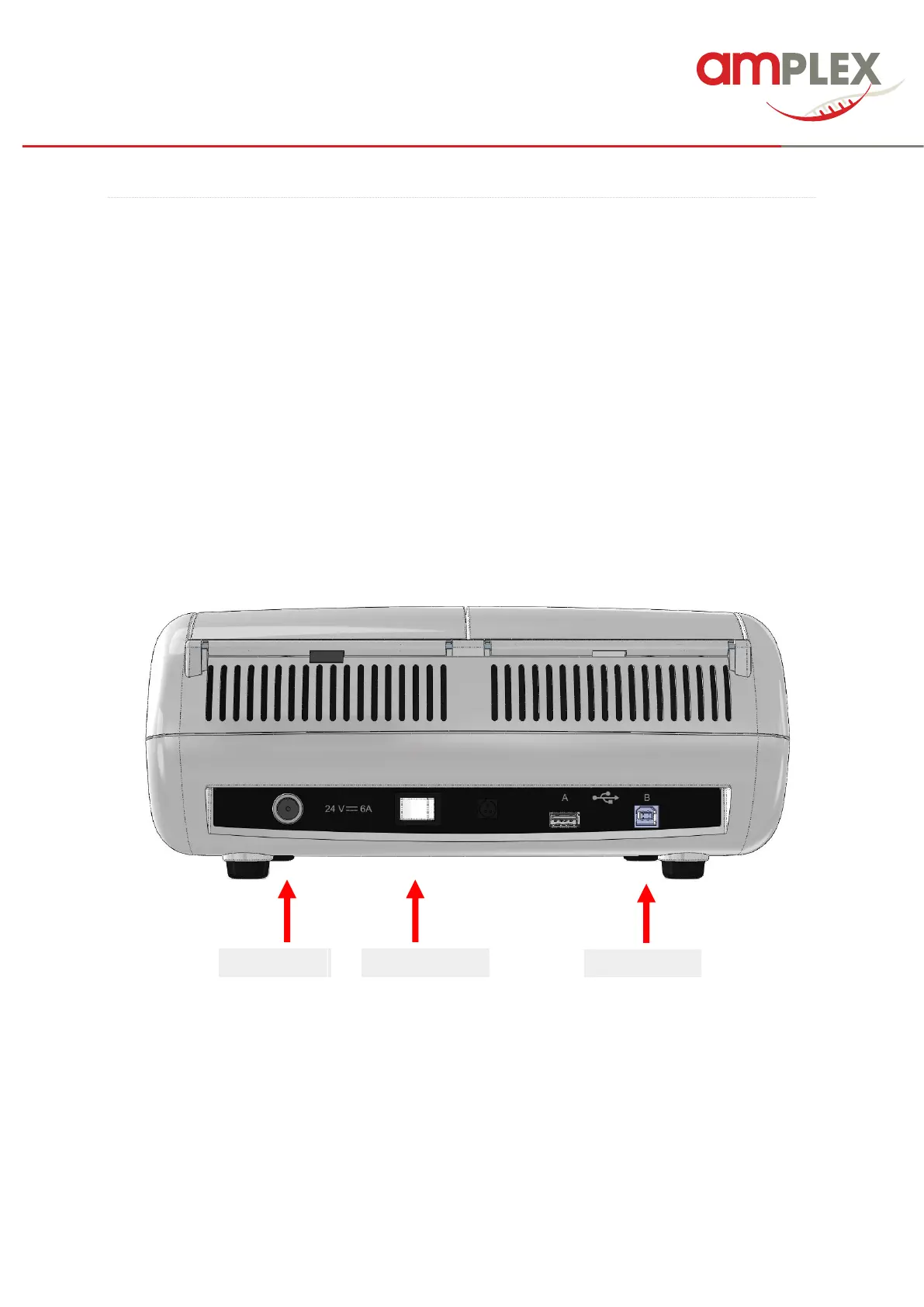
Attach the power supply plug to the supply and connect the power cable into the back of the device.
When you switch on the Genie
®
II Mk2 will it will start immediately a self-check of the optics and the
heating.
NOTE To maintain the battery life as long as possible, disconnect the device from time to time and
leave the battery almost completely discharge during operation (battery symbol red). Only then
reconnect the device to the mains.
ATTENTION The battery only charges when the device is switched on via the main switch on the
back. To save energy, switch the device to standby mode (page 35) or turn it off completely when not
in use.



 To Next Page