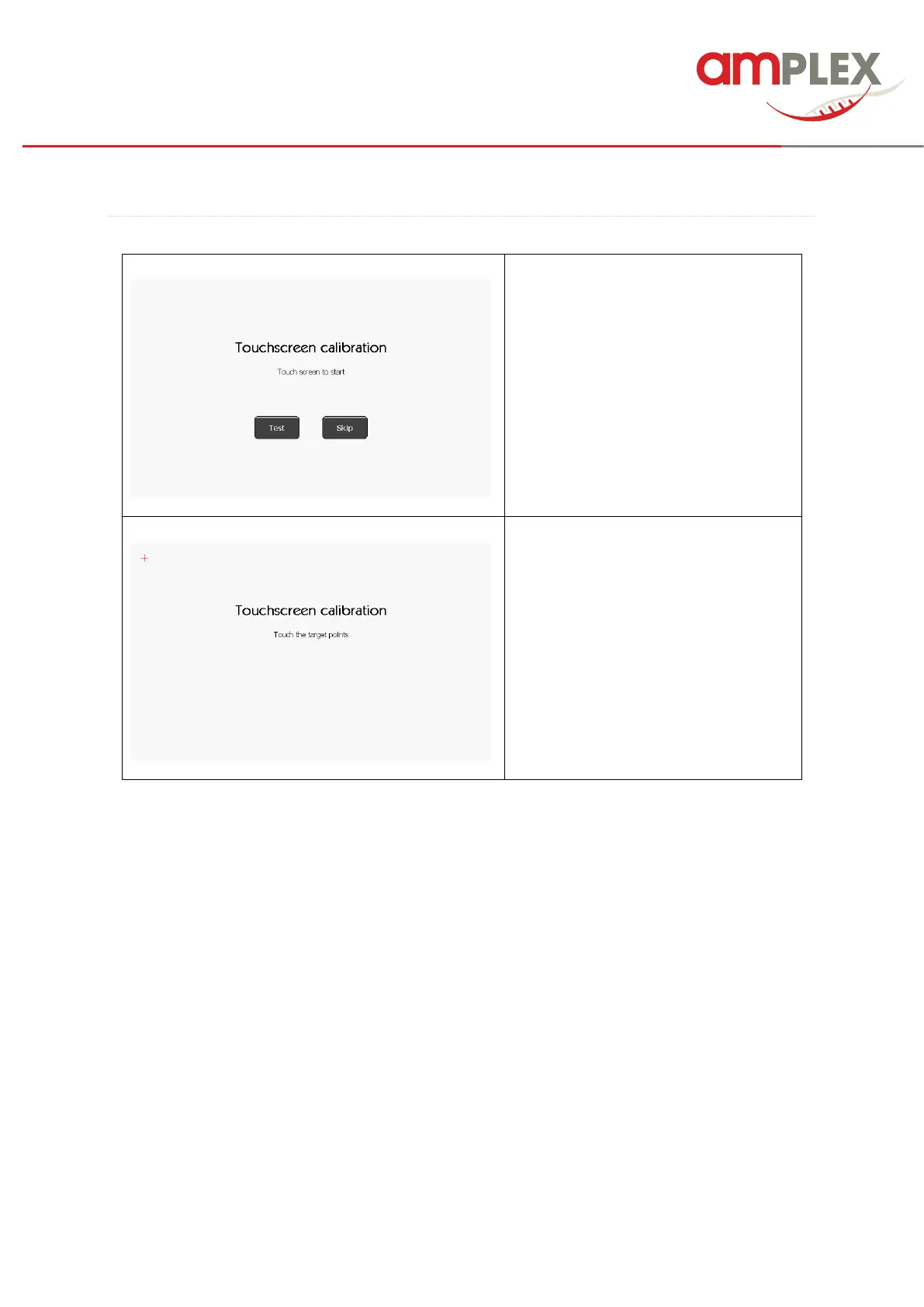
Touching anywhere on the screen with
the exception of ‘Test’ or ‘Skip’ will
invoke the touchscreen calibration.
To check the sensitivity of the screen
press ‘Test’ and “points”. Any point
pressed on the screen will then be
marked.
Calibrate the touchscreen by touching
the target points shown on the screen
(the stylus should be used for this).
It is also possible to run the touchscreen calibration when the device first starts. Press and hold down
on the welcome screen for 5 seconds to initiate.



 To Next Page