GENIE
®
II Mk2/ eazyReport
TM
software
34
Chapter 8: MAINTENANCE
CLEANING AND DECONTAMINATION:
For the daily or weekly disinfection of the surfaces of the Genie
®
II Mk2, the touch screen and the wire
the disinfectant Meliseptol
®
Wipes sensitive from B. Braun Melsungen AG or something comparable is
suitable. Due to the use of those wipes the chance of bringing liquids to the optics is minimized.
Spillages of potentially infectious material should be wiped off immediately with the Meliseptol
®
Wipes
sensitive.
BATTERY AND CHARGING:
Genie
®
II Mk2 has an internal rechargeable battery.
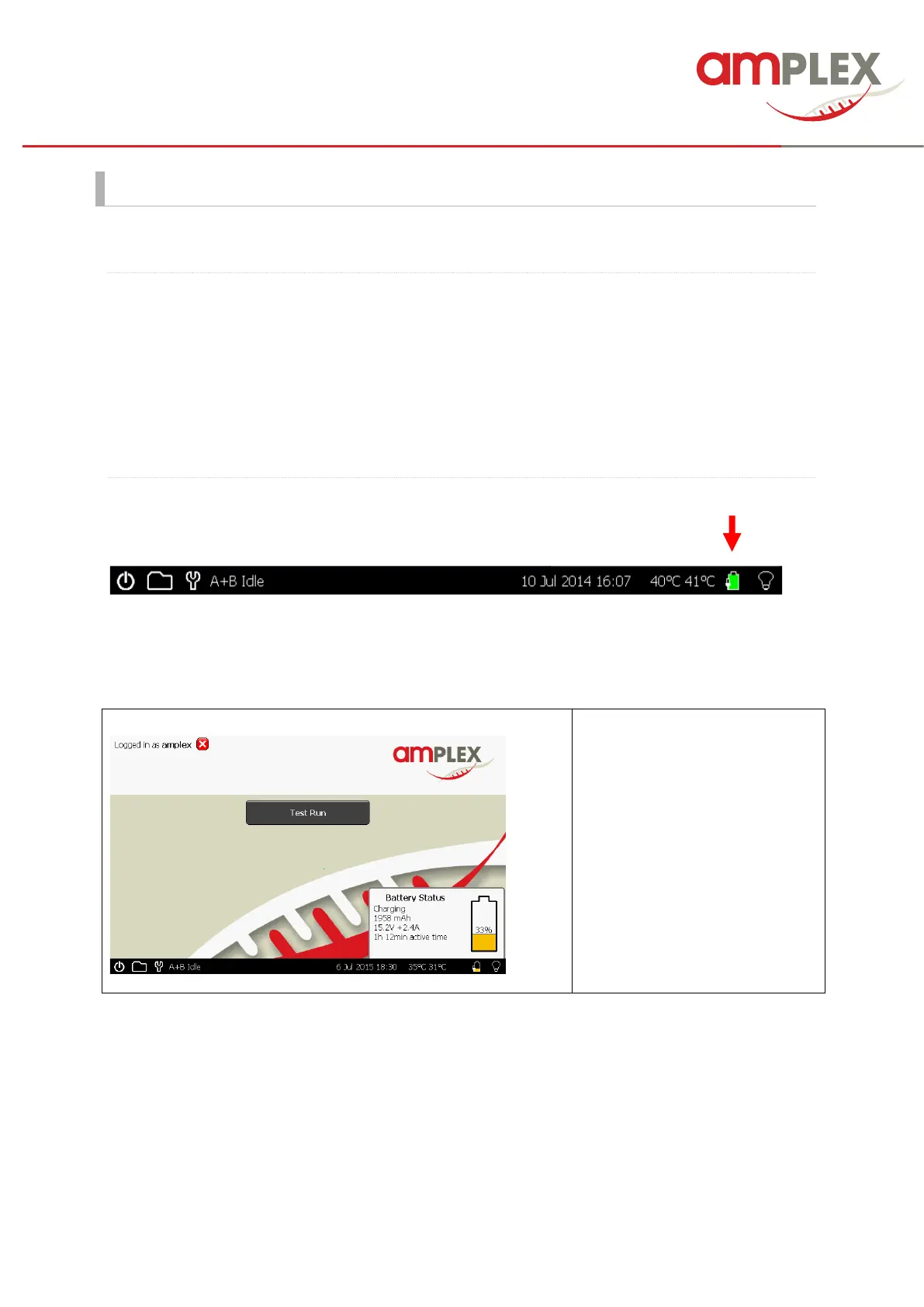
The battery monitor is on the status bar next to the block temperature reading.
To see more details on the battery, press the battery icon and the monitor will appear as a pop-up in
the bottom right corner of the screen. To close the pop-up press on the status bar indicator again.
The small plug close to the
battery symbol and the
description in the pop-up shows
you that the battery is currently
charging (the Genie is pluged in).
IMPORTANT! Genie
®
II Mk2’s internal battery will only charge when the instrument is plugged into
mains electricity and the instrument is switched on. Genie
®
II Mk2 can be placed into standby using
the power button in the bottom left corner. The LED above the display will glow brightly until the
battery is fully charged. At this point Genie
®
II Mk2 can be switched off using the switch on the rear.



 To Next Page