GENIE
®
II Mk2/ eazyReport
TM
software
41
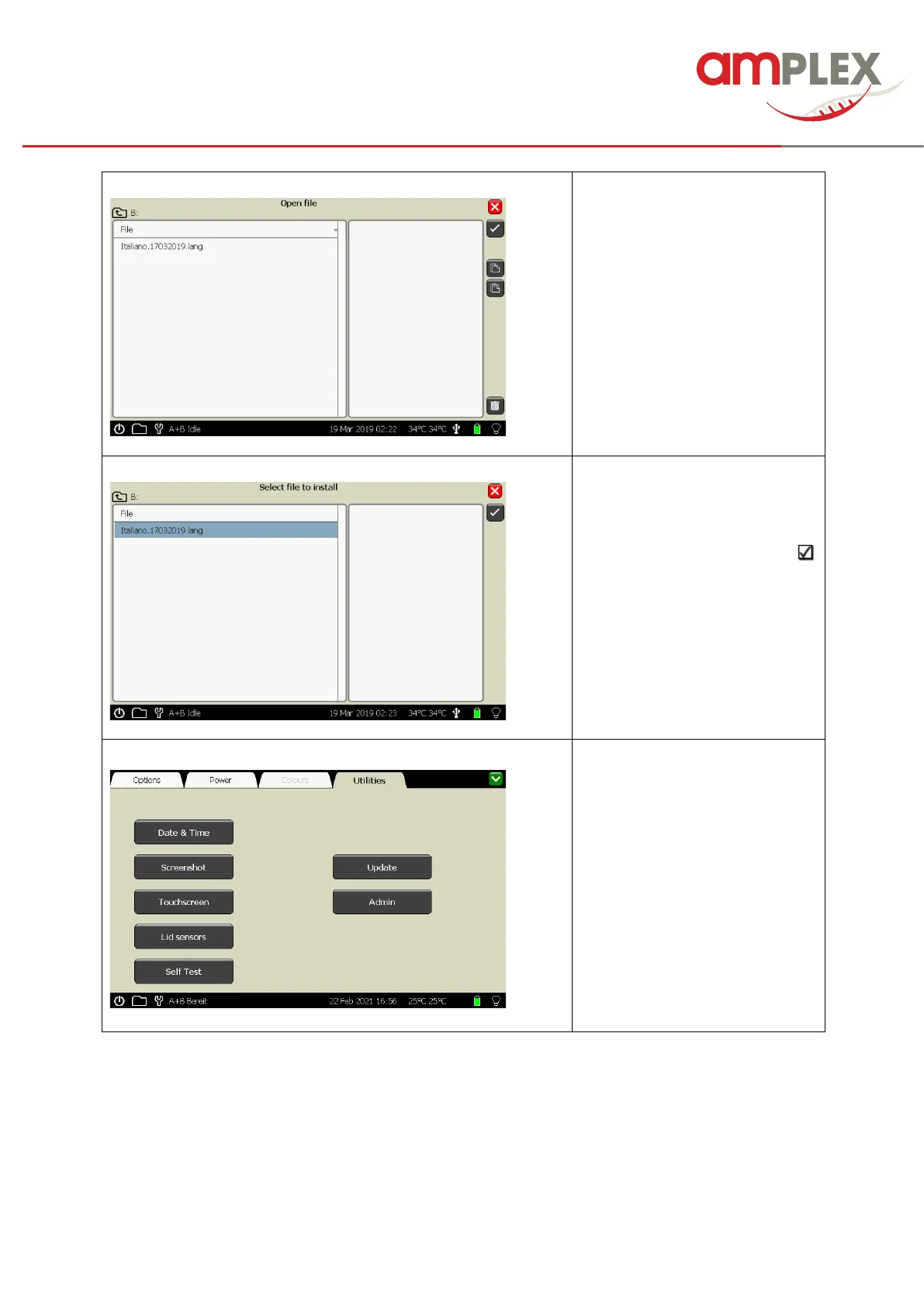
Copy the files to the USB drive,
delivered with the Genie and
connect the USB to a USB port of
the Genie.
You will see the saved language
files etc..
! In case you can’t see them
(because you opened the file level
already), close the window and
open it again.
Choose a language file and
activate it by tipping, now it is
highlighted in blue.
Then confirm the selection with
and the file will be installed.
Please wait for it to finish before
trying to do anything else
If the file is installed, you get the
information in an pop-up box,
which will vanish. The installation
is completed.
To install the next language OR a
software package etc., please
repeat the procedure as
described above.
Leave this software area by
tipping the green close button in
the upper right corner.



 To Next Page