UHM210-11 User Guide
19
amscope.com
Operang Mode: PC
To operate in PC mode, connect the microscope to a Windows computer using a USB connecon. The included USB cable
has a type-C connector on one end, and a type-A connector on the other. The USB-C connector must be connected to
the microscope’s USB/Power port. Move the power switch to the “I” (on) posion. Once a PC connecon is detected, the
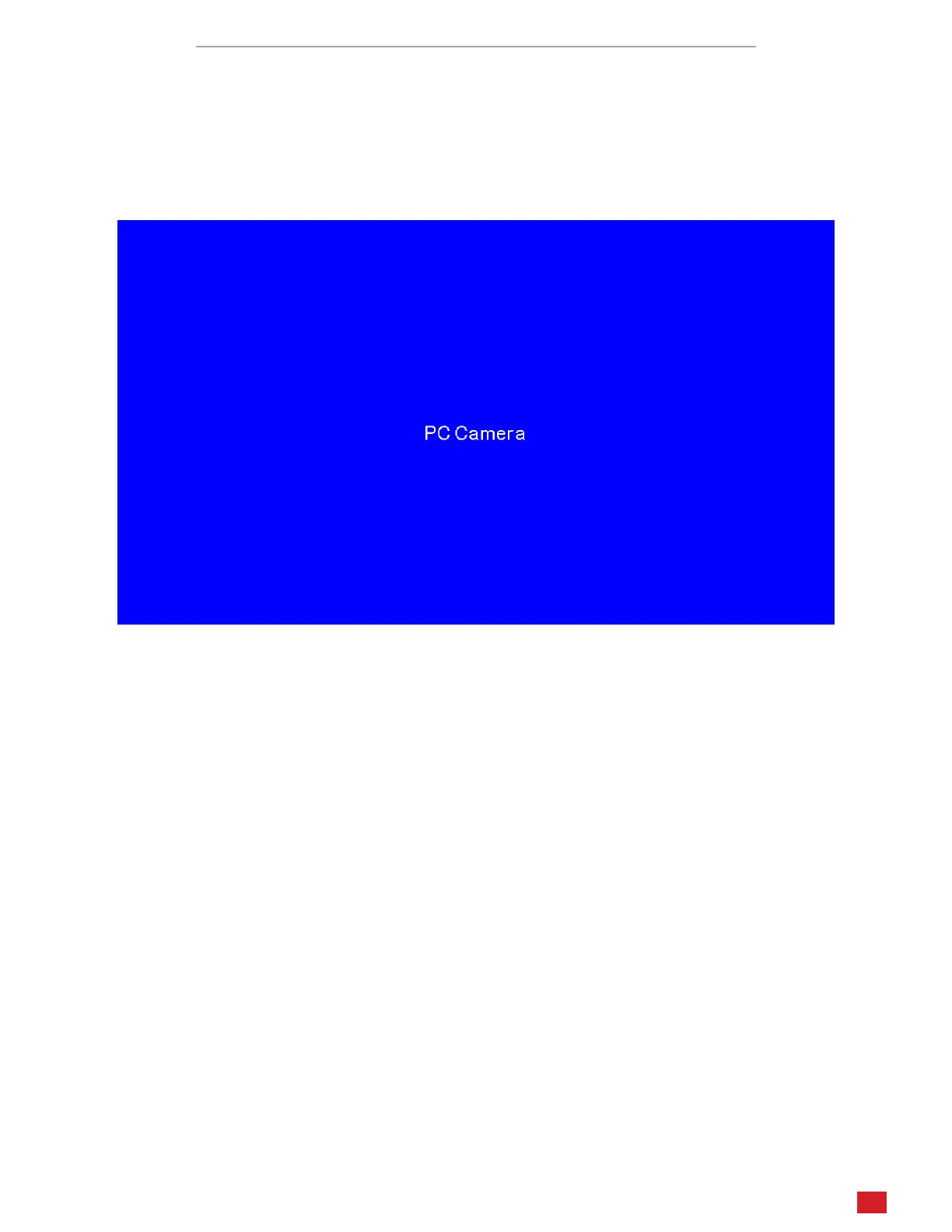
microscope will enter PC mode. If the microscope is connected to an HDMI display, a blue screen will be displayed stang
the microscope is operang in PC mode. The control panel’s buons will not funcon.
When connected to a PC, the microscope will funcon as a UVC (USB Video Class) camera. It can be used by compable
Windows soware such as the Camera app, or with KoPaCapture soware which is available on the AmScope website on
the soware downloads page.












 To Previous Page