UHM210-11 User Guide
9
amscope.com
Operang Mode: HDMI
To operate in HDMI mode, the microscope must be aached to a power supply using the included USB cable. The cable
has a type-C connector on one end, and a type-A connector on the other. The USB-C connector must be connected to the
microscope’s USB/Power port. To power the microscope using AC power, plug the included AC-USB adapter into an AC
outlet, then plug the USB cable’s type-A connector into the USB port on the adapter. Alternavely, a 5V USB power bank
can be used as long as it can supply at least 900mA. In this case, the USB cable’s type-A connector would plug directly
into one of the power bank’s type-A USB ports.
To connect this microscope to an HDMI monitor, television, or other compable viewing device, use the included HDMI
cable or another compable cable with the appropriate connectors. The included cable has a mini-HDMI connector on
one end, and a standard HDMI connector on the other. Plug the mini-HDMI connector into the microscope’s HDMI port.
Plug the other end into the viewing device’s HDMI input. Move the microscope’s power switch to the “I” (on) posion.
Aer a few seconds, a live image will be displayed on the screen.
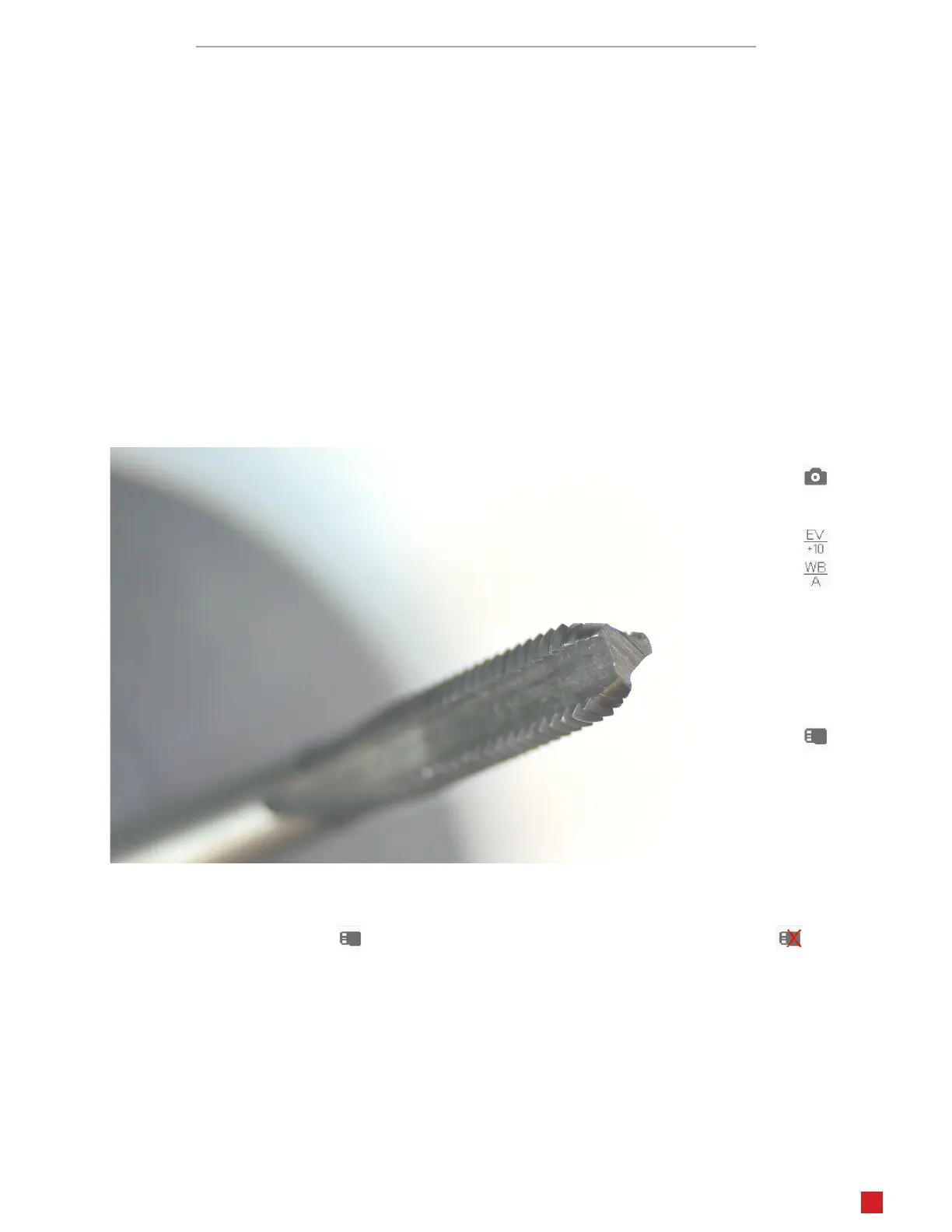
While in HDMI mode, the microscope uses internal soware to capture images and video, as well as to control the imag-
ing device’s sengs. Several icons may be displayed on the screen, displaying such things as the imaging mode, expo-
sure, white balance, and media status. The icons will be hidden aer 10 seconds of inacvity, but will display again when
a control buon is pressed.
Recording Media
In order to capture or play photos/videos in any mode, a formaed MicroSD card must be inserted into the MicroSD slot.
When compable media is present, the icon will be displayed. If no compable media is found, the icon will be
displayed.
Captured photos will be automacally saved in JPEG format to the MicroSD card using a sequenal naming convenon:
photo_00001.jpg, photo_00002.jpg, etc.. Captured videos will be automacally saved in MOV format to the MicroSD
card using a sequenal naming convenon: video_0001.jpg, video_0002.jpg, etc..
This microscope is compable with MicroSD cards up to 128GB. In the case that a 64GB or larger card is not recognized
by this device, and the formang funcon does not work, it is recommended to format the card as FAT32 using a com-
puter.












 To Next Page