UHM210-11 User Guide UHM210-11 User Guide
8
amscope.com
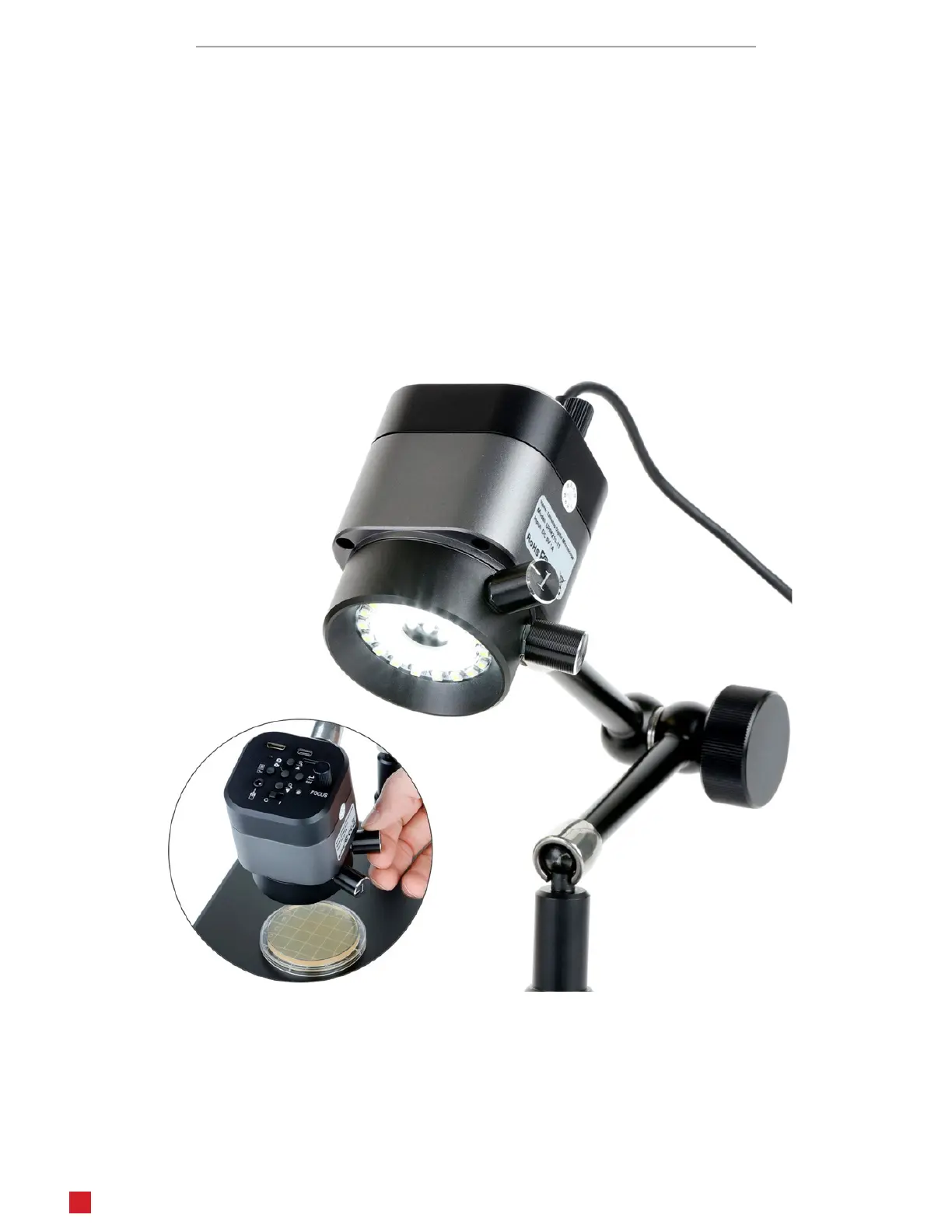
Focus
The microscope’s focus is mechanically controlled using a knob on the control panel. Rotang the knob clockwise will
extend the working distance to focus on objects farther away. Rotang the knob counter-clockwise will reduce the work-
ing distance to focus on closer objects. Magnicaon is also aected by these adjustments, increasing as the working
distance is shortened.
Illuminaon
The microscope is equipped with two independent ring lights. Each ring light is controlled by a separate knob on the side
of the microscope. While the microscope is connected to a power source, the ring lights will operate independent of the
microscope’s power switch. The knob engraved with the number 1 controls the outer ring light which provides diuse
illuminaon which is suitable for most observaon as it more even. The knob engraved with the number 2 controls the
inner ring light which provides direct illuminaon which is well-suited for viewing surface details such as scratches and
textures. Rotate either knob clockwise to increase brightness, or counter-clockwise to decrease brightness.












 To Next Page