Maintenance and care qTOWER
3
touch/qTOWER
3
G touch
32
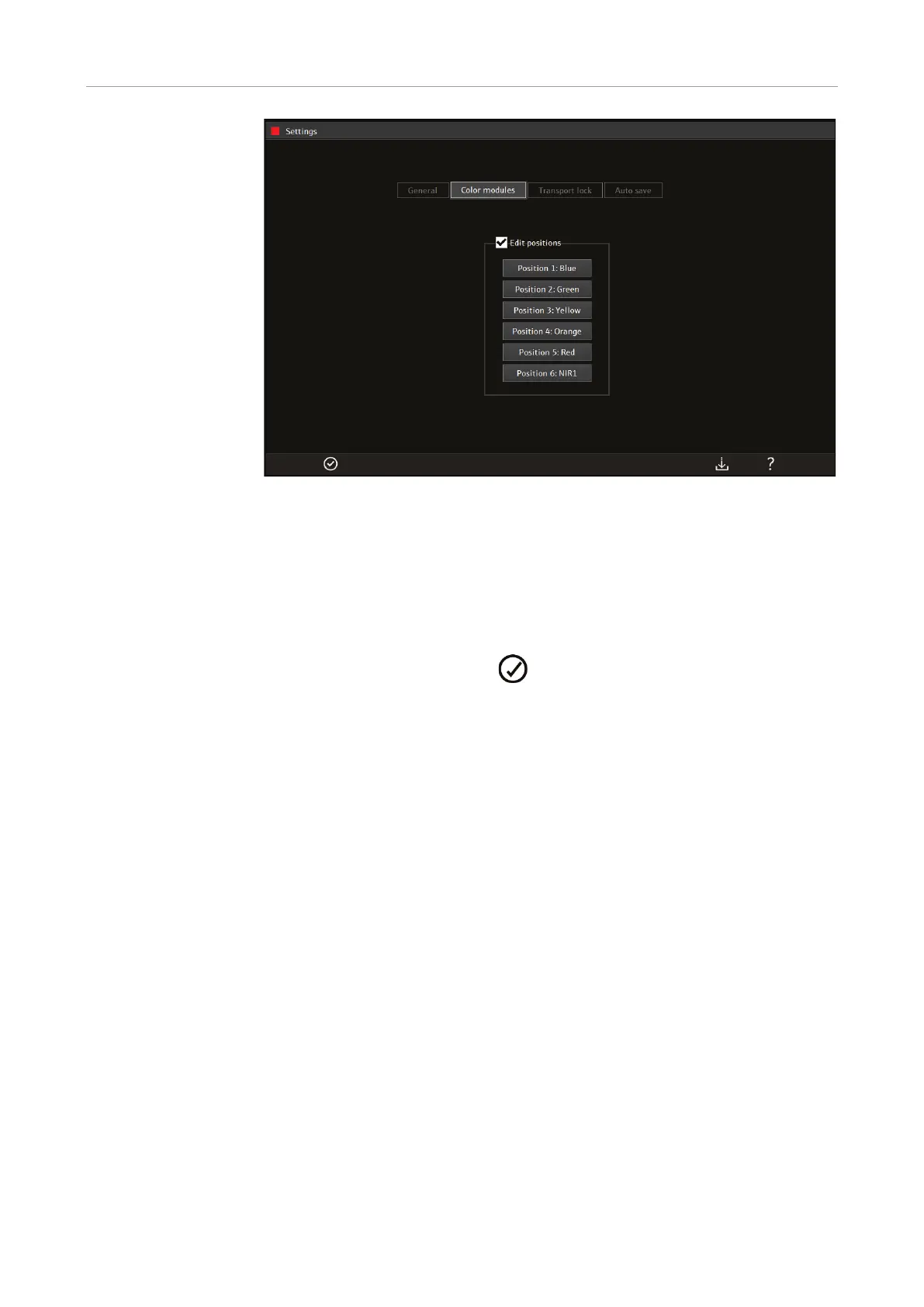
Tap to select the position in which the color module was installed.
A list opens showing all 12 color modules available (Blue, Green, Yellow, etc.)
Tap to select the corresponding color module.
For positions that are occupied with a dummy element select NONE in the list.
Follow the above instructions for every position in which a color module is in-
stalled.
Close the SETTINGS window with .
The inserted color modules are ready for measurements.
In qPCRsoft touch, a color module can only be registered in one specific position. If the
position is changed, the color module must first be removed from its previous position
and then entered in the new position.



 To Next Page