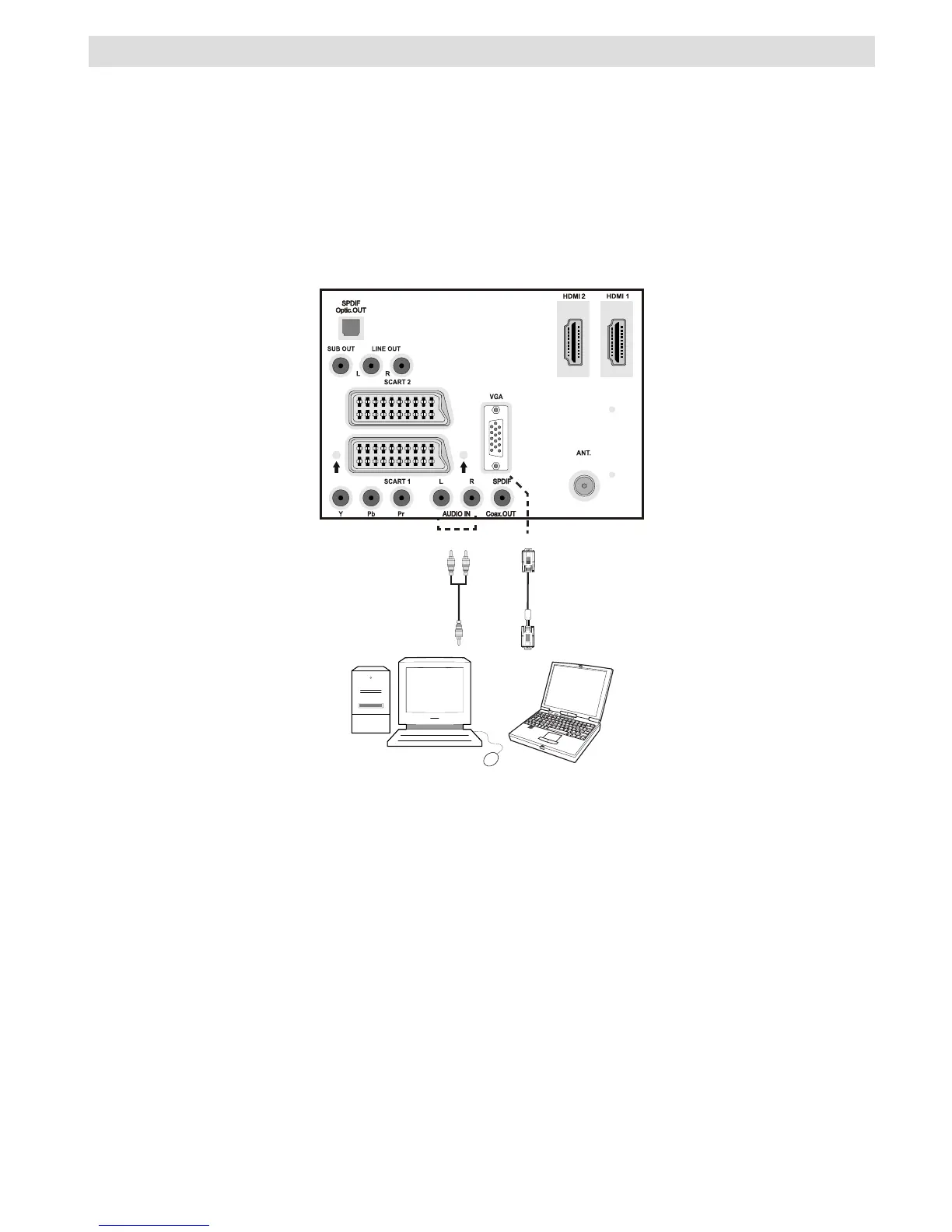
Connecting the LCD TV to a PC
For displaying your computer’s screen image on your LCD TV, you can connect your computer
to the TV set.
• Power off both computer and display before making any connections.
• Use 15-pin D-sub display cable to connect a PC to the LCD TV.
• When the connection is made, switch to PC source. See “Input selection” section.
• Set the resolution that suits your viewing requirements. Resolution information can be found in
the appendix parts.
REAR VIEW



 To Next Page