• You can play the MP3 and JPG les from a
USB memory stick.
Note: If you plug USB stick while in analogue mode,
the TV will automatically switch to digital TV mode.
Note: Some USB compliant devices may not be
supported.
Note: If the USB stick is not recognized after power
off/on or First Time Installation, rst, plug the USB
device out and power off/on the TV set. Plug the USB
device in again.
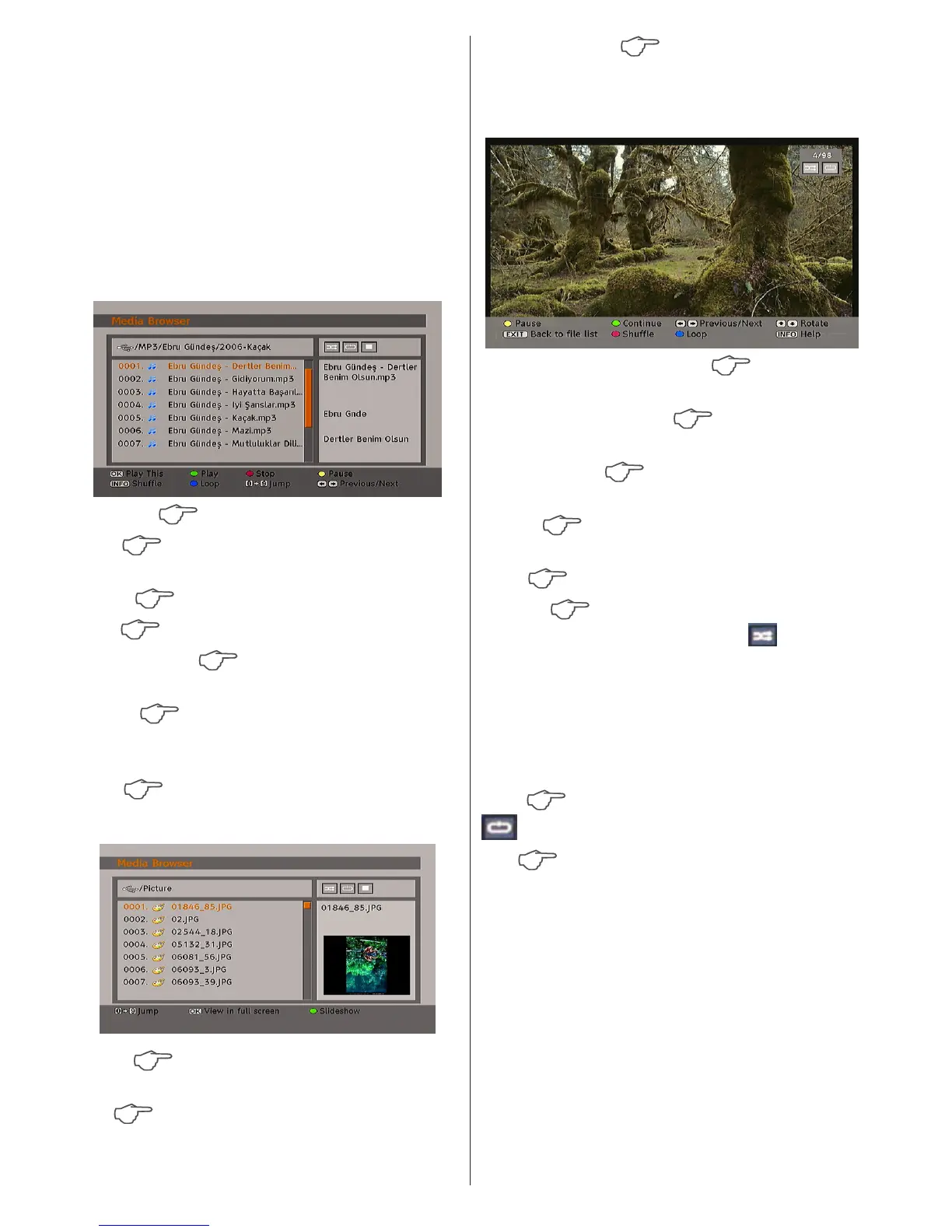
Playing MP3 Files
Play This :Plays the selected le.
Play Plays all media les in the folder
starting with the selected one.
Pause
Pause playing le.
Stop Stop the playing le.
Previous/Next Jumps to previous or next
le to play.
Shufe
Plays the les randomly. If shufe
mode is enabled, previous/next function will also
jump to the tracks randomly.
Loop
Plays the selected le repeatedly.
Viewing JPG Files
Jump jump to selected file using the
numeric buttons.
OK
views the selected picture in full
screen.
Play / Slideshow
starts the slideshow with
all pictures in the folder.
Slideshow Options
Pause (Pause button) Pause the
slideshow.
Continue (Play button)
Continue with the
slideshow.
Previous/Next
Jump to previous or next
le of slideshow.
Rotate
Rotate the picture using up/down
buttons.
EXIT
Back to le list.
Shuffle Shows the files randomly and
continuous in current folder and icon turns
the highlighted icon. If during a slideshow the
shufe mode is enabled, the next pictures will
be choosen randomly (If the loop function is not
enabled, the slideshow will stop at the end. If
the loop function is enabled, after the slideshow
ends, it will start again and again).
Loop
Slideshow goes on continuously and
icon turns the highlighted icon.
Info Activates the operations bar.



 To Next Page