Using Other Connectors
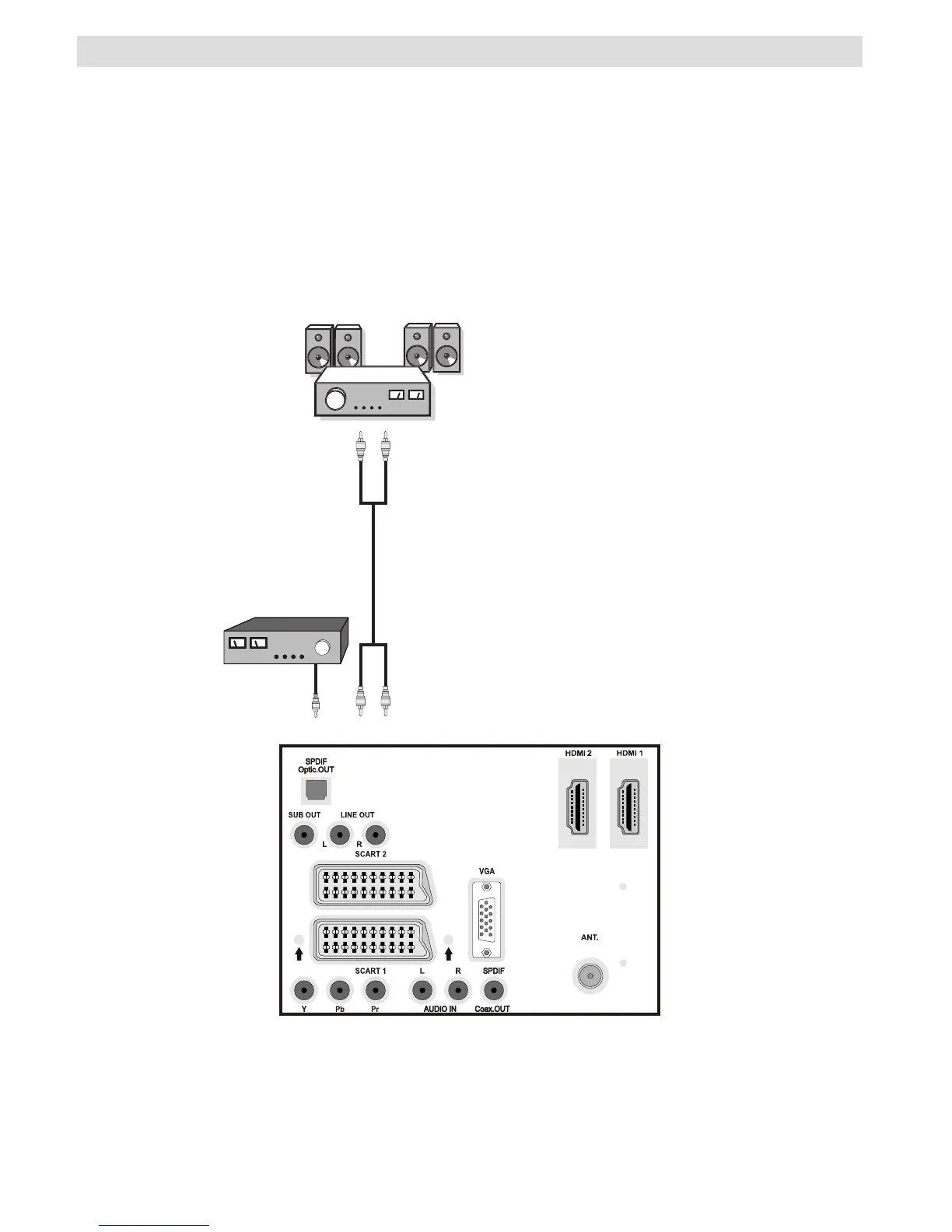
You can connect a range of optional equipment to your LCD TV. Possible connections are shown
below. Note that cables shown in the illustration are not supplied.
• To connect external speakers, use an audio cable. Do not reverse the AUDIO LEFT and AUDIO
RIGHT jacks. Turn on the LCD TV and external speaker set after all connections are made.
Refer to your speaker set’s manual for further queries.
• For connecting a to a device that has SPDIF support, use an appropriate SPDIF cable to enable
sound connection.



 To Next Page